Other
Free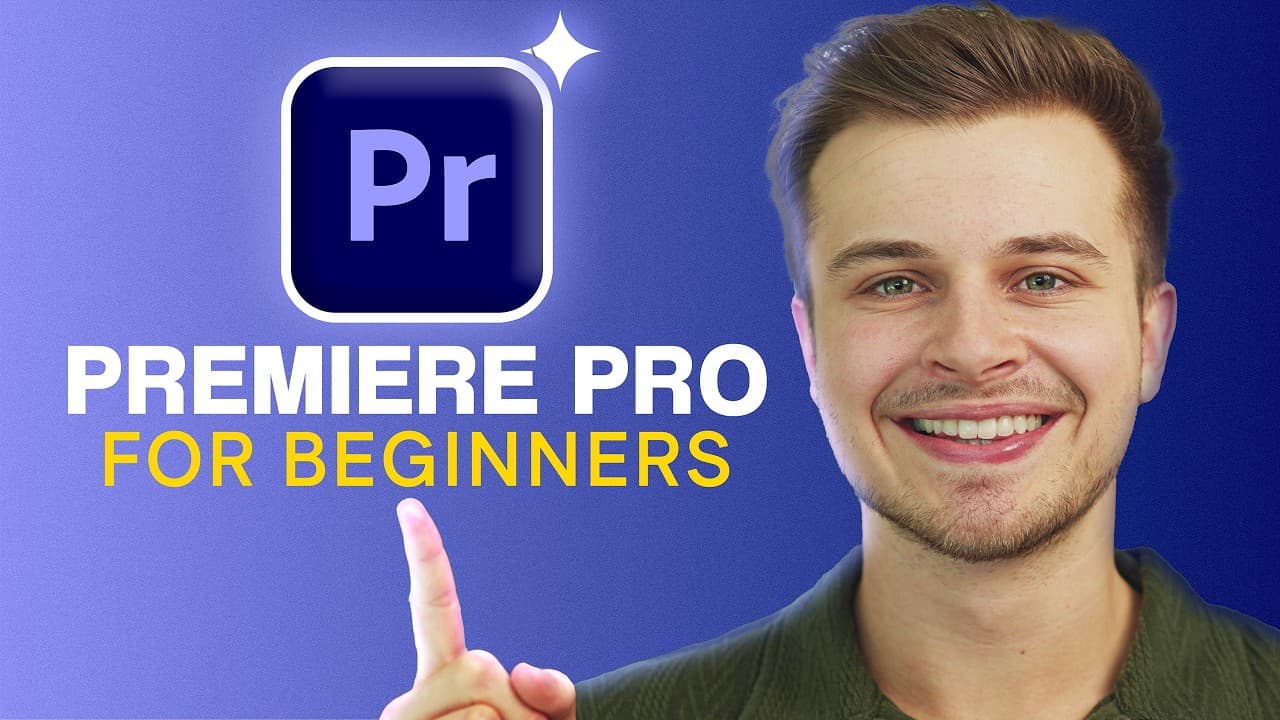 YouTube
Price
This course is free to watch on its platform.
Watch free on YouTube →Mark your own learning status. Opening a course link does not establish enrollment.
Loading saved status…
This beginner Premiere Pro course is designed for a viewer with no experience, and it runs for just over an hour. It is organized into sections that move from project setup through color, audio, captions and keyframe-based motion graphics.
The first section covers project setup, file management, transitions, text, shapes, sounds, green screen, basic keyframing, stabilizing shaky footage and export. Later sections work on color, with a log-to-standard conversion followed by basic and advanced correction, then audio mixing, including voiceover and an AI speech enhancement tool. The final sections add automatic transcription, subtitles and animated text.
Expect overviews rather than deep dives on each topic.
Welcome to the Free Adobe Premiere Pro Course for Beginners!
In this course we go from:
Absolute Beginner with ZERO experience ⮕ Pro with essential understanding of the software.
In just over an hour, we will explore all of the essential Premiere Pro features and tools, starting at the beginning and quickly diving into more exciting techniques.
Download Links:
📁 Download Media to Follow Along 👉 https://premiereprotutassets.gavinherman.studio/
🟪 Get Premiere Pro Here! 👉 https://dub.sh/getadobepremiere
☁️ Get Adobe Creative Cloud Here! 👉 https://dub.sh/getcreativecloud
(FREE 7 Day Trial + 65% OFF For Students AND Teachers!)
__________________________
Disclaimer: This video and description contains affiliate links. So, when you click on one of the product links I may receive a small commission. There is no extra cost to you.
Thank you for the support! :)
Gavin
__________________________
#gavinherman #premierepro #videoediting
00:00 Premiere Pro for Beginners | Full Course
01:01 SECTION 1: Project Setup & Basics
01:12 Best Settings & File Management
06:05 Creating a New Project
06:34 Undestanding Workspaces & Panels
07:54 Importing & Assembling Media
12:53 Transitions
16:10 Adding Text
19:15 Adding Shapes
21:55 Adding Sounds
23:39 Adding Interest
24:31 Working with a green screen
26:20 Basic Keyframing
28:12 Stabilizing Shaky Footage
28:58 Exporting your Final Video
31:08 SECTION 2: Color Science
31:32 Color Correction - C-LOG to Rec 709
32:44 Basic Correction
38:20 Advanced Coloring
42:32 Color Match
43:40 SECTION 3: Audio Mixing
44:34 Voiceover
45:15 Exploring the Audio Workspace
46:10 Adding Music & SFX
48:38 Mixing the Audio
53:25 Enhance Speech AI Tool
54:55 Fading your Audio in & out
56:56 SECTION 4: Captions, Subtitles, & Text
57:24 Auto Transcriptions
57:57 Removing Silences Automatically
58:45 Auto Captions/Subtitles
1:01:00 Animating your Subtitles
1:04:55 SECTION 5: Advanced Keyframing & MoGraph
1:05:35 Smooth Zooms (in & out)
1:09:02 Animating an Object
1:13:05 Animating Text
1:15:07 We're Done! +Next Steps...
Advertisement
No Korshub reviews yet.
Daily Editorial Workflows for Assistant Editors in Premiere

Finishing the Cut: Post-Production Pipelines in Premiere

Assistant Editor Foundations in Adobe Premiere