Udemy

Price
No active coupon right now
View Course →No coupon right now. We'll tell you when there is one.
Mark your own learning status. Opening a course link does not establish enrollment.
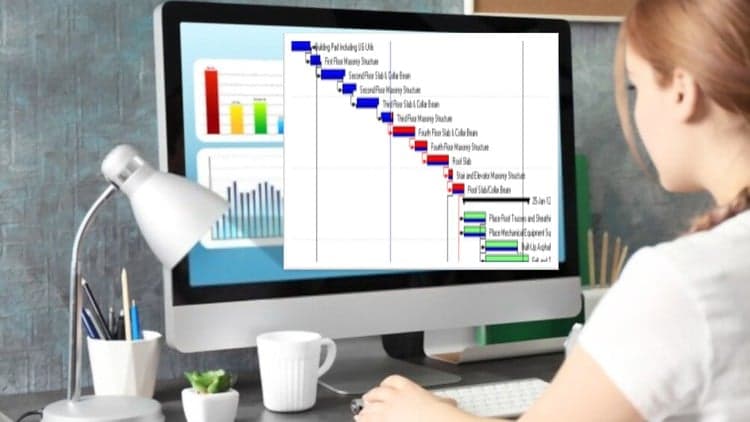
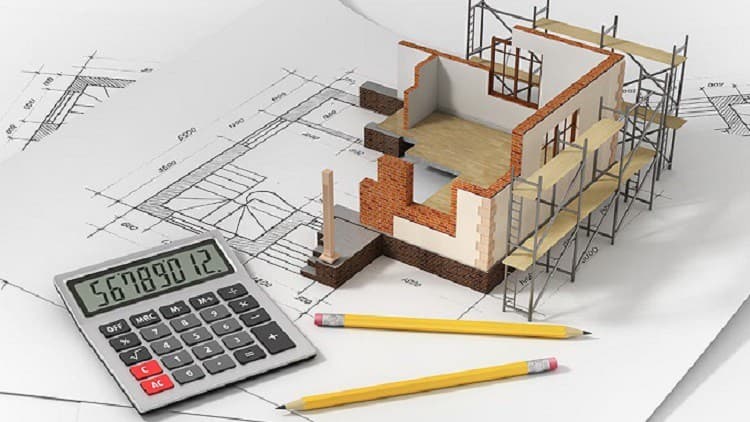
Primavera P6 is complex, but this course makes it concrete by walking you through a complete live residential project—a 10 Marla house from bid interpretation to final reporting. You're not learning software buttons; you're learning how planning actually works on a real site.
The course threads theory and practice together: Critical Path Method, resource loading and leveling, progress tracking, Earned Value analysis for performance measurement, and procurement management all in context. Designed for engineers, planners, and students, it combines the step-by-step fundamentals with the judgment calls that separate junior planners from ones who can manage cost and schedule confidently.
Primavera P6 Professional – Complete Project Planning & Control (With Live Project)
Unlock the full power of Primavera P6 and become a confident planner who can manage real-world construction projects from start to finish.
This course takes you from project scheduling fundamentals to advanced control and reporting techniques — all demonstrated through a complete live residential project (10 Marla House).
Designed for engineers, planners, and students, this course blends theory + practical implementation, giving you hands-on skills exactly as used in the industry.
What You’ll Learn:
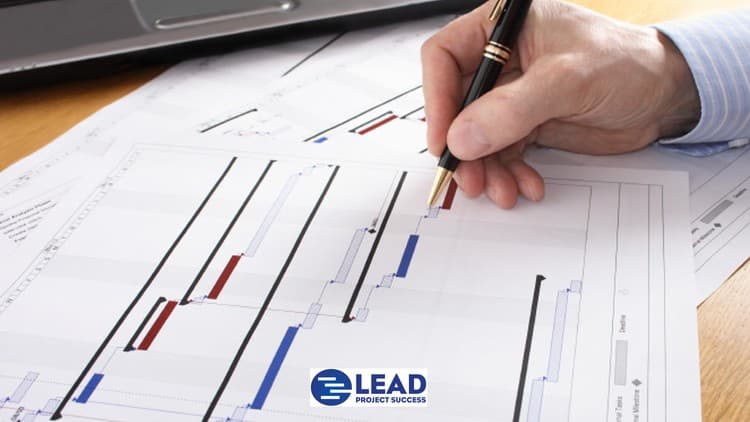
Master the Critical Path Method (CPM) and understand real scheduling logic.
Navigate and customize the Primavera P6 interface like a professional.
Build Enterprise & Organizational Breakdown Structures (E.P.S & O.B.S).
Create WBS, Activities, Calendars, and Milestones tailored to real projects.
Load Resources & Costs, and balance them using professional leveling tools.
Set Baselines, update progress, and monitor time–cost performance.
Generate Look-Ahead Schedules, Financial S-Curves, and Resource Histograms.
Apply Earned Value Management (EVM) for performance tracking.
Manage Procurement, Documents, and Overtime directly inside P6.
Work on a complete live project, from BOQ interpretation to final reporting.
Course Journey – Section Overview
Section 1 – Critical Path Method
Learn the foundation of project planning and how CPM drives every decision in Primavera P6.
Section 2 – User Interface
Understand the P6 environment, navigation, and customization for faster and smarter work.
Section 3 – Enterprise & Organizational Breakdown Structure
Build the enterprise and organization framework that supports multi-project control.
Section 4 – Calendars, WBS & Activities
Create project calendars, structure the WBS, define activities, and connect milestones for a complete schedule.
Section 5 – Creating & Assigning Resources
Learn resource loading, productivity calculation, and the importance of proper assignment.
Section 6 – Resource Leveling
Balance workloads using resource usage profiles and automatic leveling.
Section 7 – Updating & Monitoring
Create baselines, update progress, and prepare look-ahead schedules for management reporting.
Section 8 – Reporting
Generate accurate reports, import/export data, and prepare professional deliverables.
Section 9 – Material Procurement
Track materials, delivery timelines, and integrate procurement into your master schedule.
Section 10 – Advanced Topics
Master key features such as Global Change, Activity Codes, Duration Types, and Fast Tracking & Crashing.
Section 11 – Document Management & Overtime
Organize project documentation and plan overtime schedules effectively.
Section 12 – Roles, S-Curve & Resource Histogram
Assign roles, build financial S-Curves, and visualize manpower through histograms.
Section 13 – Earned Value Management (EVM)
Evaluate cost and schedule performance with real data using professional EVM techniques.
Section 14 – Cost Accounts & Progress Updation Using Steps
Learn cost tracking and staged progress updates for precise monitoring.
Section 15 – Project Kick-Off & BOQ Understanding
Start the live project by interpreting BOQ data and defining project scope.
Section 16 – Building WBS & Activity List in Excel
Develop a full WBS and activity list in Excel — the same way professionals plan before importing to P6.
Section 17 – Project Milestones & Duration Planning
Define project milestones and assign durations based on productivity analysis.
Section 18 – Creating the Project in Primavera P6
Build your Primavera P6 project file, set up WBS, and import all prepared activities.
Section 19 – Developing the Project Schedule
Establish logical relationships and define project milestones inside P6.
Section 20 – Resource & Cost Loading (Real Project Implementation)
Import BOQ costs, calculate budgeted units, assign resources, and resolve over-allocations.
Section 21 – Project Tracking, Baseline & Updating
Create a tracking sheet, assign baselines, and update real-time progress with cost data.
Section 22 – Project Reporting & Analysis
Generate look-ahead schedules, financial S-curves, and resource histograms using both Excel and Primavera.
Who This Course Is For
Civil / Construction / Planning Engineers
Project Managers & Site Coordinators
Students & Fresh Graduates seeking planning jobs
Anyone who wants to master Primavera P6 through a real-world project
Why Choose This Course
100 % Practical and Field-Oriented
Based on a complete live residential project
Includes practice files + PDF questions
Lifetime access & updates
Builds confidence to work in a real planning office environment
By the end of this course, you’ll be able to independently plan, schedule, monitor, and report any project using Primavera P6 — just like a professional planner in industry.
Enroll now and take your Primavera P6 skills from beginner to expert through a complete, step-by-step real project journey!
Advertisement



Not the best price we've seen. The lowest we've recorded is $10.99 on 18 Aug.
This is what we recorded in US pricing — not every price this course has ever had, and prices differ by country.