Udemy
Free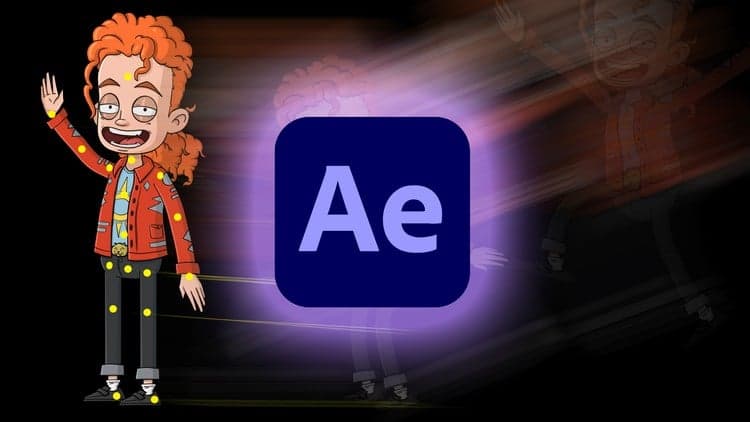 Udemy
UdemyMark your own learning status. Opening a course link does not establish enrollment.
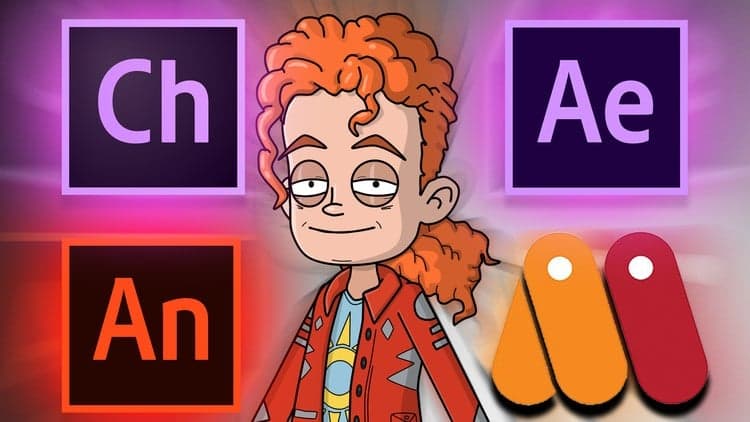
This focused course walks through rigging and animating a character in After Effects using the Puppet Pin Tool, starting from a multi-layer PSD file and ending with a polished, exported animation.
It's a practical, technique-specific course rather than a broad After Effects overview, useful for motion designers or illustrators who already have assets ready and want to bring a static character to life without diving into full rigging software or plugins.
In this course I will take you through the process of rigging and animating a character using the Puppet Pin Tool in After Effects. Throughout the course we will be importing a PSD file, grouping layers, applying pins, and creating a simple animation. More specifically, main topics for this course include:
Overviewing character setup and design
Importing multi-Layer assets in After Effects
Assembling main body parts into compositions
Adjusting Expansion and Density for puppet meshes
Creating multiple meshes
Creating animation with the pins
Polishing animation
Exporting animation
Advertisement

Augmented Reality Picture Frames and Portal Art with Unity
Structural Frame Design & Weldments Using Solid Edge 3D CAD