Other
Free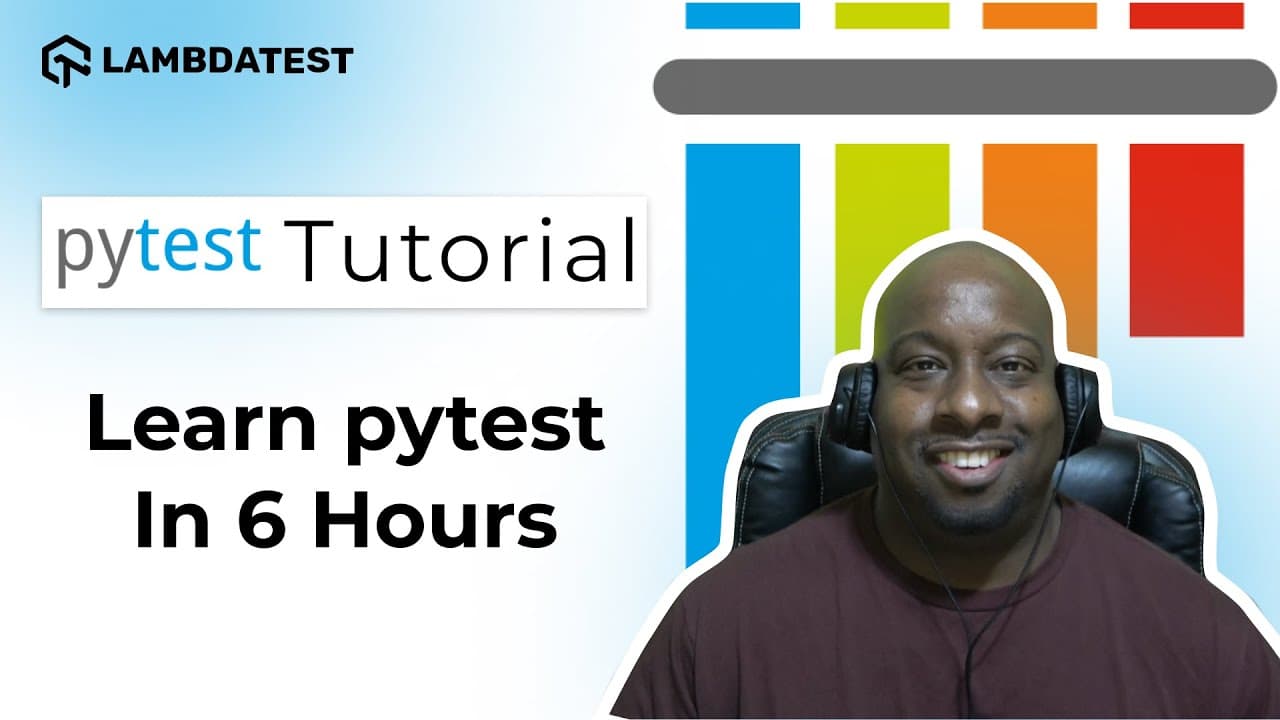 YouTube
Price
This course is free to watch on its platform.
Watch free on YouTube →Mark your own learning status. Opening a course link does not establish enrollment.
Loading saved status…
This in-depth pytest tutorial runs under six hours and walks through setup, first tests, assertions, fixtures, parameterized tests, the Page Object Model and reporting. Its final section covers cross-browser testing on a cloud platform, and the chapter list runs to 05:52:43.
Testers who want one long session covering core pytest features alongside Selenium will find it suitable. The listing marks the level as advanced, although the opening chapters start from installation, so beginners can follow the early sections.
Learn Pytest and everything you need to kickstart your automation journey is packed into this in-depth pytest tutorial!
👉 Start FREE Testing on TestMu AI: https://www.testmuai.com/register/?utm_source=YouTube&utm_medium=Organic&utm_campaign=Dec02&utm_term=KZstMSOHIvQ&utm_content=LT_Sign_Up
Join seasoned QA expert Rex Jones (@RexJonesII) as he walks you through this comprehensive pytest tutorial for beginners. You'll learn how to set up and run your first test using pytest, master core concepts like assertions, fixtures, parameterized tests, and even dive into real-world pytest selenium use cases.
Whether you're testing APIs, writing unit tests, or exploring advanced reporting, this tutorial covers it all. Plus, you'll also discover how to perform cross-browser testing with pytest on TestMu AI for better test scalability and speed.
📍𝐓𝐡𝐢𝐬 𝐭𝐮𝐭𝐨𝐫𝐢𝐚𝐥 𝐜𝐨𝐯𝐞𝐫𝐬 𝐭𝐡𝐞 𝐟𝐨𝐥𝐥𝐨𝐰𝐢𝐧𝐠 𝐭𝐨𝐩𝐢𝐜𝐬:
✔️What is pytest❓
✔️How To Run First Test In pytest❓
✔️What Are Assertions In pytest ❓
✔️How To Run Multiple Tests In pytest❓
✔️How To Group Tests Using Markers👨💻
✔️What Are pytest Fixtures👨💻
✔️What Is Parameterization In pytest❓
✔️How To Skip And Stop Tests❓
✔️What Is Page Object Model❓
✔️How To Generate Test Reports 📝
✔️How To Perform Cross Browser Testing with pytest❓
𝐕𝐢𝐝𝐞𝐨 𝐂𝐡𝐚𝐩𝐭𝐞𝐫𝐬 👀
00:00:00 Introduction
00:04:30 Installing pytest
00:16:50 Installing Selenium to run 1st test
00:41:05 Creating package for assertions
01:15:14 Running all test scripts from the project
01:53:35 Marks to run a subset
02:19:45 Test fixtures in pytest
02:47:38 Parameterize test functions
03:23:17 Skipping a test
04:02:30 Page Object Model
05:11:12 Generating HTML Report
05:28:00 Cross Browser Testing using TestMu AI
05:52:43 Closing
𝐑𝐞𝐥𝐚𝐭𝐞𝐝 𝐁𝐥𝐨𝐠𝐬📝
➡How To Generate pytest Code Coverage Report: https://bit.ly/40NXYWJ
➡ Page Object Model (POM) In Selenium Python: http://bit.ly/3JBY7W4
➡ End To End Tutorial For pytest Fixtures With Examples: https://bit.ly/3XKJjJG
➡ pytest Tutorial – Python Selenium Test in Parallel: https://bit.ly/3IzwE8p
➡ Selenium Python Tutorial: Getting Started With pytest: https://bit.ly/40UMnWD
➡ pytest Tutorial: Executing Multiple Test Cases From Single File: https://bit.ly/3WOu4iB
➡Test Automation Using Pytest and Selenium WebDriver: https://bit.ly/3KUf146
➡How To Generate XML Reports In pytest?: https://bit.ly/41nA58I
➡How To Do Parameterization In Pytest With Selenium?: https://bit.ly/43CWe4O
➡How To Stop Test Suite after N Test Failures in Pytest?: https://bit.ly/3KSQs7w
➡pytest Report Generation For Selenium Automation Scripts: https://bit.ly/3MxrhZD
🎓 𝐩𝐲𝐭𝐞𝐬𝐭 𝐋𝐞𝐚𝐫𝐧𝐢𝐧𝐠 𝐇𝐮𝐛: https://bit.ly/3X1wjiP
💬 𝐒𝐞𝐥𝐞𝐧𝐢𝐮𝐦 𝐏𝐲𝐭𝐡𝐨𝐧 𝟏𝟎𝟏 𝐜𝐞𝐫𝐭𝐢𝐟𝐢𝐜𝐚𝐭𝐢𝐨𝐧: https://bit.ly/3vvcQvl
Sign Up for TestMu AI! It’s FREE 🙌
Perform scalable and reliable cross-browser compatibility testing of your website and web app on the latest mobile and desktop browsers:
https://www.testmuai.com/register/?utm_source=youtube&utm_medium=organic&utm_term=KZstMSOHIvQ&utm_campaign=register
For questions: support@testmuai.com 😃
#pytest #pytesttutorial #pytest #learnpytest #pytestforbeginners #seleniumpython
Disclaimer:
This video features materials protected by the Fair Use guidelines of Section 107 of the Copyright Act. All rights reserved to © 2025 TestMu AI. Any illegal reproduction of this content will result in immediate legal action.
𝐄𝐱𝐩𝐥𝐨𝐫𝐞:
HOME: https://bit.ly/4uOCPKK
BLOG: https://bit.ly/4nlq87I
LINKEDIN: https://bit.ly/438HIm2
TWITTER: https://bit.ly/4eOI74s
GITHUB: https://bit.ly/4ucseJI
NEWSLETTER: https://bit.ly/4dI8Y0S
CERTIFICATIONS: https://bit.ly/4tVdw9j
Advertisement
No Korshub reviews yet.