Udemy
 Udemy
UdemyPrice
No active coupon right now
View Course →No coupon right now. We'll tell you when there is one.
Mark your own learning status. Opening a course link does not establish enrollment.
Colored pencil drawing isn't about raw talent — it's about technique. This masterclass builds skills systematically through seven projects (water droplet, globe, tomatoes, frog, character, landscape, portrait), each teaching new concepts about layering, blending, color theory, and form. Roughly 25 hours of video instruction includes dedicated exercises, reference photos, worksheets, and community feedback.
By course end, you'll have a portfolio of finished work and the confidence to create beyond the classroom.
Learn how to draw amazing, colorful, and beautiful art, using colored pencils! In this colored pencils course, you will learn all about materials, mark making techniques, color theory, value and lighting, form and composition, as well as principles and practices of effective colored pencil drawing.
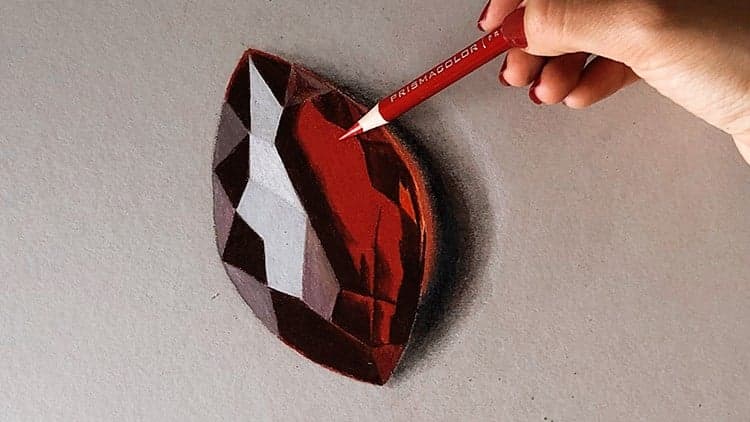
By the time you have completed this colored pencils masterclass, you will have produced various colorful drawings that you can add to your portfolio or simply enjoy, including a water droplet, a globe, a still life drawing of tomatoes, a frog, a character design from imagination, a landscape, and a portrait.
This course is set up so that the lessons build upon each other, and there is something new to learn in each project. Besides the art projects, there are special sections on mark making and materials (with exercises), color theory (with exercises), and transferring methods (with exercises).
The sections and projects in this course include:
Section 1, Introduction - Learn how to be successful in this course and complete a "quick win" exercise to draw an accurate water droplet.
Section 2, Mark Making Methods and Materials - Follow along and try different mark making techniques after learning all about required and optional materials (any set of colored pencils will work, but we include three different sets as examples).
Section 3, Drawing a Globe Project - Learn about lighting, value, shadow, and form while drawing a globe.
Section 4, Transferring Methods - Learn various ways to trace and transfer from a reference photo or drawing for a helpful foundation.
Section 5, Drawing a Still Life - Use various colors to draw an interesting still life of tomatoes, and use the optional Gamsol for blending and unifying for a softer appearance.
Section 6, Color Theory - Learn about various ways colors can be used in colored pencil drawings, through lectures and follow-along exercises.
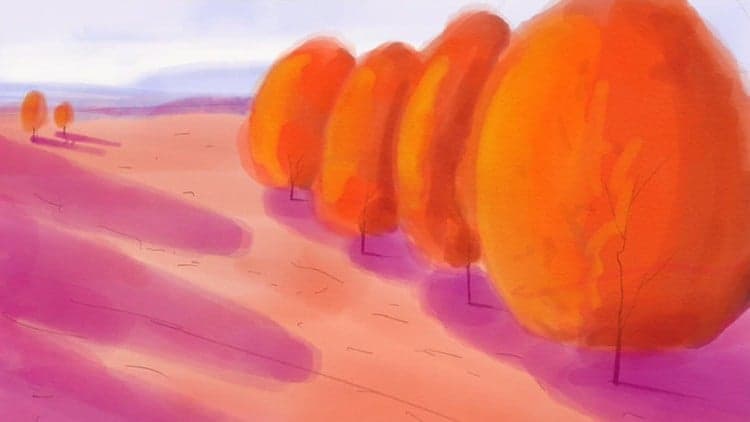
Section 7, Drawing a Frog - Learn how to draw a colorful frog and slightly adjust the scene compared to the photo reference.
Section 8, Drawing a Character Design - Draw a character from imagination or follow along and draw from the reference. Instead of Gamsol, we will use a burnisher to help lay down the tooth of the paper and produce a more unified look.
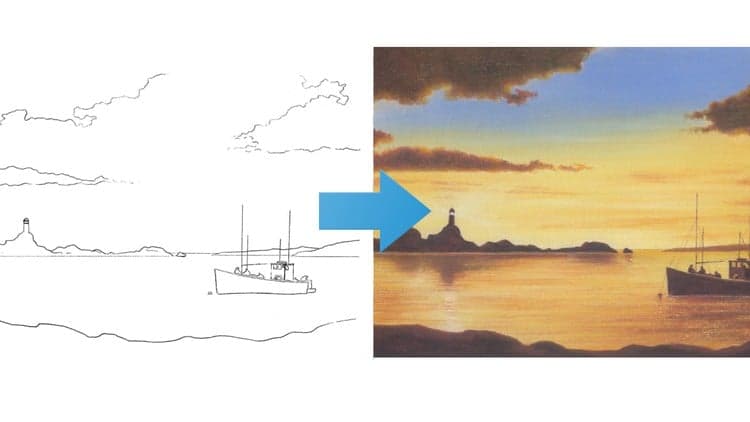
Section 9, Drawing a Landscape - Draw an interesting landscape scene and learn how to produce effective, subtle gradients as well as layering and blending methods.
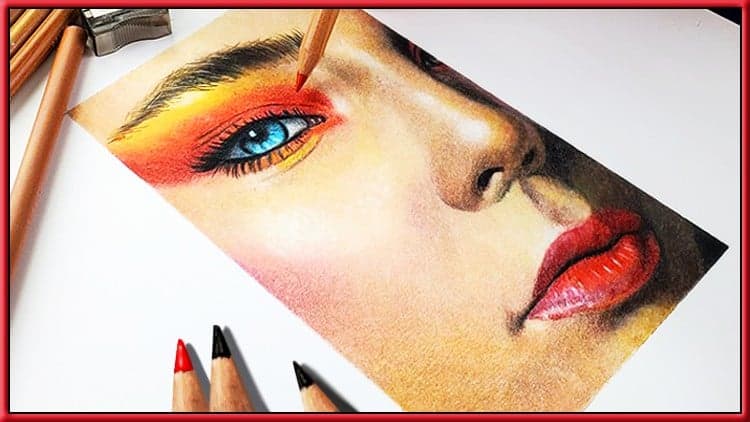
Section 10, Drawing a Portrait - Layer up colors to produce a realistic and beautiful portrait drawing. This section begins with exercises to learn how to produce different skin tones.
Besides about 25 hours of helpful video instruction and demonstration, this course also includes all the photo reference support files and a booklet PDF complete with worksheets to follow along with, including mark making worksheets, art project worksheets, and color theory worksheets. The course also comes with exclusive access to our Facebook group for peer critique, instructor feedback, and community!
This course was produced by Chad Neuman, Ph.D., a popular online instructor, professor, and designer, and the instructor is Jonathan Simon, MFA, a renowned fine artist and illustrator. We'll see you in the course! -Jonathan and Chad
Advertisement

Not the best price we've seen. The lowest we've recorded is $10.99 on 17 Aug.
This is what we recorded in US pricing — not every price this course has ever had, and prices differ by country.