
Udemy
Free Udemy
Free and discounted course coupons, posted every day.
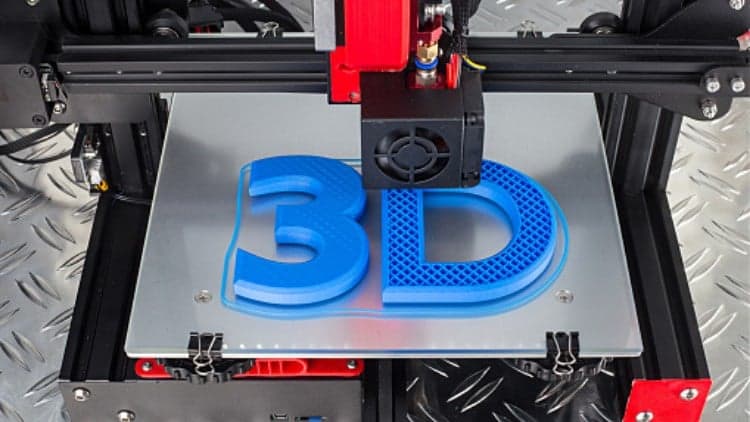
This course walks through turning any logo or design into a physical, 3D-printed keyring. It starts on the vector side, using Adobe Illustrator (or free alternatives like Inkscape or GIMP) to trace a logo and export it as an SVG, then moves into Tinkercad to import that SVG and build it into a 3D keyring shape, complete with the ring geometry for attaching it to a keychain.
From there you'll export the design as an STL file, slice it for printing, and send it to a 3D printer. A bonus lesson extends the technique to creating a personalized signature keyring.
Anyone with access to a 3D printer who wants to turn a logo or design into a physical keyring, no prior design experience assumed.
Mark your own learning status. Opening a course link does not establish enrollment.
Loading saved status…
From the Udemy page
Tinkercad - Design & 3D Print A Keyring From Any Logo or Design In this exciting new course I will show you how to make a keyring or tag from any logo or design and then 3D print it on your 3D printer.
During this course we will make use of Adobe Illustrator for creating vector artwork! You can download a free trial from the Adobe website. …
Advertisement

Handmade Jewelry: How to Make Seed Bead Ring With Embroidery



Yes. It's free on Udemy.
No Korshub reviews yet.