Udemy
 YouTube
Price
This course is free to watch on its platform.
Watch free on YouTube →Mark your own learning status. Opening a course link does not establish enrollment.
Loading saved status…
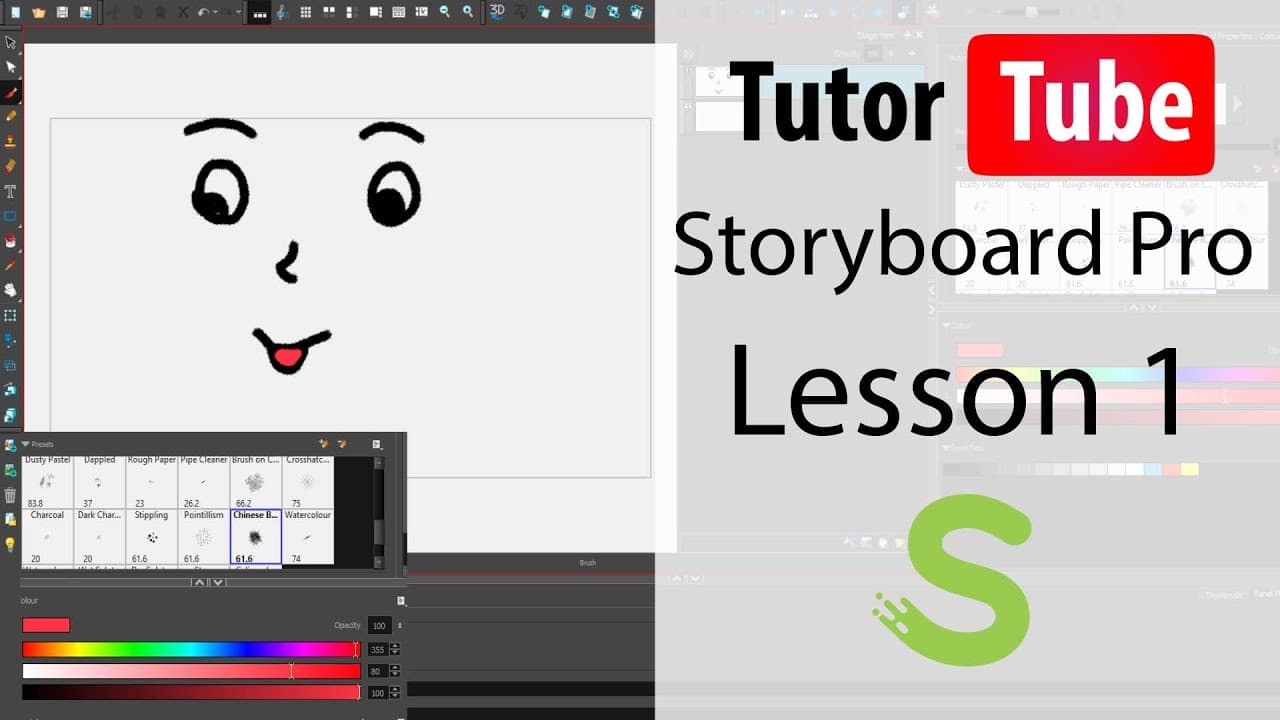
This beginner YouTube series covers Toon Boom Storyboard Pro, from creating a project to producing animatics. Early lessons cover the interface, workspaces, project properties, saving and autosave, and file structure. The middle of the series handles layers, the light table, board grids, panels, timeline markers and scenes. Later lessons move to audio tracks and video, including importing clips and using video as a reference.
Storyboard artists and directors who need to plan shots in sequence will find the order logical. It was recorded in version 20 but is described as applicable to older and newer releases.
The lessons are short and specific, so they work as a reference you can return to when a particular feature puzzles you.
Learn the basics of using Toon Boom Storyboard Pro including how to draw, manage and make animatics
This lesson has been made using Toon Boom Storyboard Pro 20 but is applicable for older and newer releases of the application as well.
Videos in this playlist include:
…and 127 more videos.
Advertisement
No Korshub reviews yet.