Udemy
 Udemy
UdemyPrice
No active coupon right now
View Course →No coupon right now. We'll tell you when there is one.
Mark your own learning status. Opening a course link does not establish enrollment.
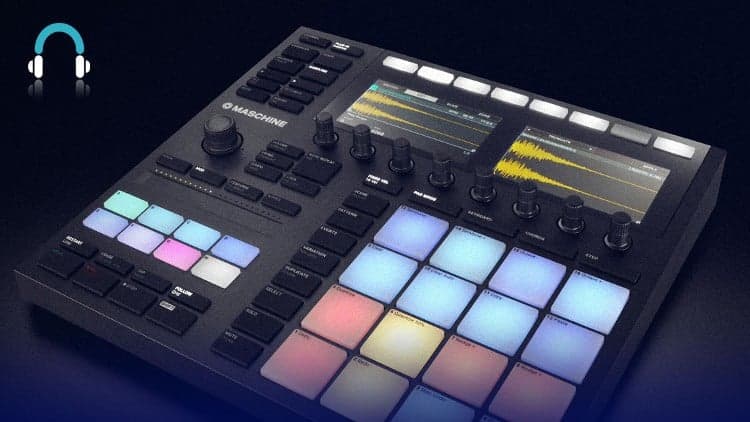
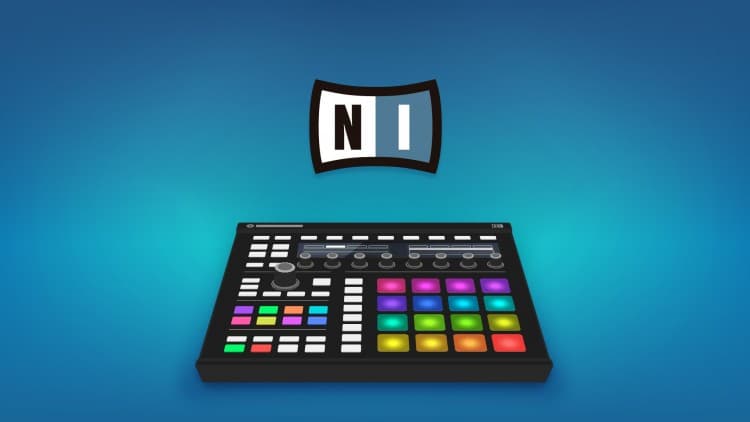
Moving beyond the basics of Maschine, this course shows how to produce a full track (Future Funk style) using version 2.13's latest timeline improvements. You'll build beats via step and 16-velocity modes, layer melodies with chords and pads, bring in samples from Loopcloud, and arrange everything across scenes and song mode.
The instructor demonstrates working entirely from the hardware, converting patterns into clips, and exporting finished tracks or stems. You get the streamed tutorial, the project file, and a bonus Maschine kit made for the course—useful reference both for your workflow and how professional producers organize sounds.
Now in version 2.13, Native Instruments Maschine has seen improvements that have taken it from the humblest beginnings when it comes to song arrangement, to a flexible and fully-featured timeline. Following on from the Complete Guide to Maschine MK3, which covered all of the basics of working with the software/hardware combo, Producertech Senior Tutor Rob Jones now returns to use the latest version to produce a Future Funk track from scratch.
Rob begins the course by building up the beats, which are created using a combination of step and 16-velocity modes, editing events and processing sounds with insert and send effects entirely from the hardware. He then works his way through all of the melodies, starting with the main chords progression, played with a Vintage Organs preset, and then adding pads, leads, arps and bass.
Percussion and Vocal samples are then sourced from Loopcloud to show how easily the free app integrates with Maschine, and how sounds can be imported and worked into patterns using Maschine’s Audio device. All parts are then woven together into an arrangement, starting by creating scenes in ideas mode, before moving into song mode to lay them out into sections along the timeline.
Rob also shows how patterns can be converted into clips, the most recent big addition to Maschine, making arranging even more flexible and intuitive. The course finishes up with a look at the next steps, whether that’s exporting audio to obtain a completed track or stems, or routing sounds into the DAW.
Signing up to the course provides immediate access to the streamed tutorials, as well as the project made along the way and even a bonus Maschine Kit made exclusively for the course. Check out the sample modules before signing up for an example of the course style and content.
Advertisement
Producing A Future Bass Track From Start To Finish Ableton

Master AI Audio Production: Adobe Podcast & Adobe Express
Not the best price we've seen. The lowest we've recorded is $9.99 on 17 Aug.
This is what we recorded in US pricing — not every price this course has ever had, and prices differ by country.