Udemy
Ultimate Photoshop Training: From Beginner to Pro 2026 + AI
Course4.6176kALL LEVELS
$199.99
Price
No active coupon right now
View Course →No coupon right now. We'll tell you when there is one.
Mark your own learning status. Opening a course link does not establish enrollment.
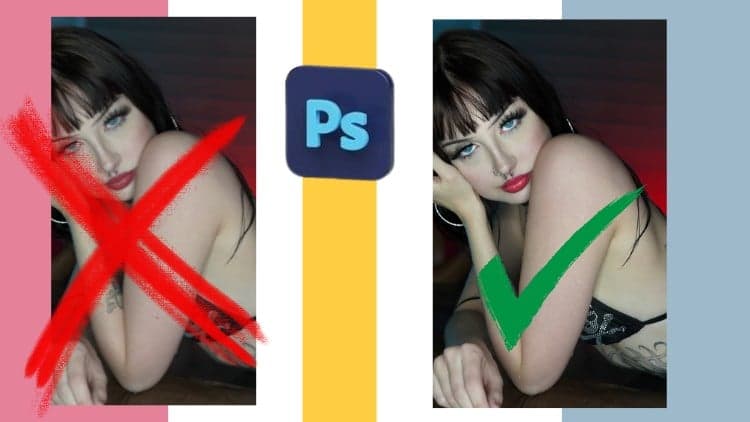
Over 14 hours of training takes you from basic navigation to advanced compositing. You'll learn frequency separation (a technique used by professional portrait retouchers worldwide), master hair extraction, build realistic lighting and glow, and combine multiple images into cohesive fantasy work.
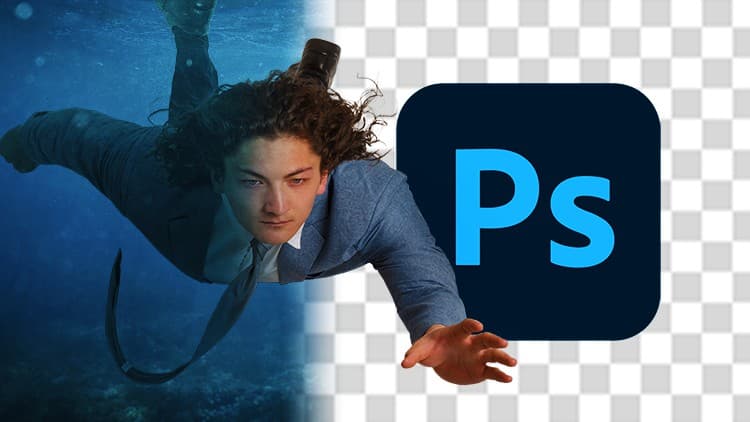
The course includes four substantial projects—each teaching different skills in context. You work on real tasks: a woman-in-the-moon portrait, forced perspective illusions, a rabbit-hole composite, and creative maternity photography.
Project files are provided, so you're not starting from scratch. Whether you're a beginner exploring Photoshop or a professional brushing up on tools you don't use often, there's material to level you up.
*All project files included!*
Here's what you'll learn from this course:
Introduction to Photoshop
Get over 14 hours of training designed to teach you all the basics you need to know before starting the advanced Photoshop courses. You'll learn how to navigate Photoshop's interface, what the different file types are you'll encounter in Photoshop (and when to use different types), the most common and fundamental tools in Photoshop and so much more. No matter what challenges you'll come across in Photoshop, this course will teach you the features, tools and operations you'll need to know so you can conquer whatever projects come your way.
Understanding Frequency Separation in Photoshop
Frequency separation is a common technique used by professional portrait photographers and retouchers around the world. In this course, you'll learn what frequency separation is, why it's helpful, how to set it up in Photoshop and even how to save time by building an action we can use to set up frequency separation in any of our other projects.
Advanced Photoshop: Woman in the Moon
You'll learn how build a creative image using a portrait photograph. You'll learn how to extract someone from the background while retaining details like their hair. You'll also learn how to draw shapes, add textures, building realistic glow and blending workflows.
Advanced Photoshop: Forced Perspective
You'll learn how to combine two photographs to make someone look smaller than they are using a forced perspective technique. Along with advanced masking and painting techniques, you'll learn how to manipulate images, add lighting and even more advanced blending workflows.
Advanced Photoshop: Falling Down the Rabbit Hole
You'll learn how to combine numerous photographs together for an Alice in Wonderland inspired piece of fantasy art. You'll also learn painting techniques, advanced masking workflows and how to add the illusion of motion to images.
Advanced Photoshop: Creative Maternity Photography
Everyone's seen the typical maternity photos. Make your work stand out as you'll learn the step-by-step process of building a creative maternity photograph.
Who this course is for:
Beginners. This includes courses that will take you from the first time you open Photoshop to becoming a Photoshop master
Professionals. With the wide range of tools and projects you can use Photoshop for, this course is a great way to refresh your memory on those things you don't use that often.
You. No matter your skill level, this course includes content that will help you boost your creativity in Photoshop.
Advertisement
Ultimate Photoshop Training: From Beginner to Pro 2026 + AI
Not the best price we've seen. The lowest we've recorded is $9.99 on 17 Aug.
This is what we recorded in US pricing — not every price this course has ever had, and prices differ by country.