Udemy
Price
No active coupon right now
View Course →No coupon right now. We'll tell you when there is one.
Mark your own learning status. Opening a course link does not establish enrollment.
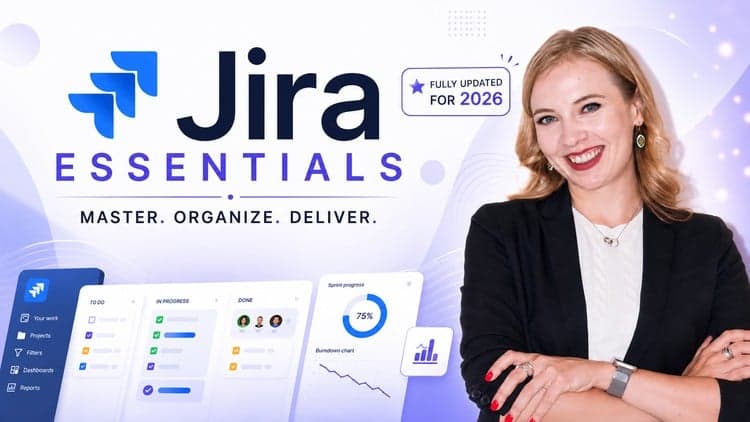
Freshly updated for Jira's current UI and terminology, this course meets you wherever you are—whether you're learning to manage daily tasks, leading a team, or administering the platform. The curriculum splits into focused sections so you get exactly what you need without wading through irrelevant material.
You'll navigate the redesigned interface (new side-panels, shortcuts, modern layout), learn agile fundamentals through work items and boards, and master role-specific features: managers gain dashboards and burndown charts; admins configure permissions, automation, and field layouts. No prior Jira experience is required—just a basic grasp of project management helps. The course closes with practical tips and real student questions answered on video.
Recently updated for Jira’s latest UI and terminology!
Master the fundamentals of Jira with the most up‑to‑date version of the platform. Learn to manage spaces, track work items, and boost your team’s collaboration—all using the new interface. This comprehensive course equips you with practical, role‑agnostic skills so you can navigate Jira efficiently, no matter what you do.
You'll learn to:
Understand core agile concepts and how they’re implemented with the new work items and boards in Jira
Speak the updated Jira language (work items, boards, sprints, Kanban) so you can read docs and communicate with teammates
Navigate the refreshed Jira UI (new side‑panel, updated shortcuts, modern look) to complete daily tasks faster
Leverage manager‑level features (advanced filters, dashboards, sprint planning, Kanban flow) in the latest UI
Use the updated reporting suite (burndown, control chart, insights) to spot bottlenecks and monitor progress
Customize Jira as an administrator with the new admin area – updated permission schemes, work‑type schemes, field layouts, automation, components, releases, and global settings
This course is ideal for anyone using the current version of Jira in a professional setting, including:
New and existing Jira users
Project managers and team leaders
Individuals transitioning into roles that utilize Jira
Aspiring or new Jira administrators
No prior experience with Jira is required. A basic understanding of project management concepts is helpful, but not essential. The course is structured into sections tailored to the needs of different user types. Here's a breakdown of what you'll learn in each section:
Section 1: Introduction and course overview
Section 2: Learning the core agile and Jira concepts you need to know before using Jira
Section 3: Jira for Users – essential skills for daily task management
Section 4: Jira for Managers – focusing on team productivity, reporting, and collaboration
Section 5: Jira for Administrators – now fully aligned with the latest admin console, covering updated permission schemes, work‑type schemes, field layouts, automation, components, releases, and global settings
Section 6: Tips & Tricks for Everyone – video responses to questions from other students so you can learn from frequently asked questions, or add your own question for a chance at a video reply
While each section is designed for a specific audience, everyone is encouraged to explore the entire course to get a complete understanding of Jira and improve collaboration across roles.
Advertisement
Not the best price we've seen. The lowest we've recorded is $11.99 on 18 Aug.
This is what we recorded in US pricing — not every price this course has ever had, and prices differ by country.
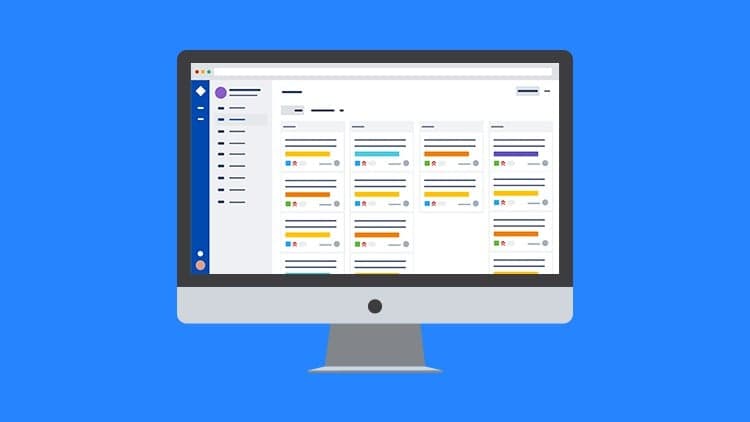
Jira for Beginners - Detailed Course to Get Started in Jira