Coursera
SubscriptionGenerative AI Coding Assistants for Developers
CourseNo ratings yet346INTERMEDIATE
Coursera Plus
View course →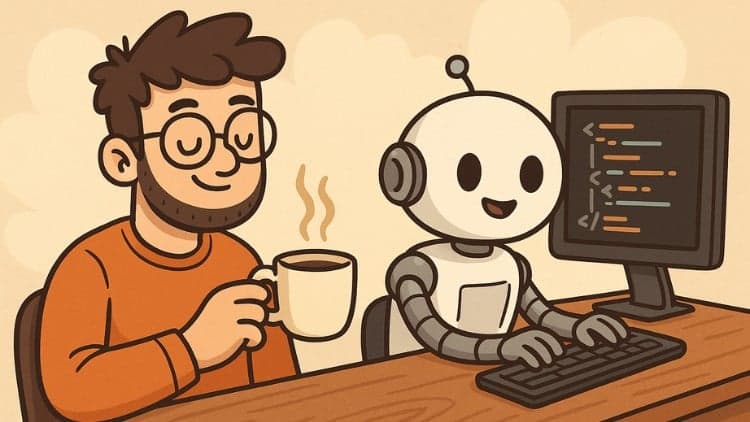
Price
No active coupon right now
View Course →No coupon right now. We'll tell you when there is one.
Mark your own learning status. Opening a course link does not establish enrollment.
Loading saved status…
The course reframes development as describing what you want in plain language and steering AI agents that write, test and deploy the code. It shows Cursor and Windsurf creating files, installing dependencies and running commands from simple English instructions.
Complete beginners, developers who want to prototype faster, and anyone interested in how AI changes the software lifecycle will find the scope relevant. The course is built around guiding AI output, so it expects you to review what the tools produce.
In this hands-on course, you’ll discover how to shift from traditional line-by-line programming to a “vibe coding” approach, where natural-language prompts drive AI agents to write, test, and deploy your applications. Inspired by Andrej Karpathy’s vision, vibe coding lets you focus on guiding and refining AI output, rather than wrestling with every detail of syntax. You’ll watch AI tools like Cursor and Windsurf create files, install dependencies, and execute commands—all from simple English instructions.
What this course covers
Introduction to the “vibe coding” mindset and its origins
Overview of leading AI-powered coding tools (Cursor, Windsurf, Lovable, GitHub Copilot)
Hands-on projects
Best practices for vibe coding
Core software development practices adapted for AI workflows
Who this course is for
Complete beginners curious about building apps without writing every line of code
Developers eager to speed up prototyping and learn to guide AI output
Anyone who wants to understand how AI changes the software development life cycle
Key skills you’ll gain
Natural-language prompting: describe app ideas in plain English and turn them into working code
AI-guided debugging: identify, troubleshoot, and refine AI-generated code
Project organization: structure files and folders for clarity and maintainability
Version control with Git: track changes, manage branches, and roll back safely
Automated testing: write simple tests to verify functionality
Deployment automation: configure one-command or CI/CD pipelines to launch your app
Legal Disclaimer
This course is an independent educational resource and is not endorsed by, affiliated with, or associated with any of the tools and software presented in the course.
This course contains promotional materials.
Advertisement
Tracking since 15 Nov — not enough history yet to tell you whether today's price is any good. Watch the course and we'll tell you when it drops.
This is what we recorded in US pricing — not every price this course has ever had, and prices differ by country.
No Korshub reviews yet.
Generative AI Coding Assistants for Developers