Udemy
 Udemy
UdemyPrice
No active coupon right now
View Course →No coupon right now. We'll tell you when there is one.
Mark your own learning status. Opening a course link does not establish enrollment.
You don't need an anechoic chamber to measure audio professionally. This course teaches you to capture frequency response, impedance, and Thiele/Small parameters in your own room using affordable tools (roughly $100 each for a measurement microphone and impedance device) and free software like Room EQ Wizard. You'll generate FRD and ZMA files for crossover design, giving you the data to build or tune loudspeakers intelligently. The bridge between electrical engineering and acoustics becomes tangible when you work with real measurements instead of guessing.
Learn how to measure frequency response
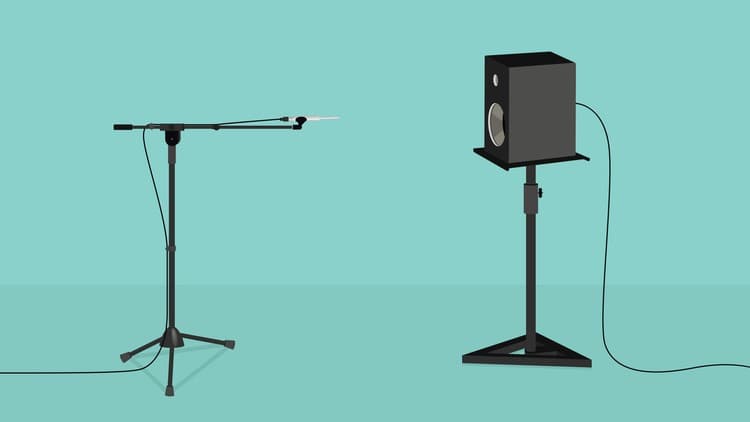
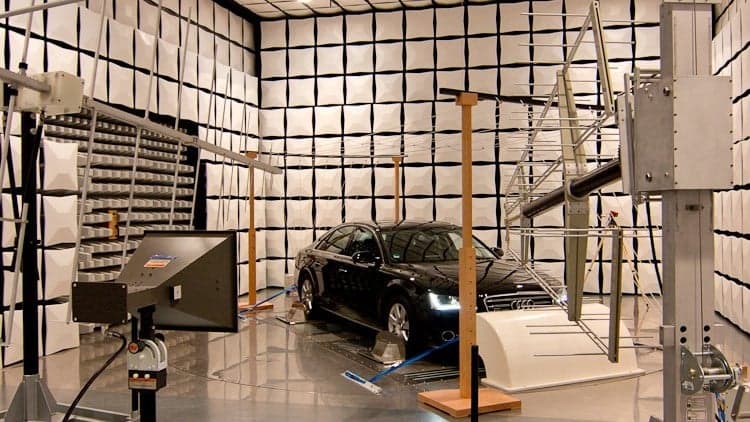
The first thing you will learn from this course is to measure the frequency response of a certain speaker driver, loudspeaker or sound system. The difficult part is to get an anechoic response without an anechoic chamber. Using different measuring techniques and with the help of intuitive software, you will learn how to measure the full frequency bandwidth anechoically in your own living room. This will help you set up your audio system using measured data, or it can be used to design crossovers for your particular DIY loudspeaker.
A little bit of electrical engineering
A sound system is a combination of both acoustical and electrical parts. You will also learn how to measure impedance and create impedance plots. Measure different electrical components like capacitors, inductors and resistors. Also, if you have an unknown speaker driver you will learn how to measure the Thiele / Small parameters without much fuss.
Dip your feet into crossover design
While this course will not teach you how to design a crossover, it will show you how to create FRD and ZMA files. These are frequency response and impedance files which are used in crossover design apps. At the end of the course I will show you how to load these files into such program, and tryout different circuits and see how adding crossover components behave. A comprehensive course about crossovers will be released in the near future.
Do I need certain equipment?
Yes, you will need 2 core pieces of gear :
A measurement microphone (like miniDSP UMIK-1).
A device for measuring impedance (like Dayton Audio DATS v2 (recently released v3 as of 2020).
These are roughly 100$ each, but you will get a more comprehensive list of the equipment needed inside the course. With alternatives that you can buy, or more cheaper options. Also, some accessories that will make your life easier are included in the list.
Software option
For the different acoustical measurements we are going to use Room EQ Wizard (or REW). This is a free to use software. Usually, acoustics software are quite expensive and difficult to follow. However, REW is free and quite intuitive to use. Pretty much a complete package. It only misses one function, which I consider important. Don't worry, we're are not going to step up to those complicated application. I devised an Excel spreadsheet which handles this shortcoming. You will find the spreadsheet inside the course.
Nov 2018 Update - Added English subtitles.
June 2019 Update - Corrected a measurement error for the 3-way speaker and added more info to that section
Jan 2020 Update - Update the equipment list
Advertisement

This is what we recorded in US pricing — not every price this course has ever had, and prices differ by country.