Udemy
-86%Access
Skillshare membershipIncluded with a Skillshare subscription
This course is included with a Skillshare membership subscription.
Start your free month on Skillshare →30-day free trial, new members only.
Already a Skillshare member? Open the class
No coupon right now. We'll tell you when there is one.
Taught by Daniel Scott — Designer & Teacher
Mark your own learning status. Opening a course link does not establish enrollment.
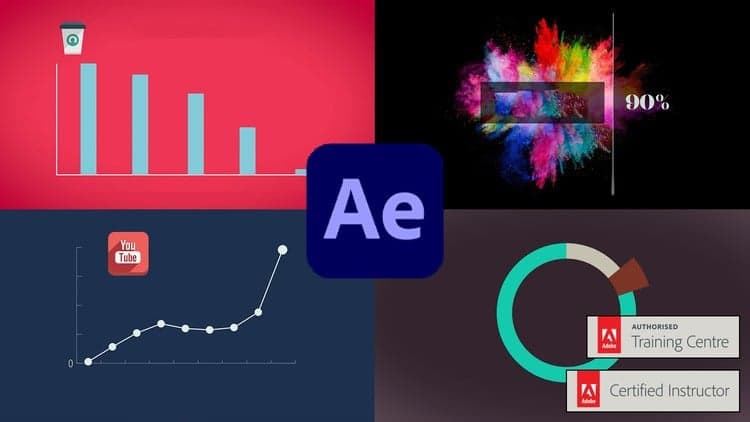
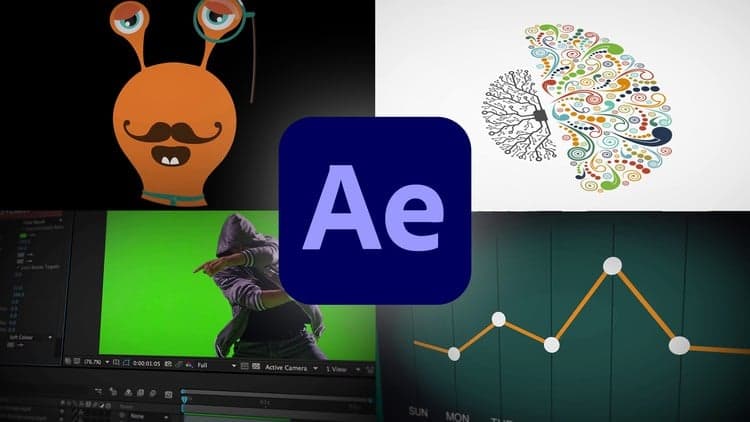
Data doesn't have to be boring. Adobe Certified Instructor Dan teaches After Effects from absolute scratch, bringing static infographics and data to life through animation. This beginner-friendly class includes exercise files to follow along, a cheat sheet, and frequent comparison opportunities so you can spot where your work diverges from the examples.
You'll walk away ready to transform dry information into engaging motion graphics for your portfolio.
Overview
Hi there, my name is Dan. I’m a Adobe Certified Instructor and I LOVE animating infographics & bringing potentially boring data to life using After Effects. This course is for beginners. You don’t need any previous knowledge in AFX or any motion graphic experience. We’ll start with the super basics, taking simple icons breathing life into to them with After Effects.
There are projects for you to complete, so you can practice your skills and use these for your portfolio. There is a cheat sheet and I’ve got exercise files so you can play along. I will also save my files as I go through each video so that you can compare yours to mine - handy if something goes wrong.
Know that I will be around to help - if you get lost you can drop a post on the video 'Questions and Answers' below each video and I'll be sure to get back to you.
What are you waiting for? Lets get making!
______________
This class was filmed in 2016 and updated in 2022, but the features we use haven’t changed — it’s still fully relevant for learning the basics of Adobe After Effects.
Looking for more inspiration? Head here to discover more classes on After Effects.
Advertisement

Excel infographics ANIMATION with easy VBA. Skill up now!

After Effects for Beginners: Animate Stickers & Expressions