Udemy
 Udemy
UdemyPrice
No active coupon right now
View Course →No coupon right now. We'll tell you when there is one.
Mark your own learning status. Opening a course link does not establish enrollment.
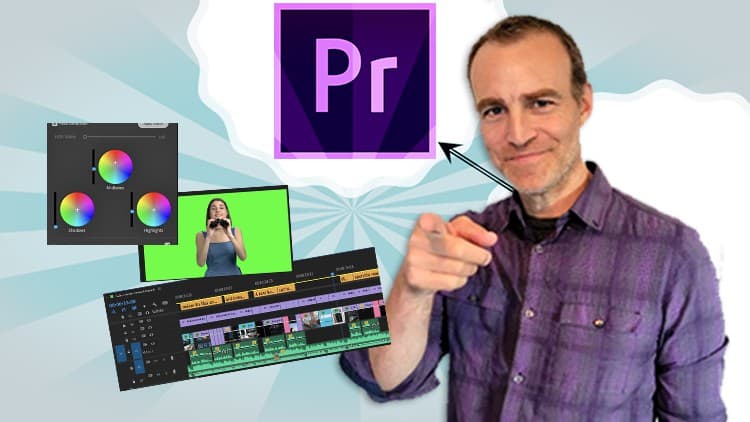
Premiere Pro is the editing standard, and this megacourse covers the full pipeline: importing and organizing footage, trimming and transitioning, color correction and grading, adding motion graphics and subtitles, and exporting in the best quality for your platform. The instructors bring years of hands-on experience and teaching acumen—the syllabus flows logically and includes on-screen examples to study. You'll tackle real challenges like stabilizing shaky footage, lifting too-dark video, and working with slow-motion. By the end, you'll edit tutorials, marketing content, and professional work with confidence, whether you're a casual creator or building a career.
Learn video editing with Adobe Premiere Pro!
Edit like a pro!
Have you ever wanted to edit your own videos? In the era of Mirrorless Cameras and smartphones, we all take hundreds of videos each year. Maybe you want to trim a video or make a montage of your child’s first years or your recent trip. Whether you’re a casual video shooter or hoping to make a career out of it, editing videos isn’t only for the pros.
In this course, you’re going to learn everything you need to know to get you started with video creation in Adobe Premiere Pro. From importing and organizing your footage in the library to trimming, transitioning, adding effects, and finally to getting your video ready to post in the best quality. You’ll even learn the best way to deal with slow-mo footage, shaky video and making the most out of that too bright or too dark video. Finally, you will learn many different styles of editing various types of videos by applying advanced techniques.
Our instructors have years of experience not only in video editing, but also in teaching, and the expertly-crafted syllabus is designed to be easy to follow and thorough. We’ve even included plenty of examples designed on-screen for you to study. That’s why this is the only Adobe Premiere Pro course you’ll ever need to edit and design videos like a pro!
Start your video editing journey today!
After taking this course you’ll be able to:
Use Adobe Premiere Pro professionally
Import, edit and export your videos
Set up Premiere Pro and organize your footage
Add audio and create professional transitions
Apply color correction and grading
Add motion, graphics, and subtitles
Edit in different styles and apply effects
Advertisement
Adobe Premiere Pro Masterclass: Video Editing in Premiere
Not the best price we've seen. The lowest we've recorded is $9.99 on 18 Aug.
This is what we recorded in US pricing — not every price this course has ever had, and prices differ by country.