YouTube
FreeCoreldraw Full Tutorial For Beginners to Advance (हिंदी) - Every Computer user should learn
CourseNo ratings yetBEGINNER
Free
 YouTube
Mark your own learning status. Opening a course link does not establish enrollment.
Loading saved status…
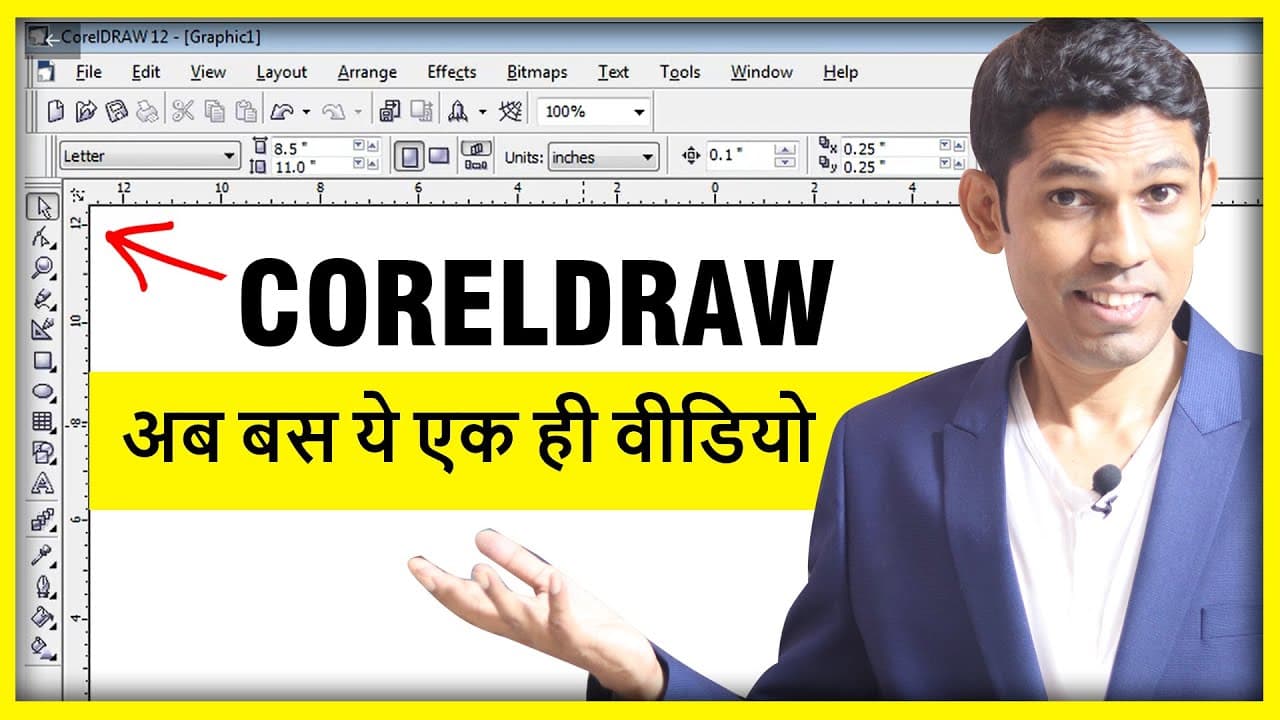
This Hindi video packs a full CorelDRAW course into one session of about 10 hours, presented as 34 practical chapters. It moves from the user interface and tools into text, color, logos and print-oriented designs, and then into AI tools and ChatGPT for graphics work.
The chapters are numbered, so the video works well as a sequence for learners who want to follow one path. The description also lists the topics as a set of short timestamps, which helps when you return to a specific tool.
🎓 CorelDRAW Full Course (10 Hours) - Beginner to Advanced
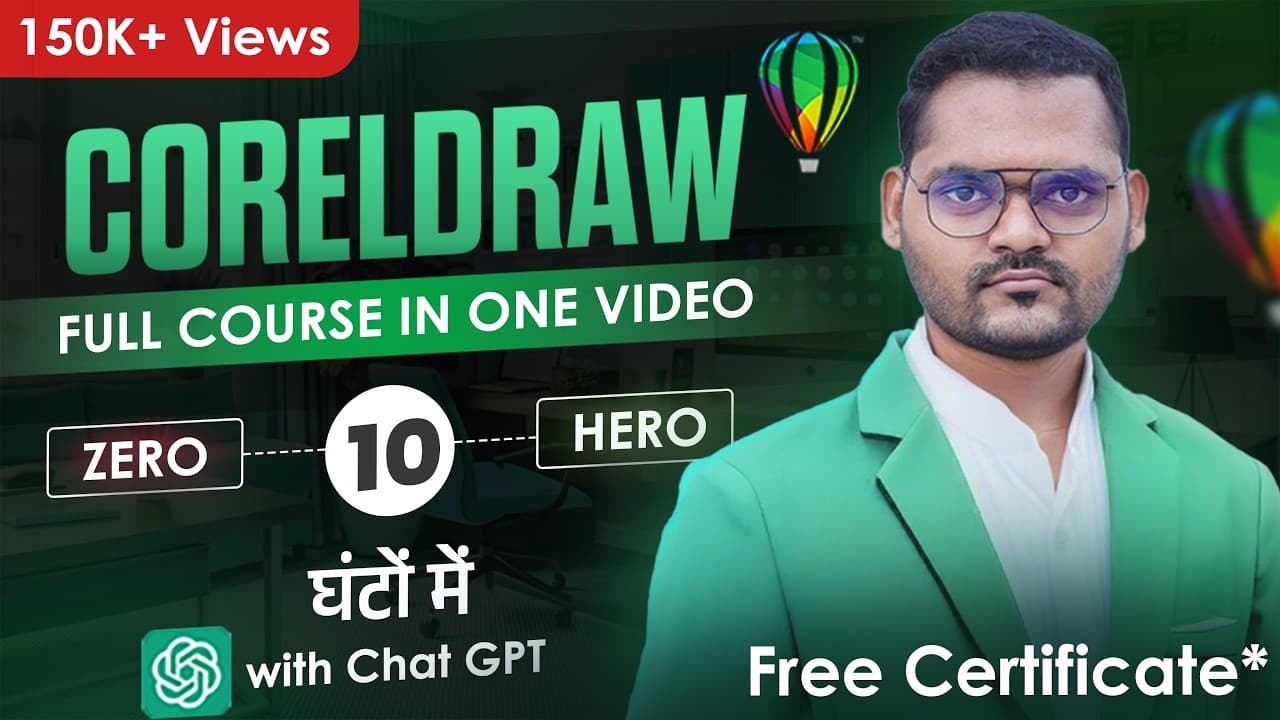
Welcome to the most comprehensive CorelDRAW course online – all packed into one power-packed video! Perfect for beginners and intermediate designers, this course takes you step-by-step through 34 practical chapters – from basic tools to professional designs.
📚 Notes: https://drive.google.com/drive/folders/1trRDTx1RRPEVIhL_wGX0GLy_JidlZ3nq?usp=sharing
💡 What You’ll Learn:
✅ User Interface, Tools, Text, Color
✅ Logo, Brochure, ID, Packaging Design
✅ AI Tools + ChatGPT in Graphics
✅ Free Resources & Tricks
✅ Real-time Design Projects
📍 Language: Hindi
🎁 Certificate Available (Mention in comments if needed) *T&C Apply
📅 New Videos Every Week!
📌 Uploads on: Saturday 8 PM & Wednesday 8 PM
🎓 Want a FREE Certificate for this Course.
Here's how to apply:
1. Watch the complete video till the end.
2. Comment 1 Feedback in this Video and like this video.
3. Take a screenshot from the last 5 minutes of the video & your Comment.
4. Email us at "thedesigns.live@gmail.com" with:
- Your Full Name
- Screenshot of Last 5 Minutes
- Screenshot of Your Comment
- Screenshot of channel is Subscribed.
📌 We will Check and SURVEY to verify you’ve completed the course.
Once verified, Wait For 7 Days.
We’ll email you your personalized Certificate of Completion with in 7 days.
Let’s grow together in design 🚀
📌 Subscribe to The Designs Live for more AI tools, design insights & tech updates.
🔗 Stay Connected with Me:
📸 Instagram: https://www.instagram.com/thedesigns.live/
🌐 Website: https://thedesigns.live
💼 LinkedIn: https://www.linkedin.com/in/dilipsathvara/
👍 Don’t forget to Like, Share, and Subscribe!
💬 Comment below your favorite chapter!
📚 Time Stamps:
00:00:00 Introduction
00:01:10 Ch 01 - Introduction & User Interface
00:24:49 Ch 02 - Alignment & Distribution
00:51:03 Ch 03 - Align Tricks, Convert to Curves
01:13:40 Ch 04 - Weld, Trim, Intersect, Combine & Logo Tricks
01:30:01 Ch 05 - Crop Eraser & Text Tool
01:51:06 Ch 06 - Color Gradient Tool, Different page sizes
02:17:25 Ch 07 - Shape tool & Transparency
02:22:47 Ch 08 - Types of Fonts in Graphic
02:44:04 Ch 09 - Select font for graphics
02:51:36 Ch 10 - Kerning in logo & Fonts
03:04:46 Ch 11 - Types of Shadow & use
03:09:40 Ch 12 - Design Instagram Post in coreldraw
03:26:50 Ch 13- Power Clip Use, Blur Effect
03:39:49 Ch 14 - Design Creative post
03:57:17 Ch 15 - Master the Contour & Blend Tool
04:19:03 Ch 16 - Mesh fill, Copy Properties
04:31:42 Ch 17 - Guidelines, Join Curves, Wrap Text, Grid
04:46:23 Ch 18 - Trace Tool: Convert Image to Vector
05:03:55 Ch 19 - Color Fix, Vector Tricks, Perspective Tool
05:20:36 Ch 20 - Learn ChatGPT
05:43:41 Ch 21 - Step-by-Step Logo Design
06:08:32 Ch 22 - Design Creative Festival Post
06:27:39 Ch 23 - Visiting Card | Business Card
06:47:11 Ch 24 - Design Letterhead
07:01:22 Ch 25 - Design Brochure Part 01
07:19:38 Ch 26 - Design Brochure Part 02
07:45:34 Ch 27 - Digital Business Card
07:58:45 Ch 28 - How to Use Freepik
08:14:33 Ch 29 - Set Shortcuts & Replace Color
08:26:36 Ch 30 - Professional Banner Design
09:05:28 Ch 31 - Box Packaging Design
09:36:25 Ch 32 - ID Card Designing
09:50:50 Ch 33 - Design Mockups in Photoshop
10:01:40 Ch 34 - Bring into Focus Feature
10:18:17 Ch 35 - AI Adoption in Graphic Design
Advertisement
Coreldraw Full Tutorial For Beginners to Advance (हिंदी) - Every Computer user should learn


No Korshub reviews yet.