
Udemy
 Udemy
Price
No active coupon right now
View Course →No coupon right now. We'll tell you when there is one.
Mark your own learning status. Opening a course link does not establish enrollment.
Loading saved status…
This beginner course focuses on what CorelDraw is good for: logos, business cards, magazine covers and promotional material for digital and print. It walks through the interface, how to tell raster from vector graphics, and how to trace an image into a logo, with practice vector and image files to follow along with.
The course uses the latest CorelDraw version, and the description says earlier releases from X3 to X9 can also be used to follow along. That makes it useful for learners whose copy of the software is older than the current one.
CorelDraw is the tool preferred by graphic designers to develop an idea for convening the massage because of its easy and powerful interface and how the tools work.
How to trace an image and create a logo design with different tools professionally.
This software has a flexible toolkit to create any graphic design or illustration.
Work with the most powerful software Corel Draw and you can easily produce promotional material for digital media or print media.
This course has practice vector files, and image files that will help you to learn so you can follow along with me.
By the end of the course, you will work efficiently on Corel Draw and also create your designs professionally.
I will be using the latest Corel Draw Version but you can also use and learn with its previous versions (X9, X8, X7, X5, X4, or X3).
By the end of this course, you will learn to create your logos, business cards, Magazine Covers, and much more.
This course will cover everything you need to do it.
All about the Corel DRAW Course 2020-2024?
I'm a graphic designer, digital artist, animator, trainer, and instructor. I will take you step by step through the process.
In this course, you will familiarize yourself with Corel Draw by knowing the basic elements of the interface to adjust it to your needs.
You will understand the difference between a Raster Graphic and a Vector Graphic.
You will know how to create a document, how to create shortcut keys, how to use a toolbar and create amazing designs. you will also learn to create and edit vectors, modify paths and shapes, and then give your design identity.
You will learn everything you need to know about Corel Draw and also know how to use transform, duplicate objects, align, combine, group and you can create your design.
At the end of this course, you will know everything about the Corel Draw software in an optimized and professional way.
If you have any questions or queries related to this course, feel free to ask and post questions directly.
Advertisement
Tracking since 15 Nov — not enough history yet to tell you whether today's price is any good. Watch the course and we'll tell you when it drops.
This is what we recorded in US pricing — not every price this course has ever had, and prices differ by country.

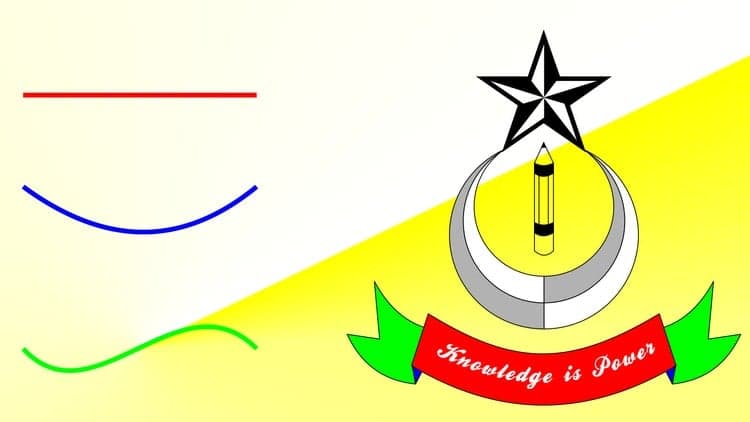
Coreldraw Full Tutorial For Beginners to Advance (हिंदी) - Every Computer user should learn

CorelDRAW Full Course in 1 Video (10 Hours) In Hindi | Beginner to Advanced | Free Certificate
No Korshub reviews yet.