Udemy
FreeAccess
Skillshare membershipIncluded with a Skillshare subscription
This course is included with a Skillshare membership subscription.
Start your free month on Skillshare →30-day free trial, new members only.
Already a Skillshare member? Open the class
No coupon right now. We'll tell you when there is one.
Taught by Mel Armstrong — Illustrator, Pattern Addict & Teacher
Mark your own learning status. Opening a course link does not establish enrollment.
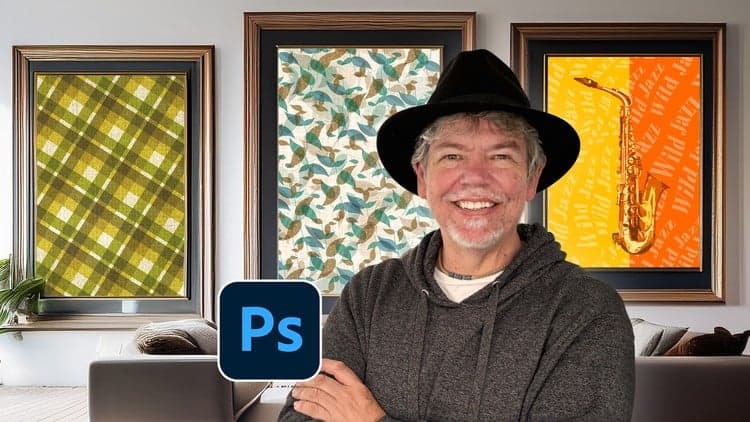
Photoshop's smart objects unlock seamless repeat patterns that fabric designers, surface pattern artists, and illustrators rely on. This class teaches the half-drop repeat technique—a professional standard for creating patterns you can apply to fabric, wallpaper, or merchandise.
You'll learn pattern creation from your own artwork, how smart objects simplify the process, and how to extract seamless tiles. The class culminates in uploading your design to Spoonflower to print on real fabric or wallpaper—turning your digital pattern into something tangible. While Illustrator excels at geometric patterns, Photoshop suits artists working with traditional media or digital brushwork. By mastering this technique, you'll be able to transform your hand-drawn and painted work into scalable patterns ready for production.
Are you a surface pattern designer and always wanted to know how to create seamless repeats in Adobe Photoshop? Do you create patterns in Adobe Illustrator and always wanted to learn how to do it in Photoshop? Join me in this fun class to learn how to use Smart Objects to create seamless complex repeats in Adobe Photoshop.
This class is suitable for all surface pattern designers or artists with a basic knowledge of Adobe Photoshop. In this class, I’ll take you through my process of creating a seamless repeat pattern that can be used to apply to products such as fabric, bags, stationery and much much more.
Some of the topics you’ll learn about include…
Adobe Illustrator is great for creating patterns , but Adobe Photoshop is best suited to artists who use traditional media or digital artists that use use various texture to create a traditional painterly look which is difficult to achieve in Adobe Illustrator.
For your class project you will use your own artwork to create a seamless pattern using the half drop repeat using the technique that I’ve shown you. It can be any theme or style.
As a bonus video I’ll show you how to use your repeat pattern to upload to Spoonflower to create fabric, wallpaper or gift wrap.
If you post your work on Social Media, please use the hashtag #melarmstrongskillshare so I can like, share and comment on your work.
Advertisement
Introduction to Designing Repeat Patterns in Illustrator
Metallic Magic: Create Digital Foil Textures From Scratch!
Designing Repeat Patterns: From Icons to Apparel and Beyond
Transform Watercolor Illustrations into Intricate Patterns
Screen-Printing Grain Effect in Adobe Photoshop
Creating Trendy Abstract Patterns in Adobe Illustrator