Udemy
 Udemy
UdemyPrice
No active coupon right now
View Course →No coupon right now. We'll tell you when there is one.
Mark your own learning status. Opening a course link does not establish enrollment.
You don't need expensive software. PowerPoint has animation capabilities that can produce polished, professional explainer videos—and this course shows exactly how. Over 70% of web traffic is video now, yet many creators outsource because they think they can't produce it themselves.
What you'll build: Three complete video types (product promo, character explainer, and Morph-transition explainer). You'll learn resources gathering, template design, scene building, typography, and export for quality.
Perfect for anyone selling a product, service, or idea who wants to communicate visually without hiring an animator.
Are you envious when you see those professional explainer videos certain companies have?
Did you ever watched an animated YouTube video and wondered, if you just could do something that good and engaging?
With help of this course, I will go with you step-by-step and teach you how you can create outstanding animated explainer videos using only PowerPoint!
You surely heard that more than 70% of the current web traffic is consumed via Video so it's obviously one of the most preferred and well-recieved ways of promoting any product, material, or content. This is why you should be able to make good quality content that people will want to watch.
You can also use the skills to create videos for your clients.
-------------------------------------------------------------------------------------------------------------------------------------------------
This course focuses on creating Explainer Videos with PowerPoint. I want to teach you advanced animation techniques and make sure that I explain to you everything you need to know during that process. We will learn:
How to gather resources for our work
How to prepare templates
How to properly build scenes
Usage of typography and kinetic typography in your work
Export high quality and ready, animated videos
-------------------------------------------------------------------------------------------------------------------------------------------------
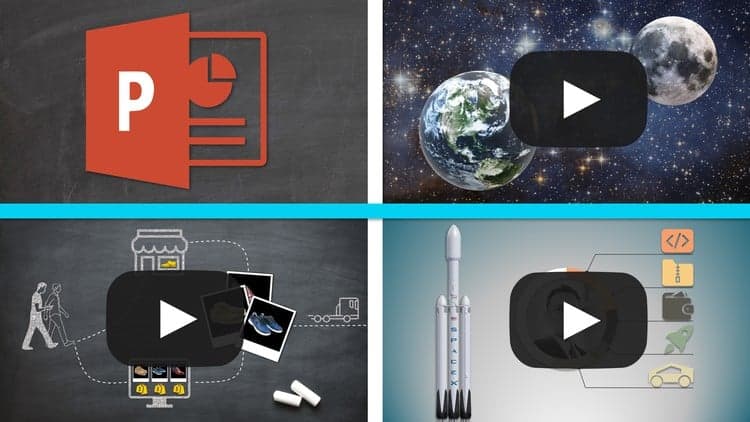
We will create 3 types of animated videos in this course:
An animated Product Promo video with multiple products shuffling around on the screen
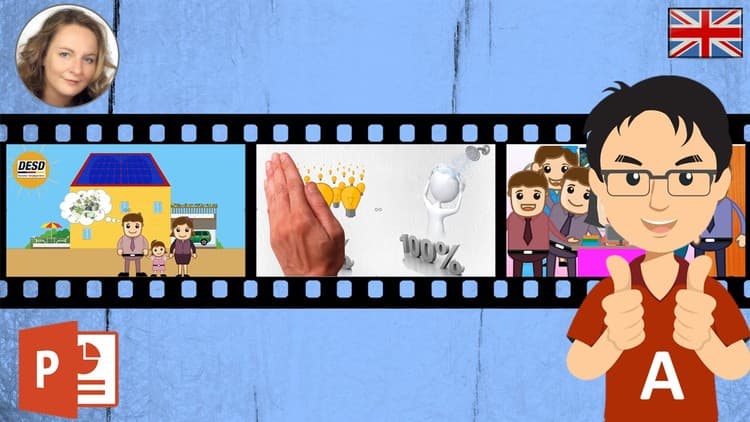
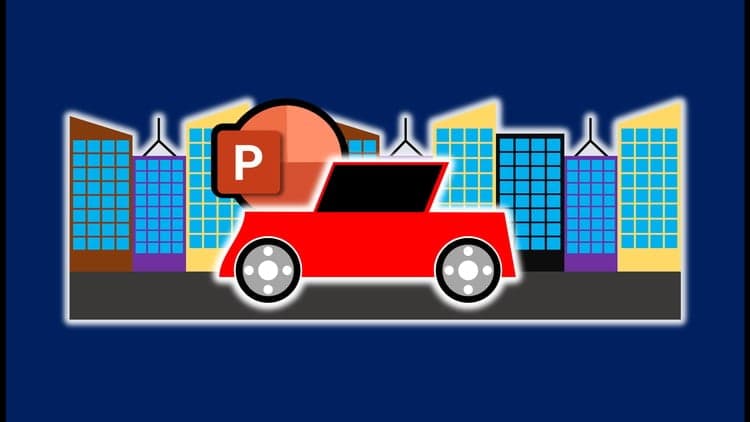
An animated Character Explainer Video in powerpoint with a custom downloaded character
An explainer video with the use of Morph transitions - the newest powerpoint 2019 function
-------------------------------------------------------------------------------------------------------------------------------------------------
With help of this course, you will get better at PowerPoint and become very confident working with any type of animation. We will also explore new features that PowerPoint offers by utilizing its newest Morph transition function.
I highly encourage you to take this course and have some fun inside PowerPoint with me, see you inside! Enroll now!
Advertisement
Powerpoint 4 Video Part A - Introduction+Character Animation

Not the best price we've seen. The lowest we've recorded is $9.99 on 17 Aug.
This is what we recorded in US pricing — not every price this course has ever had, and prices differ by country.