Udemy
 Udemy
UdemyPrice
No active coupon right now
View Course →No coupon right now. We'll tell you when there is one.
Mark your own learning status. Opening a course link does not establish enrollment.
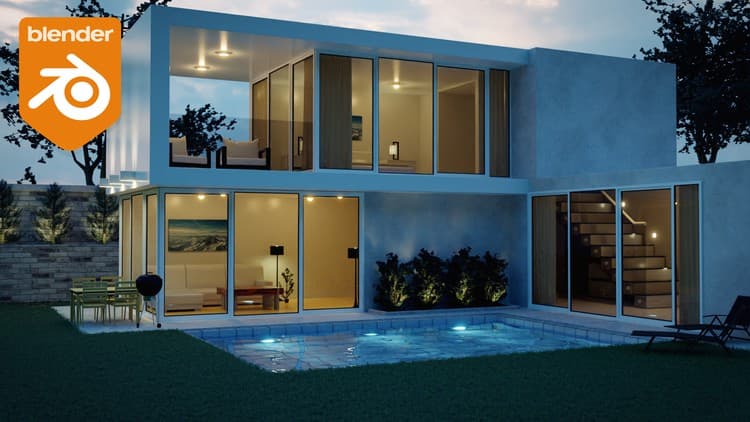
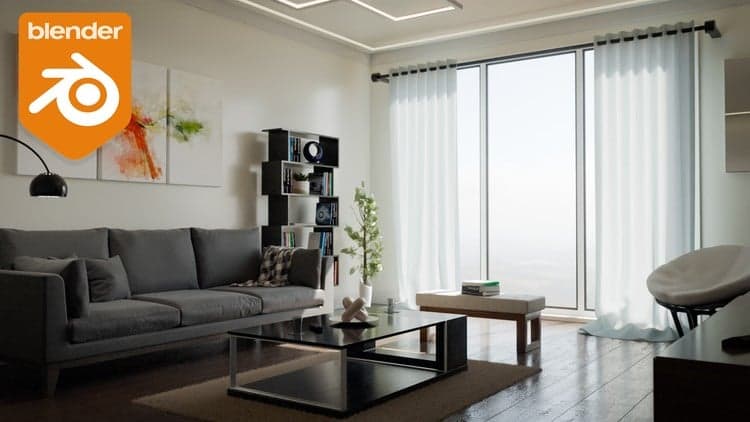
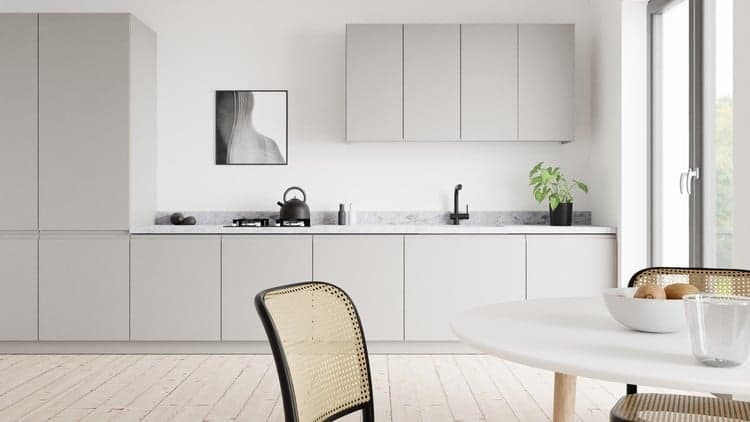
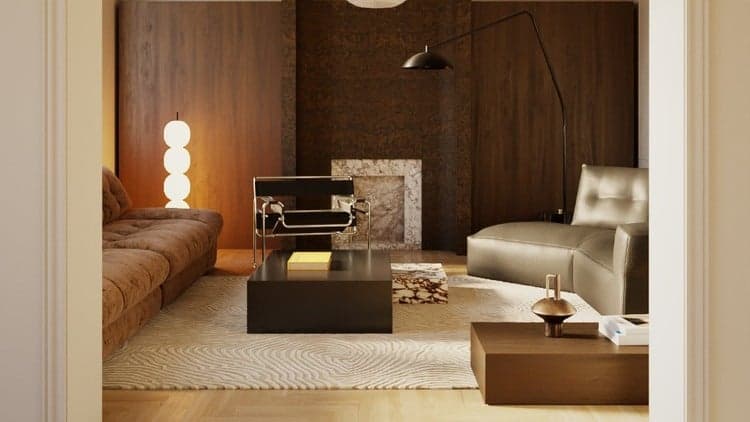
Architecture visualization demands photorealism, and this course builds it step-by-step: model a room with precise dimensions, apply materials that actually catch light, rig a modern couch with cloth simulation, arrange 17 included professional models, position cameras for depth, and render day and night versions.
You'll learn the Archimesh addon for quick windows, the Asset Browser for model management, post-processing with the compositor, and bonus Eevee rendering for real-time visualization. Designed for Blender 4.2+, the teaching scales from beginners to experienced 3D artists. Models are yours to use commercially but not resell.
Right if you're entering architecture visualization or want to level up interior rendering skills in a production-ready engine.
Are you looking to learn how to design realistic interior renders in Blender? Are you struggling on getting your materials to look real? Architecture visualization is a huge part of the 3D community and when you are just starting out it can be hard to get right. In this course we will be creating a modern interior in Blender from start to finish. I will be showing you step by step on how to model the room, texture it, add in professionally made models and more.
In the first section we discuss the basics of interior design. We talk about color schemes and why certain colors go well together. In the next section we start creating the room by modeling it and getting the dimensions just right. We will also learn about the Archimesh addon and how to easily add in a window.
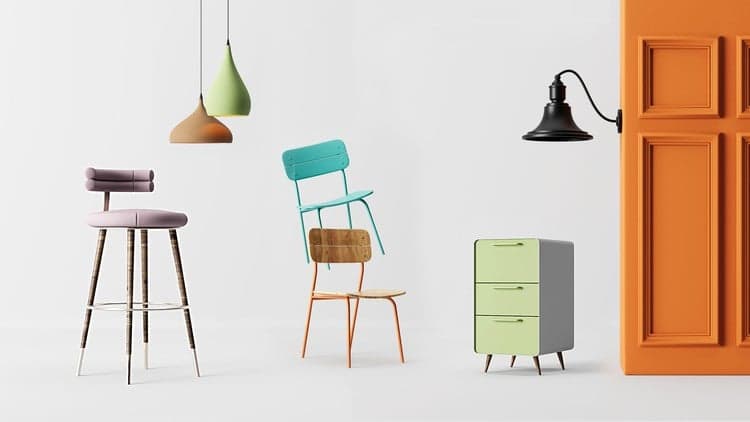
After that, we move onto materials and models. You will learn how to model and texture a modern couch, use the cloth simulation to simulate the cushions and pillows, then we will be learning about the Asset Browser to import it into our scene! In this course I am giving away 17 different professionally made models in which we use to fill up our interior.
The last section we focus on the camera and getting the right position and depth of field. We'll learn about rendering multiple camera angles at once, post processing and using the compositor! What about a night time version of the render? Yup, there is also a video on that.
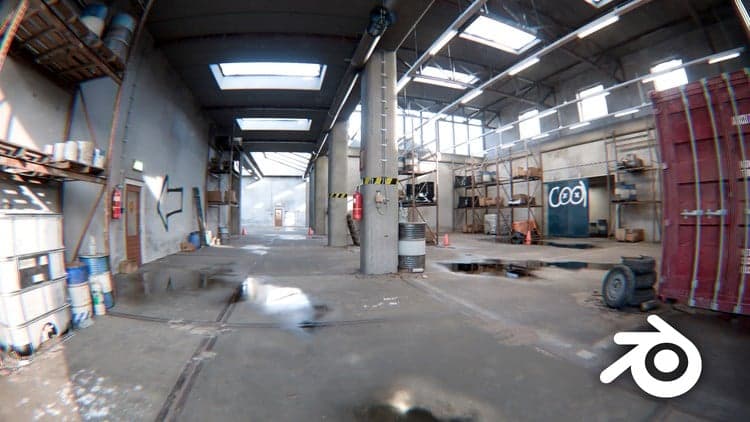
As a bonus section we will also render the scene using Eevee! In this section you will learn all about how Eevee works, how to bake lighting and how to render an interior the right way using this render engine. This video requires Blender version 4.2+.
If you are looking to get into architecture visualization and rendering or you just want to improve your Blender skills over all, this course is for you! I have structured it so that beginners or advanced Blender users can follow along easily. To get started Click that enroll button and jump right in!
You are free to use the models provided in this course for personal or commercial use but you are NOT allowed to sell or give the models away.
I look forward to seeing what you create!
Thanks
Stephen
Advertisement
Enscape 4.15 Tutorial: Interior Design Rendering In SketchUp

Not the best price we've seen. The lowest we've recorded is $10.99 on 17 Aug.
This is what we recorded in US pricing — not every price this course has ever had, and prices differ by country.