Skillshare
SubscriptionAccess
Skillshare membershipIncluded with a Skillshare subscription
This course is included with a Skillshare membership subscription.
Start your free month on Skillshare →30-day free trial, new members only.
Already a Skillshare member? Open the class
No coupon right now. We'll tell you when there is one.
Taught by Evgeniya & Dominic Righini-Brand — Graphic Design & Photography
Mark your own learning status. Opening a course link does not establish enrollment.
RGB and CMYK channels in Photoshop hold design possibilities most users overlook. This class teaches you to manipulate color channels to create striking layered effects that transform ordinary images into dynamic designs. The technique applies equally to posters, illustrations, photography, and print work—anywhere you want to add visual depth and energy. You'll explore how color models work, use channel isolation strategically, and apply retro pop-art and techno aesthetics through filters like Color Halftone. The practical demonstrations suit any skill level and any Photoshop version.
Eye-catching visuals with a layered colour effect are much easier to produce than you might think! They allow you to take any image and create something totally different, bright and dynamic out of it.
I am Evgeniya Righini-Brand and in this class I want to share with you a technique of creating striking visuals from any images by manipulating colour channels in Adobe Photoshop. This approach will allow you to take your work—whether it is a poster or print design, illustration or photography—to a new and exciting level.
This class covers:
This class is suitable for pretty much any skill level and covers everything you’ll need to complete this class project. You can complete this class in any version of Photoshop.
I cannot wait to see what you can create, join me in this class and let’s make something awesome!
* Following my previous Photoshop classes is advisable for beginners:
Source & Mix Botanical Illustrations with Typography to Create Trendy Designs
Source & Mix: Digital Collage from Vintage Encyclopaedia Illustrations
Advertisement
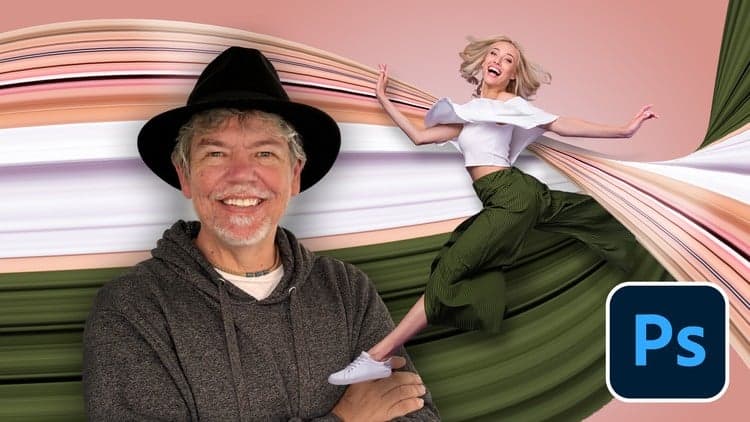
Fundamentals of Photoshop: Color, Swatches, and Blending (Photoshop IV)
Creating Trendy Designs with Abstract Patterns in Adobe Illustrator
Digital Illustration: Drawing with Shapes and Layers
Screen-Printing Grain Effect in Adobe Photoshop
Master Color with the Recolor Artwork Tool in Adobe Illustrator