Udemy
Free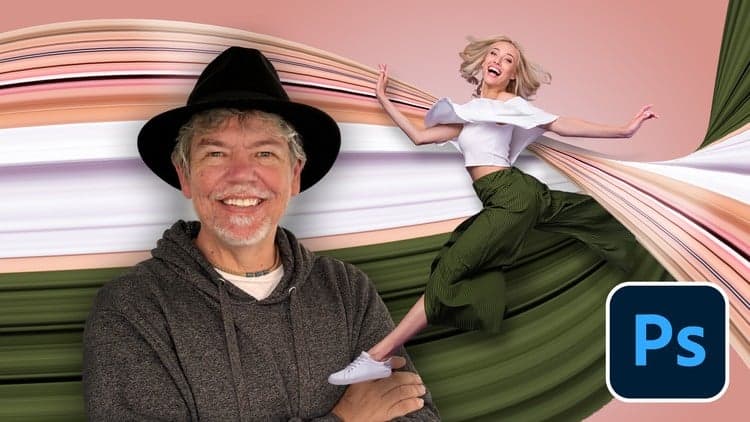 Udemy
Free and discounted course coupons, posted every day.
Across two short tutorials, this class teaches a colorful "pixel stretch" trail effect in Photoshop, then uses AI cut-out tools to composite a person into the scene with realistic shadows and highlights.
Beginners who want fun, eye-catching backgrounds for posters, banners, birthday cards, kids' wall designs, or social media — no prior Photoshop experience required.
Lessons are delivered in short, bite-sized videos so each technique is easy to follow, even for someone opening Photoshop for the first time.
Mark your own learning status. Opening a course link does not establish enrollment.
Loading saved status…
From the Udemy page
If you’re looking to create fun, eye-catching, and easy to create background for people for your Posters, Adverts, Banners, Birthday Cards, Children’s Wall Designs, Websites or Social Media Posts, these professional techniques will make your work really pop!
Hi, I'm Tim!
I’m an Adobe Certified Instructor and Expert, and I work as a designer based in London.
In this short and enjoyable free class, I’ll gently take you through 2 tutorials showing you how to create a playful color trail …
Advertisement
Yes. It's free on Udemy.



Photoshop Compositing: How To Match Subject With Background

No Korshub reviews yet.