Udemy
Access
Skillshare membershipIncluded with a Skillshare subscription
This course is included with a Skillshare membership subscription.
Start your free month on Skillshare →30-day free trial, new members only.
Already a Skillshare member? Open the class
No coupon right now. We'll tell you when there is one.
Taught by Jarom Vogel — Digital Illustrator
Mark your own learning status. Opening a course link does not establish enrollment.
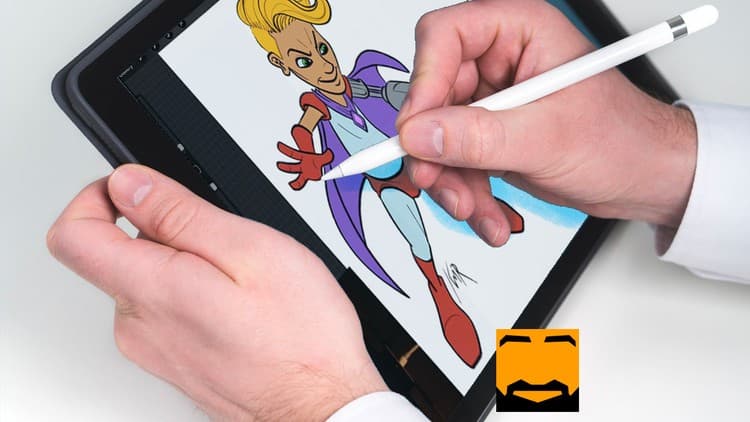
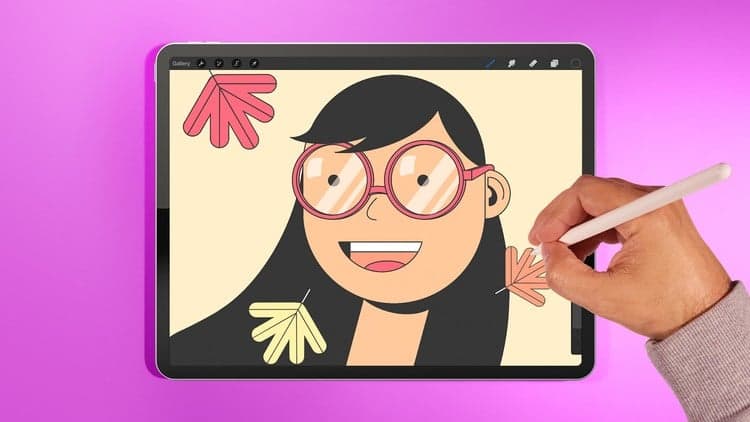
If iPad illustration feels intimidating, this class removes the mystery. You'll master Procreate's core tools—layers, brushes, selection, and color—then immediately start making artwork, not just tinkering with settings. The course emphasizes practical shortcuts and workflows that speed up your creative process, turning raw ideas into polished digital art.
Whether you're switching from traditional media or exploring digital illustration for the first time, you'll leave with a new creative toolkit at your fingertips.
Love digital illustration? Learn how to use Procreate, the award-winning painting app, for your best work yet!
Become a Procreate master and learn a whole new approach to illustration in this fun, accessible class. Taught by illustrator Jarom Vogel, you'll learn how to use Procreate on your iPad to create digital artwork like never before. Whether you're new to digital art or are a seasoned illustrator, you'll unlock a whole new way to make your ideas a reality.
Key lessons include:
Plus, Jarom shares his favorite shortcuts, tips, and tricks throughout the class, leaving you with an arsenal of tools you can start using right away. With this new tool at your disposal, you'll be able to create new work wherever you are, unlocking your ability to make the art you've always imagined.
___________________
Looking for more inspiration? Head here to discover more classes on digital illustration.
Advertisement
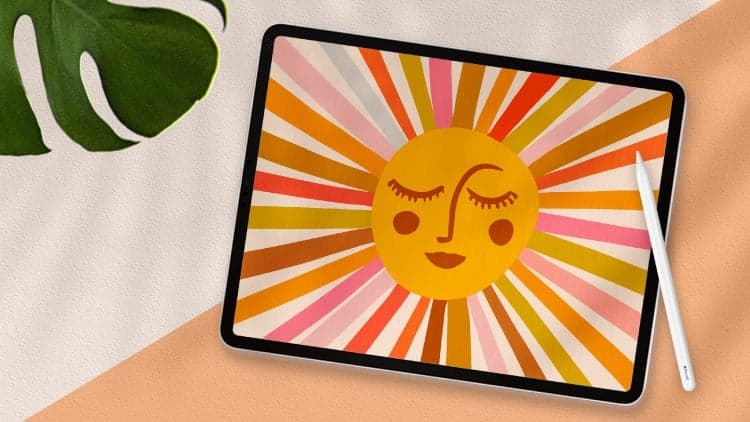
Procreate for Illustration: 5 Projects to Learn the Basics
Digital Illustration: Streamlining with Adobe Tools
Procreate for Beginners: Learn Illustration on the iPad in 4 Projects
Procreate Basics: Keeping a Digital Sketchbook on Your iPad Pro