Udemy
 Udemy
UdemyPrice
No active coupon right now
View Course →No coupon right now. We'll tell you when there is one.
Mark your own learning status. Opening a course link does not establish enrollment.
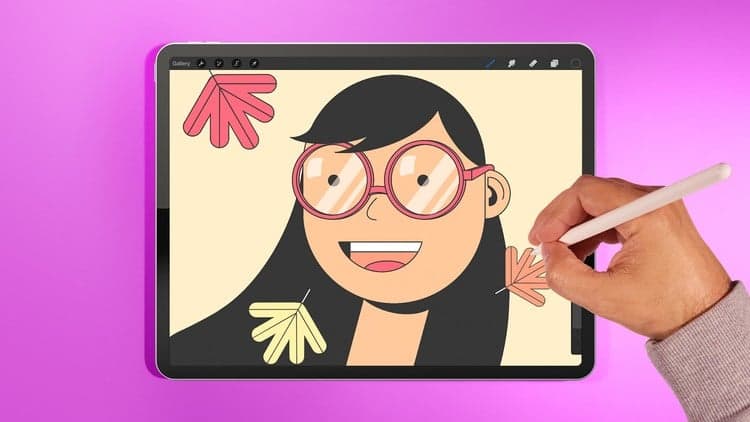
Artist and illustrator Ghostpaper leads you through every section of Procreate's interface and workflow. Each chapter focuses on a specific feature: custom canvas creation, layer and clipping masks, reference layers, gesture control customization, grids for composition, and animation techniques. You'll learn the exact tools professionals rely on to create complex, layered digital illustrations.
The course includes hands-on assignments to solidify your understanding. Whether you're new to digital art, transitioning from another app, or a traditional artist exploring iPad possibilities, you'll move from bewildered by options to confidently creating professional work.
Join the new wave of amazing nomad Illustrators & artists who are able to take their art anywhere they go - and learn essential knowledge, process and tips & tricks to help you create with the best drawing and illustration app on the iPad. Make sure to go through all the lessons and we can't wait to see what you can create!
Love digital illustration? Learn how to use Procreate, the best drawing & digital illustration app for the iPad, with this special class from from artist and illustrator Ghostpaper!
Master Procreate and learn the ins & outs of digital illustration on the iPad in this guided class. With each chapter fully dedicated to a specific section of Procreate, artist and illustrator Ghostpaper will lead you through all of the tools, options and settings on Procreate, so that you can create your future digital illustrations.
Here's a few key things you'll learn:
Setting up a custom canvas
Using the power of clipping masks, layer masks and reference layers
Tweaking gesture controls to get the most out of your productivity
Understanding the power of using grids for composition
Plus, Ghostpaper will show you how to make animation in Procreate as well as two assignments to make sure you understand and practice all of the foundation knowlegde you will acquire.
Whether you’re new to digital art or curious about Procreate, you’ll gain an arsenal of tips, tricks and tools you can use to start creating right away. After this class, you'll never be far from your iPad and your favourite creations on Procreate, wherever you happen to be.
Advertisement
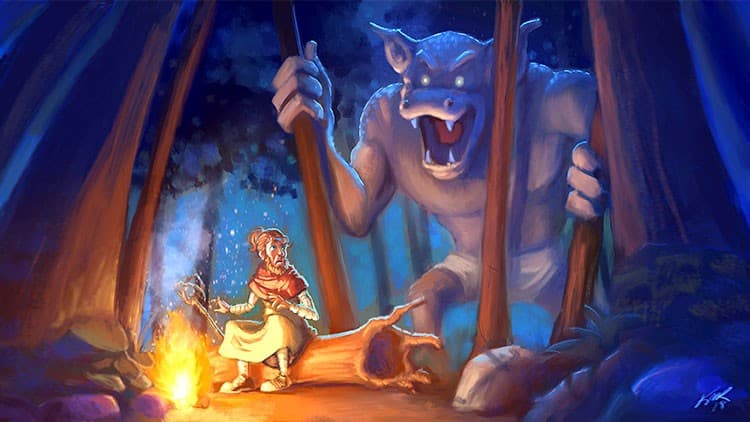
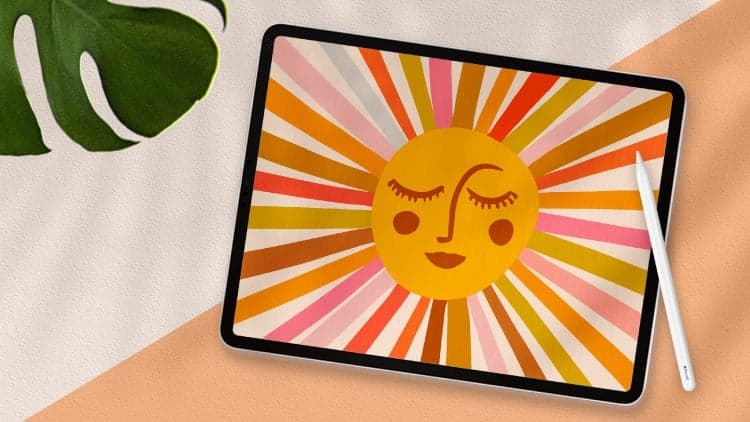

Procreate Academy. Ultimate Course, Digital Drawing on Ipad.
Not the best price we've seen. The lowest we've recorded is $12.99 on 18 Aug.
This is what we recorded in US pricing — not every price this course has ever had, and prices differ by country.