YouTube
Free YouTube
Price
This course is free to watch on its platform.
Watch free on YouTube →Mark your own learning status. Opening a course link does not establish enrollment.
Loading saved status…
This playlist uses one project from start to finish: a personal portfolio website designed in Figma. Instead of touring menus, each video adds a piece to a page, so the tools arrive attached to a visible result.
Complete beginners who want a clickable site as the outcome. The advocate sidebar segments that break up the lessons talk through portfolio choices and layout habits, which suits anyone who wants the reasoning behind the screens and not only the clicks.
The most transferable lesson is the component workflow: once you see how a button becomes a reusable part, the same habit carries over to any interface you design later.
Welcome to the Figma Design for beginners course! This course will walk you through the entire process of creating a website design for a personal portfolio website. We'll start by teaching you the fundamental concepts and features that Figma Design offers, and then we'll go on a creative journey together to make a website that you can customize to make your own using some of Figma's most exciting features.
Videos in this playlist include:
Advertisement
Figma Design for beginners – Figma Learn - Help Center
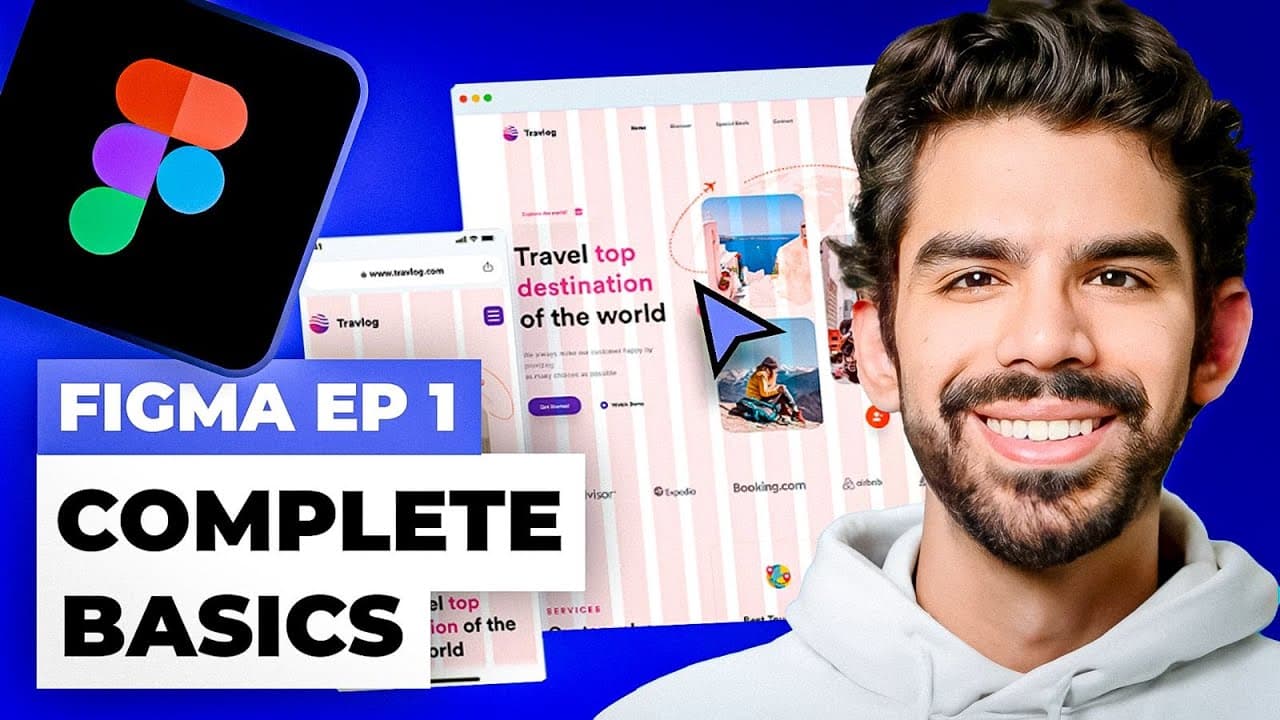
Basics of Figma UX? Ep 1 - Complete Design Course by Cutting Edge School
Designing and Prototyping Interfaces with Figma
No Korshub reviews yet.