Udemy
Free Udemy
UdemyMark your own learning status. Opening a course link does not establish enrollment.
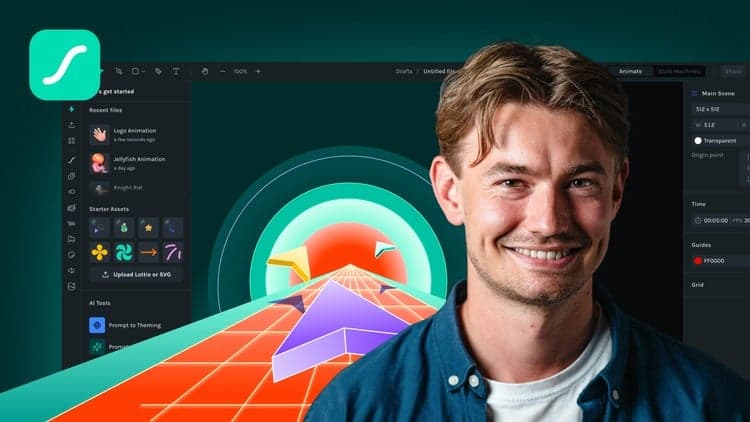
Created by the LottieFiles team, this course teaches how to use the LottieFiles for Figma plugin to convert designs into Lottie animations without leaving Figma. It moves from basic single-frame animations up to multi-frame, multi-variant component sequences.
Designers of any skill level who want to add motion to their Figma work, from simple UI micro-interactions to more complex animated sequences.
The course wraps with a quiz to test what you've learned, making it a structured, hands-on path from Figma prototype to a production-ready Lottie file for any digital platform.
Hi there! Today, we from the LottieFiles team are here to talk to you about creating Lottie animations using the LottieFiles for Figma plugin.
Create animations with ease with LottieFiles for Figma:
LottieFiles for Figma redefines animation creation, enabling designers to effortlessly convert their designs into Lottie animations. This powerful feature supports everything from basic animations to multi-frame and multi-variant component sequences.
Utilize the full suite of Figma features including components, gradients and custom shapes, and transform them into engaging micro-animations.
Over 500,000 free and premium animations to get you started.
You don't need to be a motion design expert; simply prototype and export your animations as production-ready Lottie animations. Bring your designs to life without leaving Figma, ready for any digital platform.
Course details
This course is aimed at people of any skill level, teaching you how to create animations with ease. From simple UI/UX animations to complex animations, by the end of this course you will have everything you need to get started and elevate your skills. We’ll start right at the beginning and work our way through step by step.
Overview: We’ll start with a brief overview of the plugin.
Animating Frames: Learn how to animate using single or multiple frames.
Prototyping: Discover how to use prototyping and adjust time frames.
Text and Gradients: Learn how to use text and gradients to give your animation some flair.
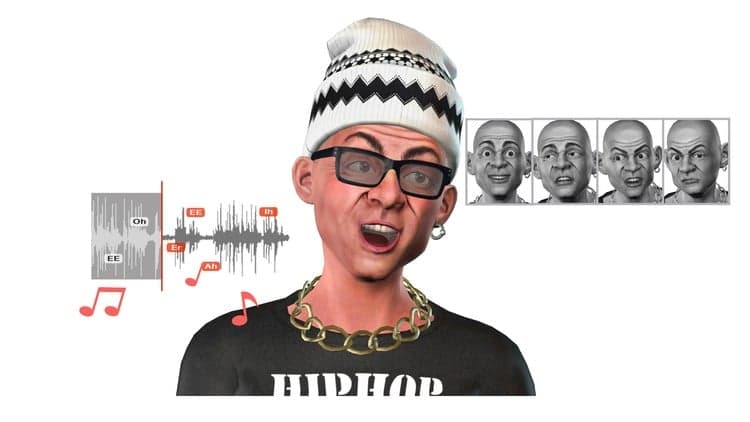
Animated Characters: Create your own animated character.
Grouped Rotation and Nested Frames: Simplify your work with grouped rotation and nested frames.
Interactive UI Icons: Create interactive animated UI icons.
Complex Animations: Learn how to create complex animations using multi-variant components.
Tips and Tricks: Explore simple tips and tricks for best practices.
Once you finish this course, please take the quiz under additional content to test your skillset and take you one step closer to becoming a Figma to Lottie expert.
Alrighty, time to get started!
Advertisement

Figma Prototyping: Parallax, Reveals & Page Transitions