Udemy
Price
No active coupon right now
View Course →No coupon right now. We'll tell you when there is one.
Mark your own learning status. Opening a course link does not establish enrollment.
Loading saved status…
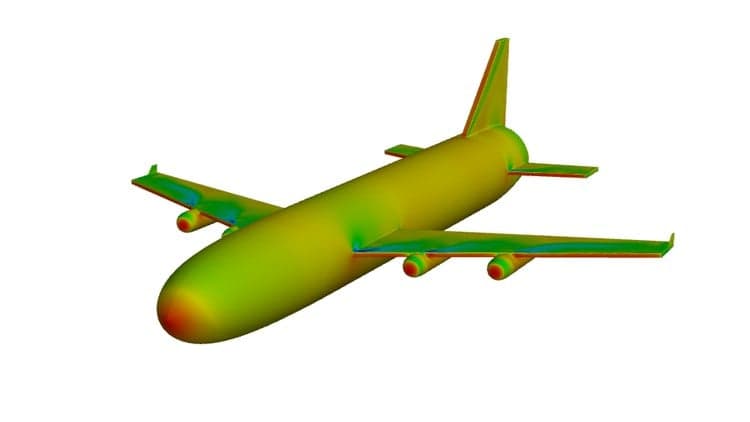
The course uses a simplified Boeing 747-400 as its single example and follows it through the full chain of ANSYS tools. Geometry is cleaned in SpaceClaim, then a hybrid mesh with boundary layer prism layers and a refined wake region is built in Workbench.
Results are read through Cp, vector and contour plots, pressure and Mach fields, and path lines, before drag and lift are reported. A second run at an 8-degree angle of attack, reusing the earlier mesh settings, shows how the result changes.
In this course you will learn your first CFD simulation from scratch. We will use Boeing 747-400 simplified model to learn important CFD modules in ANSYS workbench.
We will use ANSYS Spaceclaim for geometry cleaning and creating domain for full Aircraft (Boeing 747-400). We will also crate body that will be used as body of influence (BOI) for mesh refinement in wake region.
After that using same geometry and domain, we will cerate hybrid mesh in Workbench Grid generation app. We will create prism layers for capturing boundary layer flow features which are very important for aerodynamic flows such in our case. We will also refine mesh in wake using body of influence (BOI).
This mesh will be then used for setting up compressible flow simulation in ANSYS Fluent. You will provide proper scaling factor, choosing appropriate turbulence model, enabling energy equation, using ideal gas las for density, defining boundary conditions specially at inlet in terms of Mach number, defining reference condition including reference area and reference length. You will also setup defining report definitions for monitoring drag and lift coefficients. Solution will be initialized using hybrid method. We will also setup solver so that we can accelerate solution convergence using "solution steering" option in Fluent. Finally we will hit the calculate option to solve CFD simulation using iterative solver schemes available in ANSYS Fluent.
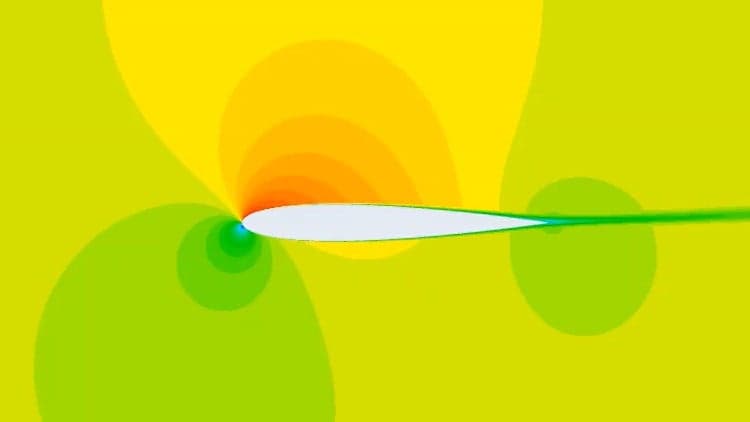
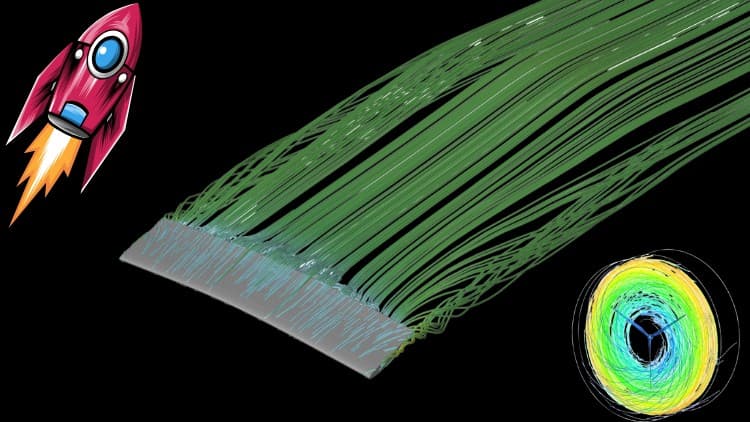
Once solution is converged based on plots of Cd and CL then we will analyze the flow field including Cp plot, vectors plots, contours plots for pressure and Mach number. We will also draw path lines to see how flow is interacting with Aircraft body. Finally we will find out drag and lift coefficients.
Once more interesting part of this course is that, you will also modify the geometry of whole aircraft by providing angle of attack of 8 deg to full model. You will quickly update the mesh using settings for the pervious case with zero angle of attack (AoA), and run simulation in Fluent. We will again solve the problem in Fluent and discuss the differences in results as comparison to case with zero AoA.
Advertisement
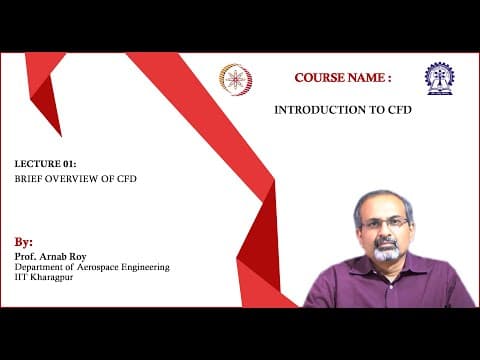
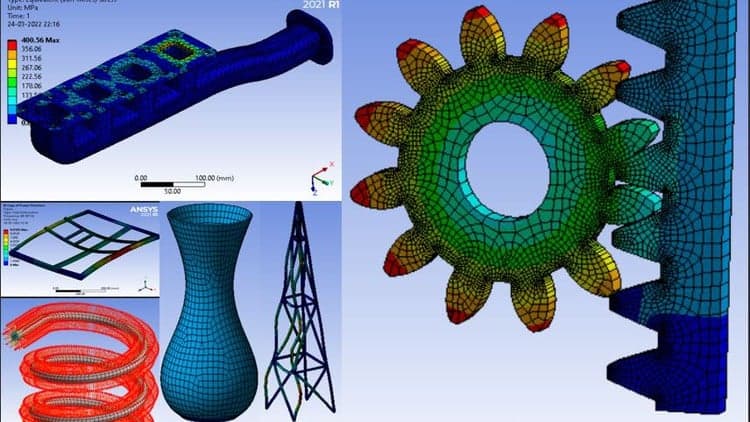
Learning Computational Fluid Dynamics (CFD) With Validations

Tracking since 15 Nov — not enough history yet to tell you whether today's price is any good. Watch the course and we'll tell you when it drops.
This is what we recorded in US pricing — not every price this course has ever had, and prices differ by country.
No Korshub reviews yet.