Udemy
Flutter for Beginners: Learn to Build Mobile Apps with Ease
Course4.623kALL LEVELS
$19.99
Price
No active coupon right now
View Course →No coupon right now. We'll tell you when there is one.
Mark your own learning status. Opening a course link does not establish enrollment.
Loading saved status…
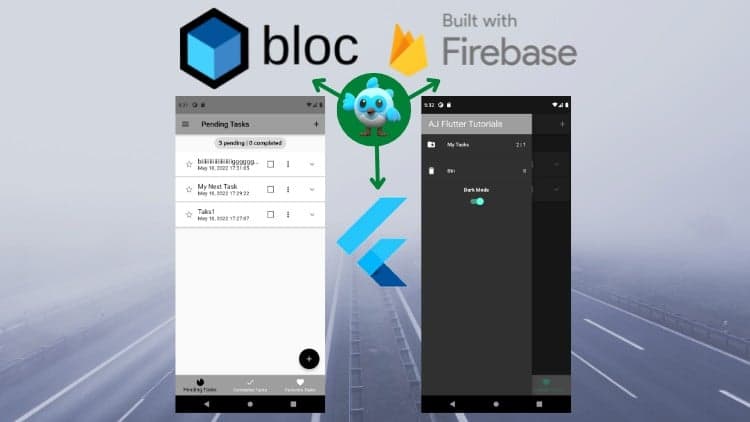
The course builds a task app with BLoC state management, then extends it to Firebase. The first half uses Hydrated BLoC so tasks survive hot reloads and restarts.
The same features are kept, but data is saved to Firestore, and user authentication arrives in the final section. Compare the two halves to see what changes when local storage is swapped for a cloud database.
Hi there!
Welcome to Flutter BLoC State Management & Firebase [2026] From Scratch!
This Full Course about Real Tasks App [To Do App] Using Flutter BLoC Pattern State Management And here you learn:
I. Flutter BLoC State Management with Hydrated Bloc (Hydrated Bloc saves data on local storage)
1) Add tasks - You can add a new task with its description and the task remains there even if you do hot-reload or hot-restart because of Hydrated BLoC.
2) Delete Task - You can Delete a Task and that task moves to Recycle Bin folder of the App.
3) Mark as Done/Undone - when you've done a task, it moved to Completed Tasks Tab or vice versa.
4) Mark as Favourite/Unfavourite - you can mark a task as a favorite and you can find that task in the Favorites Tab.
5) Restore Task - you can restore a task and that task re-appears in the Pending Tasks Tab.
6) Clear Bin Folder - There is a ''Clear All Tasks'' button in the Recycle Bin folder, it deletes all tasks and clears the Recycle Bin folder.
7) Change Theme (Dark and Light) - In the Drawer, there is a switch, by which you can change the App Theme into Dark and Light mode.
Flutter Widgets such as:
- Drawer
- Popup Menu
- Expansion Panel
- Bottom Navigation Bar
and many other Flutter widgets.
II. Flutter BLoC State Management with Firebase (All data will be saved on Firestore)
1) All the function above still works with Bloc, but saves data on Firestore
2) Besides above, User authentication is added in the last section.
I hope you enjoy the course.
Advertisement
Flutter for Beginners: Learn to Build Mobile Apps with Ease
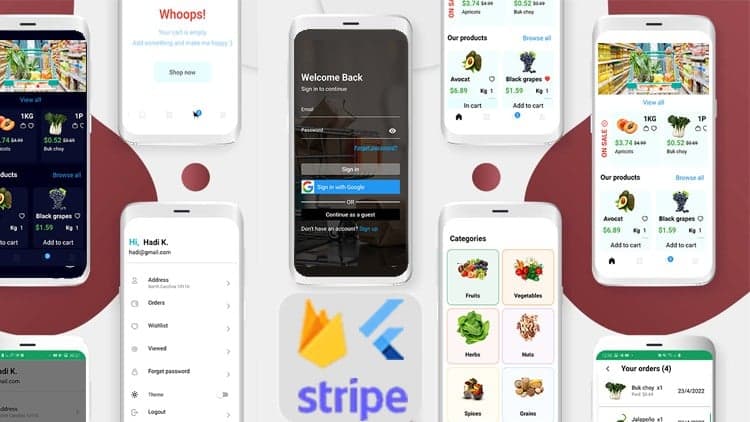
Flutter+Firebase Build a Grocery App&WEB Admin Panel [2024]
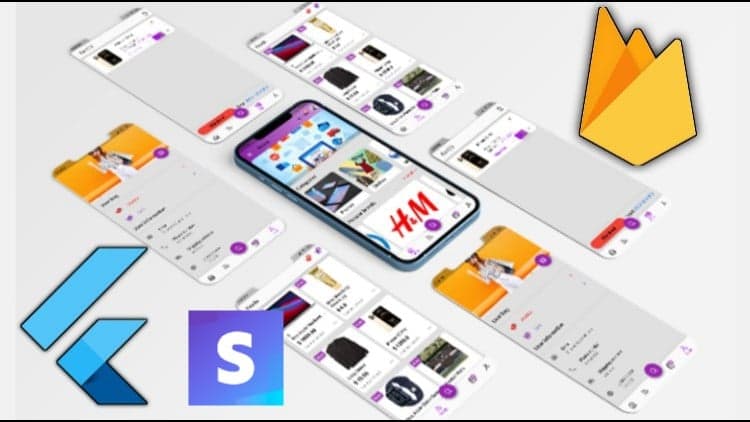
Flutter 1.2 with Firebase&Stripe Build shop app from scratch
Convert Figma Design to React Native Expo App using AI 2025
The Ultimate Flutter Tutorial for Beginners - 2025 Full Course
Tracking since 15 Nov — not enough history yet to tell you whether today's price is any good. Watch the course and we'll tell you when it drops.
This is what we recorded in US pricing — not every price this course has ever had, and prices differ by country.
No Korshub reviews yet.