Udemy
Free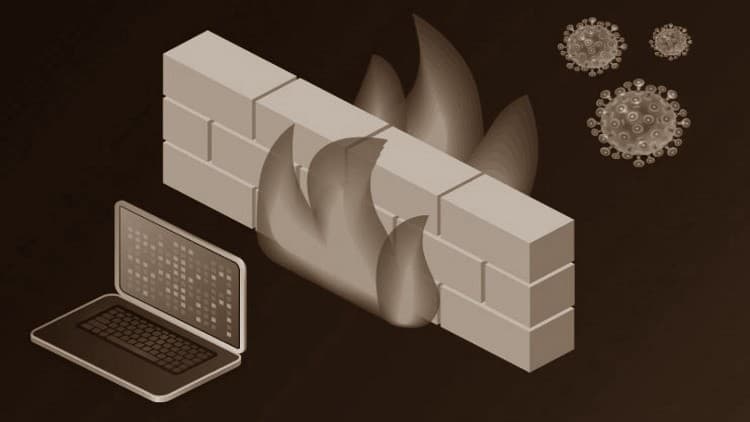 Udemy
UdemyMark your own learning status. Opening a course link does not establish enrollment.
This is a real-world, hands-on course built around the FortiGate VM image (version 7.0.0 and later) as your training environment. Rather than staying theoretical, it walks through the practical, day-one tasks of running a FortiGate: using both the GUI and CLI for administration, setting up firewall policies, configuring interfaces and web filtering to block risky sites, creating user and admin profiles, and choosing the right operation mode for your network.
Beginners entering network security who want a practical entry point into FortiGate firewalls, including anyone working toward a FortiGate certification who wants real-world context alongside their study.
This is a real-world practical hands-on course and is designed as an entry point for anyone who is interested in learning about Fertigate Firewalls. We will use the FortiGate VM image 7.0.0 and later for our training environment and labs.
In the step-by-step how to configure a FortiGate firewall in the network, you'll learn how to start working in the office right away with the FortiGate Firewall. Discover the basics of installing, setting up, and using your FortiGate Firewall such how to use the GUI and CLI for administration, setup Firewall Policies, configure interfaces, web filtering, Configure web filtering to block inappropriate and risky websites, create user and admin profiles, Deploy the appropriate operation mode for your network.
Get insider tips and tricks that will set you apart, things only real-world experience can show you. You can also use this training as an aid to assist you if you are working gaining your FortiGate certification as progress through your IT security track. In this course, you will learn how to operate and administer some fundamental FortiGate features.
By the end of the course, you will acquire a solid basic understanding of how to deploy and maintain a basic network security solution.
Advertisement

Getting Started with Wireshark: The Ultimate Hands-On Course