
Udemy
 Udemy
UdemyMark your own learning status. Opening a course link does not establish enrollment.
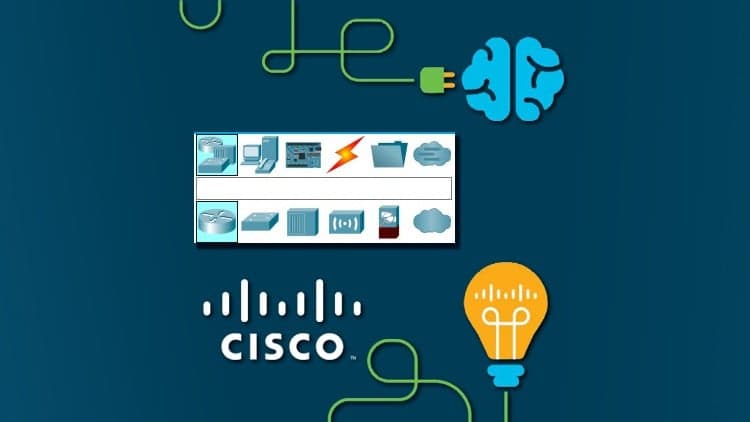
Before diving into networking labs, this course walks through Cisco Packet Tracer itself: how to download the latest official version for free, and how to navigate its interface, including options that aren't immediately obvious.
Who it's for: anyone starting networking courses that use Packet Tracer, especially students who missed an introductory lesson and are struggling to catch up.
Created by a former university networking instructor, it fills a gap left by courses that jump straight into labs without ever explaining the tool itself.
If you're looking to use Cisco's network simulator "Cisco Packet Tracer", you've come to the right place! This course will take you through the download process and show you how to get the latest, original version of the tool for FREE, you will learn how to use the program's interface and how to handle both the basic options, and the ones that are not so obvious - but needed to help you in your mission to learn networking through simulations!
I made this short course because I myself taught networking at a University, and we used Cisco Packet Tracer in those classes as well. I would introduce the program first, and explain how it works before getting into the networking labs, but the students who'd miss that first lesson always struggled to catch up. Afterwards, I've noticed that many networking courses that use Packet Tracer don't teach you about the program itself. That's when I decided to create a sort of a guide for anyone who's just starting to use this fantastic simulator!
Hope you find it useful - see you in class!
Advertisement





Configure your MikroTik router as a Wireless Access Point