Udemy
 Udemy
UdemyMark your own learning status. Opening a course link does not establish enrollment.
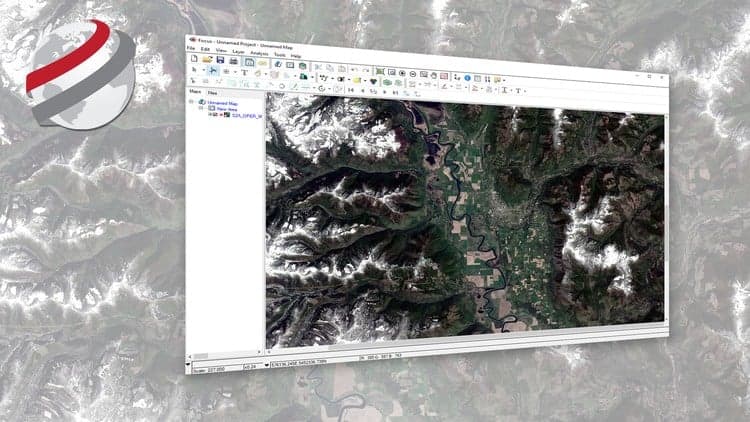
Offered directly by PCI Geomatics, this short course is a practical entry point into visualizing satellite imagery using Geomatica Desktop, the same professional image processing and analysis software used in real remote sensing work.
Rather than a broad remote sensing theory course, it stays narrowly focused on visualization: getting satellite imagery and its ancillary data displayed and readable inside Geomatica. You'll work with a licensed copy of the software alongside sample data sets provided for the course, following along with the instructor step by step.
University students studying remote sensing or GIS, and professionals who are new to satellite imagery workflows and want a guided first exposure to the software.
The video content runs under an hour, but expect to spend two to three hours total once you factor in installing Geomatica and working through the exercises alongside it.
This course is offered by PCI Geomatics, using Geomatica Desktop Image Processing and Analysis Software
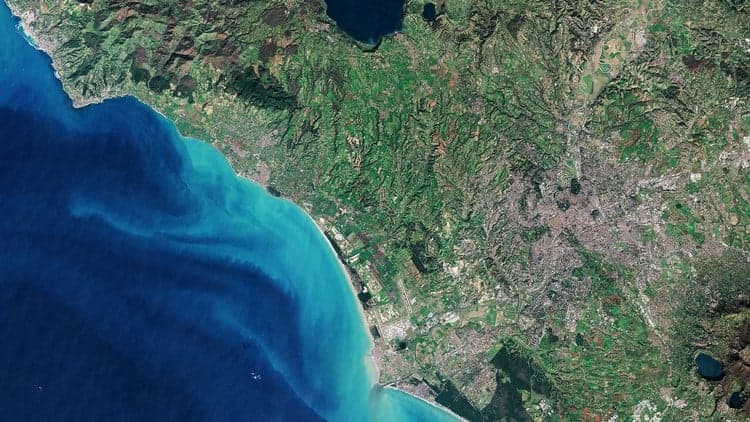
Overview: Are you a student learning remote sensing, or does your organization make use of satellite imagery to generate image products or extract valuable information for actionable intelligence? This course will provide you with the basics on how to visualize satellite imagery and its ancillary contents.
Who is the intended audience? This course is intended for university students or professionals who are new to geographic information systems and remote sensing. After this short course you’ll be able to visualize satellite imagery using professional image processing and analysis software.
What Materials will be used? Students will be able to work with a licensed version of Geomatica as well as sample data sets to follow along with the instructor. Students are expected to install Geomatica on their computer and work with a copy of the data which is provided.
How long will it take me to complete the course? The course materials (videos) run for a little less than an hour. You will likely play the videos several times and review certain steps. The expected time to complete the course is 2-3 hours.
Advertisement