
Udemy
FreeMastering Trello: Organize, Track, and Collaborate Effective
Course4.7521BEGINNER
Free
 Udemy
Free and discounted course coupons, posted every day.
Mark your own learning status. Opening a course link does not establish enrollment.
Loading saved status…
Trello's appeal is that it's simple enough to start using in minutes, yet flexible enough to scale into genuinely complex project management. This course walks through that range, starting from the basics of cards, lists, and boards.
Cards represent individual tasks, lists group related cards, often to represent stages of progress, and boards bring multiple lists together to represent a single project, giving a clear, visual answer to what's being worked on, who's working on it, and where it stands.
Trello is one of the most widely used tools in productivity, digital collaboration, and agile project management, precisely because it stays intuitive at small scale while still adapting to more demanding workflows.
This course is aimed at to-do list lovers, multi-taskers, and productivity-minded users who want to move past scattered notes and into a system that keeps tasks and projects visible in one place.
From the Udemy page
Trello enables more efficient teamwork and increased productivity. Unlike most other productivity tools, it is intuitive and simple to use, but at the same time it is versatile enough to be adjusted for more important and complicated project management.
You may make cards to keep track of tasks with it. These are put on lists that group cards and can be used to indicate different stages of development. …
Advertisement
Yes. It's free on Udemy.
Mastering Trello: Organize, Track, and Collaborate Effective

Trello Basics: 1 Hour for Task Management Using Trello Board


Work Smarter, Not Harder: Time Management for Personal & Professional Productivity
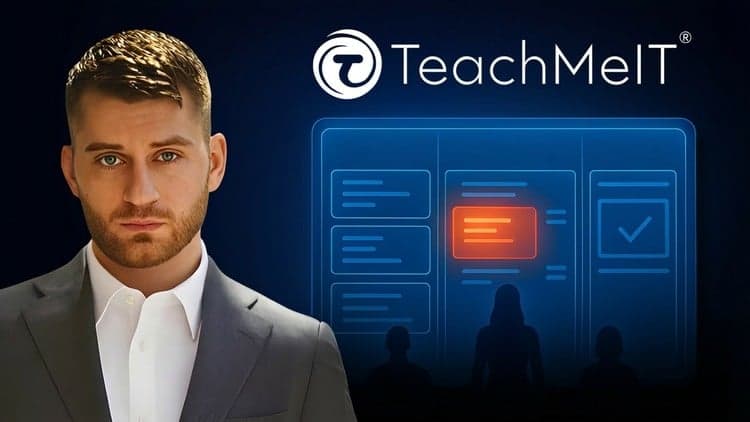
Kanban Basics: 10x Your Productivity | Kanban Boards & More

No Korshub reviews yet.