Coursera
SubscriptionAdvanced Marketing Analytics, Funnels, and Dashboarding
CourseNo ratings yet758BEGINNER
Coursera Plus
View course →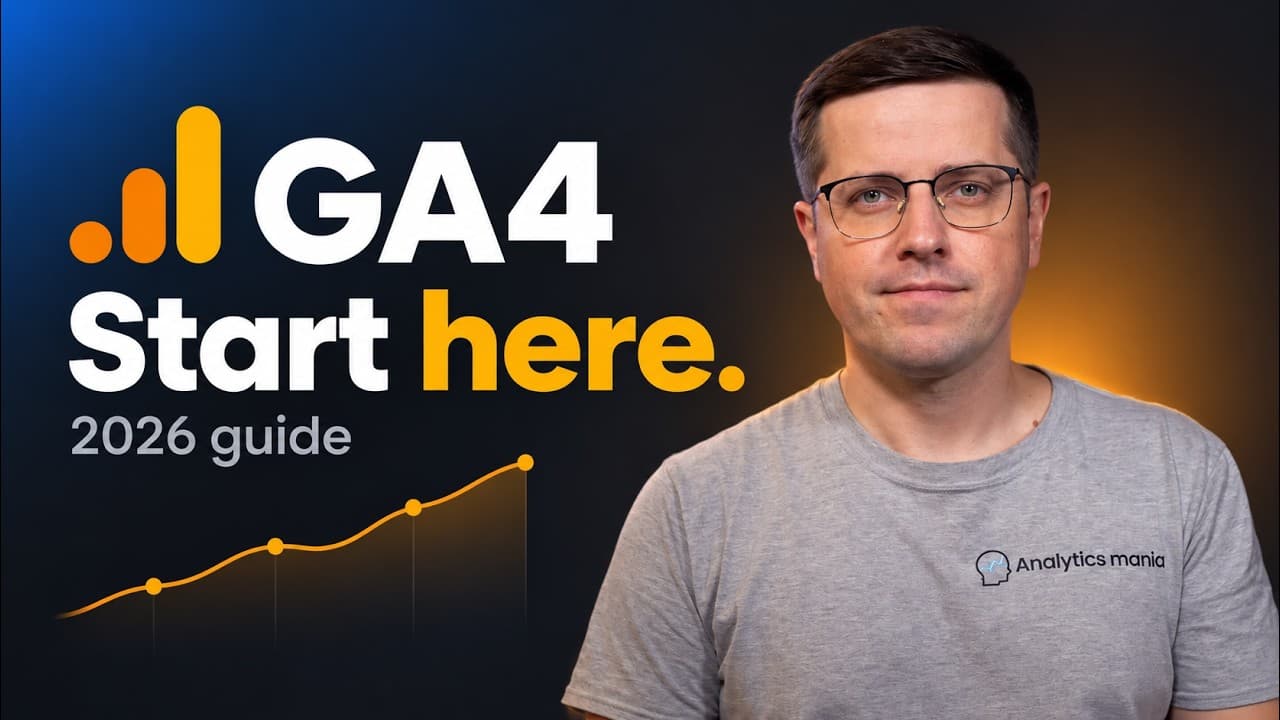 YouTube
Price
This course is free to watch on its platform.
Watch free on YouTube →Mark your own learning status. Opening a course link does not establish enrollment.
Loading saved status…
This beginner tutorial from Analyticsmania covers installation, reports, event tracking and the five configurations the presenter says should be in place from the start. The description stresses that a correct setup is what separates simply having data from gaining insights.
The timestamps move from creating an account and property, through standard, acquisition and engagement reports, into explorations and event tracking, and finish with the things to configure in GA4. The run-through reaches 1:02:48.
The description links to the publisher's blog posts on explorations, events and DebugView, which are useful once you have finished the walkthrough and want to go deeper on one area.
Learn how to get started with Google Analytics 4: installation, interface, reports, key events, configuration, and more.
Setting up Google Analytics 4 correctly is the difference between simply having data and gaining insights. This updated tutorial is a beginner's guide to getting started the right way.
Learn the fundamentals of GA4, including installation, building reports, tracking events, and 5 essential configurations that should be set up on day one.
👉👉👉 Looking for an in-depth Google Analytics 4 course https://www.analyticsmania.com/courses/google-analytics-4-course/?utm_medium=video&utm_source=youtube.com&utm_campaign=am+yt+-+ga4+tutorial+2026
=== TIMESTAMPS ===
00:00 - Intro
00:14 - Create an account, property and data stream
06:15 - Install Google Analytics
12:34 - Standard reports
15:20 - Acquisition reports
21:09 - Engagement reports
24:21 - Monetization reports (ecommerce)
29:02 - Explorations
29:45 - Free form exploration
33:48 - Funnel reports
36:38 - Path exploration
39:36 - Analytics Advisor (AI chat in GA4)
43:49 - Event tracking
53:00 - Where to find event data
57:24 - Things you must configure in GA4
1:02:48 - Final words
=== LINKS ===
Subscribe to our Youtube channel https://www.youtube.com/channel/UCOEX0WT2MJZX3ev954syP3A?sub_confirmation=1
📌 FREE e-books on Google Tag Manager and Google Analytics 📌
https://www.analyticsmania.com/google-tag-manager-e-books-and-guides/?utm_medium=video&utm_source=youtube.com&utm_campaign=am+yt+-+ga4+tutorial+for+beginners+2026
⭐⭐ Google Analytics 4 course ⭐⭐
https://www.analyticsmania.com/courses/google-analytics-4-course/?utm_medium=video&utm_source=youtube.com&utm_campaign=am+yt+-+ga4+tutorial+for+beginners+2026
⭐⭐ Google Tag Manager and Google Analytics 4 courses ⭐⭐
https://www.analyticsmania.com/courses/?utm_medium=video&utm_source=youtube.com&utm_campaign=am+yt+-+ga4+tutorial+for+beginners+2026
✭ Blog Post: How to Setup and Install GA4 (3 ways)
https://www.analyticsmania.com/post/how-to-install-google-analytics-4-with-google-tag-manager/?utm_medium=video&utm_source=youtube.com&utm_campaign=am+yt+-+ga4+tutorial+for+beginners+2026
✭ Blog Post: Google Tag Manager Tutorial for Beginners
https://www.analyticsmania.com/post/google-tag-manager-tutorial-for-beginners/?utm_medium=video&utm_source=youtube.com&utm_campaign=am+yt+-+ga4+tutorial+for+beginners+2026
✭ Blog Post: DebugView in GA4 not working
https://www.analyticsmania.com/post/debugview-in-google-analytics-4-not-working/?utm_medium=video&utm_source=youtube.com&utm_campaign=am+yt+-+ga4+tutorial+for+beginners+2026
✭ Blog Post: Free Form Reports in GA4
https://www.analyticsmania.com/post/exploration-reports-in-google-analytics-4/?utm_medium=video&utm_source=youtube.com&utm_campaign=am+yt+-+ga4+tutorial+for+beginners+2026
✭ Blog Post: How to use Funnel Exploration Report in GA4
https://www.analyticsmania.com/post/funnel-analysis-report-in-google-analytics-4/?utm_medium=video&utm_source=youtube.com&utm_campaign=am+yt+-+ga4+tutorial+for+beginners+2026
✭ Blog Post: Path Exploration report in GA4
https://www.analyticsmania.com/post/how-to-do-path-analysis-in-google-analytics-4/?utm_medium=video&utm_source=youtube.com&utm_campaign=am+yt+-+ga4+tutorial+for+beginners+2026
✭ Documentation: Measure ecommerce
https://developers.google.com/analytics/devguides/collection/ga4/ecommerce?client_type=gtag
✭ Documentation: Analytics Advisor
https://support.google.com/analytics/answer/16675569?hl=en
=== CONNECT WITH JULIUS & ANALYTICS MANIA ===
✭ Facebook https://www.facebook.com/analyticsmania
✭ Twitter https://twitter.com/fedorovicius
✭ Linkedin https://www.linkedin.com/in/fedorovicius
Subscribe to our YouTube channel https://www.youtube.com/channel/UCOEX0WT2MJZX3ev954syP3A?sub_confirmation=1
#googleanalytics #googleanalytics4 #ga4 #googletagmanager
Advertisement
No Korshub reviews yet.
Advanced Marketing Analytics, Funnels, and Dashboarding

AI-Powered Marketing Analytics with Google Analytics 4 (GA4)