
Udemy
 Udemy
UdemyPrice
No active coupon right now
View Course →No coupon right now. We'll tell you when there is one.
Mark your own learning status. Opening a course link does not establish enrollment.
Illustrator's desktop version has long intimidated beginners, but the iPad app strips away complexity without sacrificing power. If you've felt overwhelmed by the full software or want to design logos, icons, and graphics on the go, this course uses the Apple Pencil's intuitive drawing to guide you from fundamentals to professional workflow.
The course covers Illustrator's modern interface thoughtfully: vector-path drawing, symmetry mirroring, shape building, typography, and seamless pattern creation with repeat tools. Thanks to Cloud Documents, your work flows seamlessly between iPad and desktop—the techniques you learn apply across both platforms. Expect fresh content as Adobe releases updates, keeping your skills current with 2022 features and beyond.
Illustrator has been the gold standard for creating everything from gorgeous web and mobile graphics to logos, icons, book illustrations, product packaging and billboards for decades. Until recently you had to have a desktop or laptop computer to use it, but now you can also create stunning illustrations and graphics on the go, by using Illustrator on the iPad.
Mastering Illustrator on the iPad is perfect for you
If you are new to Illustrator and found the desktop version a bit overwhelming, or
If you are self-taught and need the skills to work more effectively and professionally, or
If you love the idea to work on logos, icons, illustrations anywhere on the go, with just your iPad and Apple Pencil!.
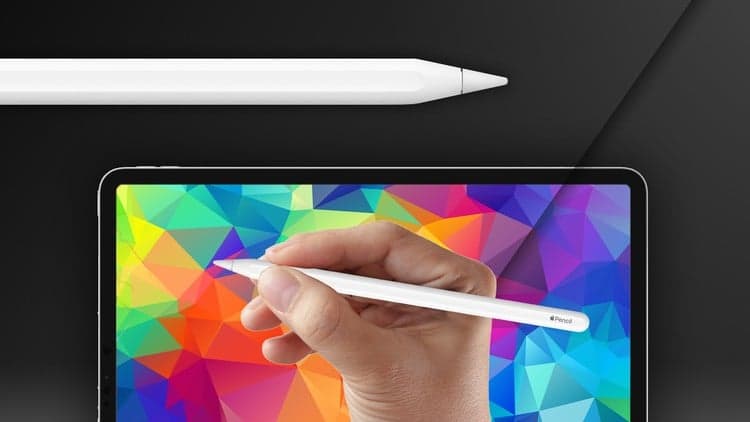
Taking this course can be the perfect introduction to creating vector illustrations for anyone who owns an iPad. The refined, modern interface and support for Apple Pencil makes this robust creative tool easier to master than ever before.
Course content updated with the latest 2022 new features
Here are just a few of the reasons, why you need to try this new, re-imagined version of Illustrator:
Intuitive way of drawing vector paths utilizing the Apple Pencil
Smart Delete and Simplify features for refining paths with ease
Drawing in symmetry with Mirror Repeat
Creating complex details from simple shapes using the Shape Builder
Advanced typographic features like Type on Path with access thousands of Adobe Fonts
Grid and Radial Repeat for creating seamless Patterns
Freeform Gradients for beautiful transitions and shading details
Throughout this MasterClass, I have carefully selected each example to give you clear explanations as we explore the key techniques from simple to more complex. If you follow along with the exercises and creative projects within the course, by the time you finish, you will use Illustrator on the iPad like a creative professional. You will effortlessly find your way through the app, creating amazing vector illustrations for yourself, for clients, switching between desktop and iPad at the office or working in a cosy park.
Thanks to Cloud Documents there is a seamless handover between devices and most of the techniques you will learn from this course will also apply on the desktop version of Illustrator.
Since Adobe is frequently updating their creative tools you can also expect to see new features released often for Illustrator on the iPad. These will be covered as new lessons added to this course each time there is a new product update released.
Existing and more experienced users of Illustrator may also discover hidden gems and workflows or catch up with all the new features released in 2022.
By purchasing this course you will get all the examples as downloadable exercise files, so you can follow along and practice everything at your own pace.
Take the next step in your creative career, enroll for this course now and let’s master Illustrator on the iPad together!
Advertisement

Design with Confidence: Adobe Illustrator Basics (Mar 2026)

Not the best price we've seen. The lowest we've recorded is $9.99 on 18 Aug.
This is what we recorded in US pricing — not every price this course has ever had, and prices differ by country.