Udemy
 Udemy
UdemyPrice
No active coupon right now
View Course →No coupon right now. We'll tell you when there is one.
Mark your own learning status. Opening a course link does not establish enrollment.
Photoshop on the iPad brings the world's standard image-editing tool to a portable, touch-friendly form with Apple Pencil support. This course is updated through 2024's newest features and designed for both complete beginners and self-taught users who want to work more efficiently and professionally.
The instructor has worked with global creative brands—Disney, Mattel, Cartoon Network, Nickelodeon, BBC—and brings real professional workflows to each lesson. You'll learn compositing, retouching, and effects work that translates directly to the desktop version via Cloud Documents, so your projects move seamlessly between devices. The modern interface and tactile Apple Pencil input make Photoshop more intuitive than ever to learn.
Photoshop has been the gold standard for photo editing, retouching and manipulation for decades. Until recently you had to have a desktop or laptop computer to use it, but now you can also create stunning composites, retouch your images, and apply effects while on the go, by using Photoshop on the iPad.
This course is up-to-date with all the new features introduced in 2024
This course is perfect for you if you are just starting out or if you are self-taught and aiming to learn to do things more effectively and professionally.
Taking this course can be the perfect introduction to creative image editing for anyone who owns an iPad. The refined, modern interface and support for Apple Pencil makes this robust creative tool easier to master than ever before.
Throughout this course I have carefully selected each example to make sure you get clear explanations without wasting time even while we explore complex techniques. Having worked for clients like Disney, Mattel, Cartoon Network, Nickelodeon and BBC I have ensured this course will help you to start using Photoshop on the iPad just like a creative professional.
Thanks to Cloud Documents there is a seamless handover between devices and most of the techniques you will learn from this course will also apply on the desktop version of Photoshop.
Existing and more experienced users of Photoshop may also discover hidden gems and workflows or catch up with all the new features released in 2024.
By purchasing this course you will get all the examples as downloadable exercise files, so you can follow along and practice everything in your own pace.
Take the next step in your creative career, enroll for this course now and let’s master Photoshop on the iPad together!
Target Audience:
Photoshop desktop users
Anyone new to Photoshop
Reasons to take this course:
The most intuitive tool for creating composites
Produce professional designs on the go
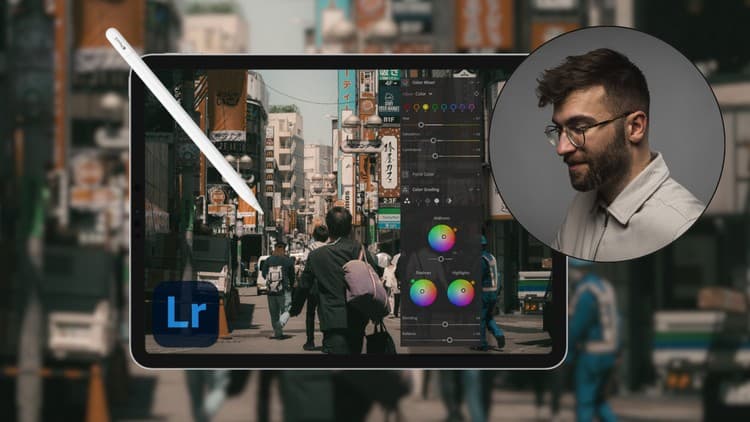
Seamless handover between desktop and iPad with Cloud Documents
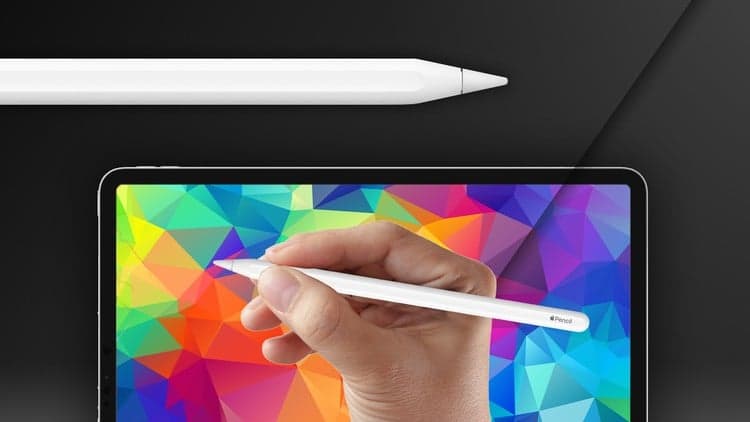
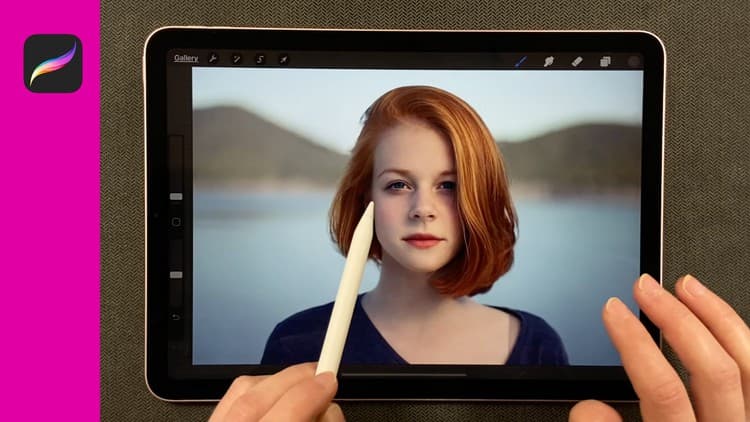
Apple Pencil - perfect input for retouching, painting, compositing
Advertisement


Not the best price we've seen. The lowest we've recorded is $10.99 on 18 Aug.
This is what we recorded in US pricing — not every price this course has ever had, and prices differ by country.