Udemy
Free Udemy
UdemyPrice
No active coupon right now
View Course →No coupon right now. We'll tell you when there is one.
Mark your own learning status. Opening a course link does not establish enrollment.
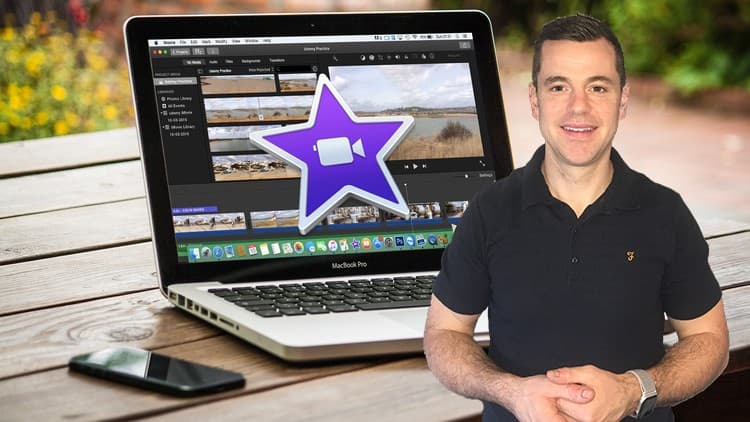
A complete path from iMovie novice to confident editor. Every lesson is short and focused so you can edit immediately rather than suffer through theory. Covers the whole pipeline: importing media, color grading, final export—everything you need to turn raw footage into polished videos for travel diaries, promotions, online courses, or social sharing.
Practice videos are included so you don't need to source your own material. The instructor remembers being a complete beginner and structures each step so nothing feels overwhelming. Also draws on professional experience with Final Cut Pro, so you get insights that go beyond iMovie basics.
Backed by a 30-day money-back guarantee and lifetime course access with new lessons added regularly.
You're here because you want to learn video editing with iMovie, right?
This is the perfect place to start. This complete course is designed for beginners who want to learn how to edit amazing videos with iMovie.
iMovie is the ideal application for beginners, it's very user friendly so whether you want to create an epic travel video, a birthday video, promote a product for work or even edit your own online course, then iMovie is the right way to do it.
While the word "video editing" might sound scary for many of you who have never opened up a video editing application before, but once you get started, it's fairly intuitive. Everything from importing media to color grading, then actually exporting your videos can be learned in this course.
With this course, you don't need to actually have ready videos for editing. Once you have enrolled in this course a link will be given to you with all the practice videos that we're going to use during the course and more than that.
Why learn from me?
I've been editing videos for years. Just like you, there has been a time where I was a complete newbie to video editing! I had no idea how to edit videos. Yet today, video editing is like second nature. Although I currently use a more professional editing software, '(Final Cut Pro X) for most of my work. I still remember what it is like start out with iMovie, and I've kept that in mind while creating this entire course. I walk you through every process step-by-step to make sure you understand things clearly. And if there is ever anything that is confusing, just let me know and I'll create more lessons that explain or walk you through myself.
MY GOAL WITH THIS COURSE
No matter what you intend to do with iMovie, I want to make sure you're able to do that. My goal is to be your guide along the way and get you editing in iMovie as soon as possible, that's why all the lessons in this course are short and straight to the point creating an easy learning experience.
With our 30-day 100% money-back guarantee, there's no reason to hesitate. Enroll now, try it out, and see if you like the course!
I can't wait to help you edit your own videos with iMovie
Cheers,
Konrad
Advertisement
The Complete iMovie Course - from Beginner to Advanced 2026!
Filmora 12,13,14: Complete Video Editing Course For Everyone
Not the best price we've seen. The lowest we've recorded is $9.99 on 18 Aug.
This is what we recorded in US pricing — not every price this course has ever had, and prices differ by country.