Udemy
 Udemy
UdemyPrice
No active coupon right now
View Course →No coupon right now. We'll tell you when there is one.
Mark your own learning status. Opening a course link does not establish enrollment.
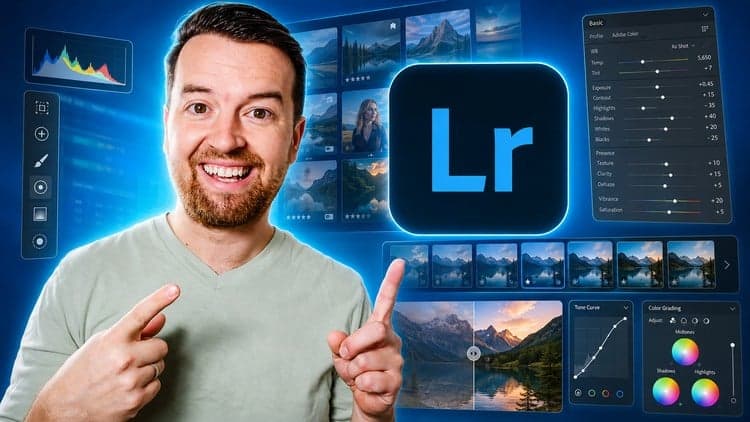
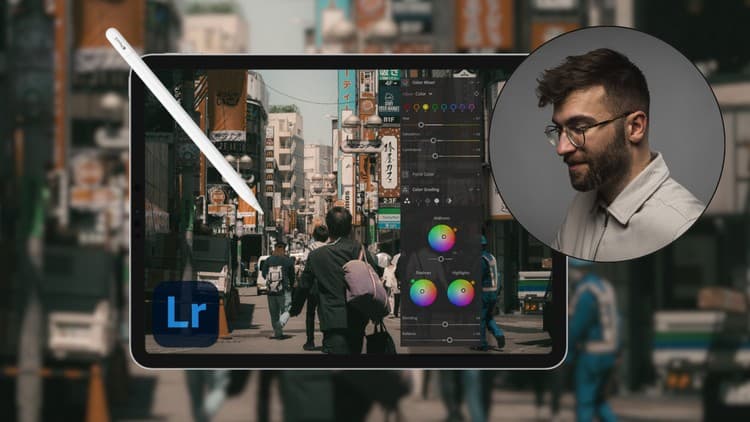
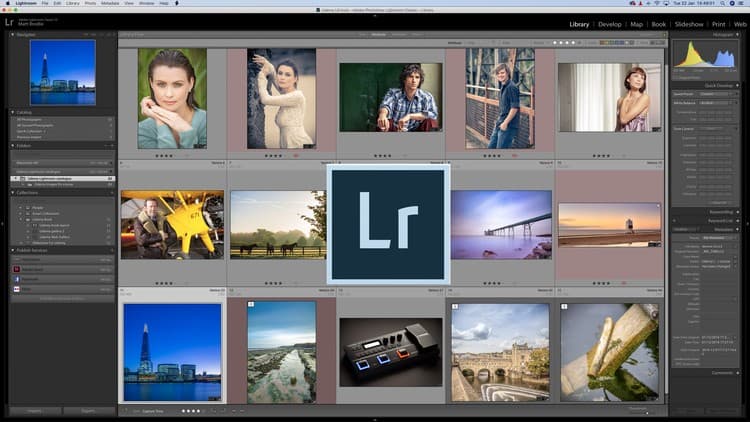
No matter whether you shoot with a DSLR, mirrorless camera, or smartphone, this course shows you how to unlock Lightroom's full power. You'll learn the complete workflow—importing and organizing photos, then mastering the editing tools professionals rely on: exposure correction, tone curves, HSL adjustments, color grading, and lens corrections.
What sets this course apart is its balance between traditional technique and modern capability. You'll also explore Lightroom's AI features—masking, subject detection, sky enhancement—that let you achieve high-quality results faster while maintaining full creative control. By the end, you'll have a confident editing workflow you can apply to personal projects, client work, social media, or professional portfolios.
NOTE: "This course contains the use of artificial intelligence."
NOTE: "This course contains the use of artificial intelligence."
I am disable from voice and I used Artificial intelligence voice.
Welcome to the Adobe Lightroom Masterclass, a complete and practical guide designed for beginners, aspiring photographers, content creators, and anyone who wants to transform ordinary photos into stunning, professional-quality images. Whether you capture photos with a DSLR, mirrorless camera, or smartphone, this course will teach you how to unlock the true power of Adobe Lightroom and bring your creative vision to life.
In this course, you’ll learn the full Lightroom workflow—from importing and organizing images to mastering the editing tools that professionals rely on. You will discover how to adjust lighting, enhance colors, apply presets, remove distractions, and create your own unique editing style. Step by step, you will explore photo editing fundamentals such as exposure correction, tone curves, HSL adjustments, color grading, lens corrections, and more.
You will also understand how to use Lightroom AI features to improve efficiency, such as masking, subject detection, sky enhancement, and automatic adjustments. These tools help you achieve high-quality results faster while still maintaining complete creative control.
By the end of this course, you will have a solid foundation in Lightroom and a confident editing workflow you can use for personal projects, photography clients, social media content, and professional portfolios. Whether you are a beginner or leveling up your skills, this course will help you edit like a pro.
Enroll today and start creating eye-catching photos that stand out anywhere!
Advertisement
Adobe Lightroom CC Photo Editing: Your Lightroom Masterclass



Not the best price we've seen. The lowest we've recorded is $9.99 on 18 Aug.
This is what we recorded in US pricing — not every price this course has ever had, and prices differ by country.