Udemy
Free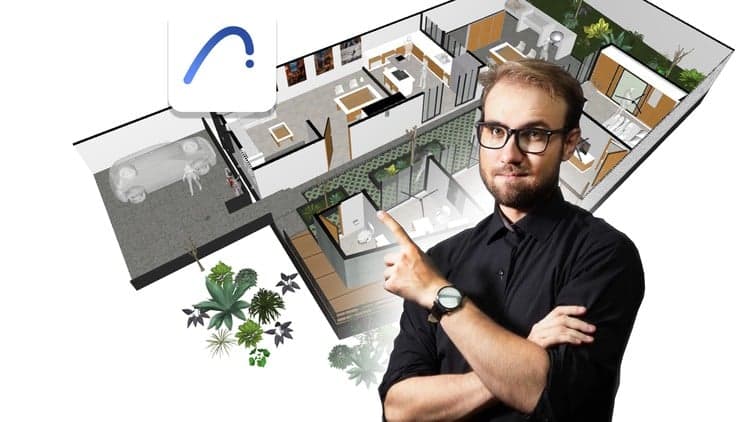 Udemy
Free and discounted course coupons, posted every day.
This course answers the questions a first-time BIM user actually has: what BIM is, how ArchiCAD compares to Revit, how to register, download, and install ArchiCAD, and how to open, view, and navigate a BIM project in both 2D and 3D — all in under two hours.
It's taught by an instructor with a Master's in Architecture, BIM Coordinator experience, and a background implementing BIM with Graphisoft Mexico. The course is positioned as the first step in a longer sequence of structured ArchiCAD training, so it deliberately keeps scope narrow: orientation and first steps rather than deep production workflows.
Complete beginners to BIM, or anyone deciding between Revit and ArchiCAD and wanting a low-commitment way to try ArchiCAD first.
Mark your own learning status. Opening a course link does not establish enrollment.
Loading saved status…
From the Udemy page
What is BIM? Which is better, Revit or ArchiCAD? How can I register, download and install the current version of ArchiCAD? How can I open, view and navigate in 2D and 3D a BIM project with ArchiCAD? What types of BIM solutions does ArchiCAD offer me? These are some of the questions that I will answer for you for free in less than 2 hours. …
Advertisement
Revit Tutorial for Beginners - Building Information Modeling [3D Design Course]

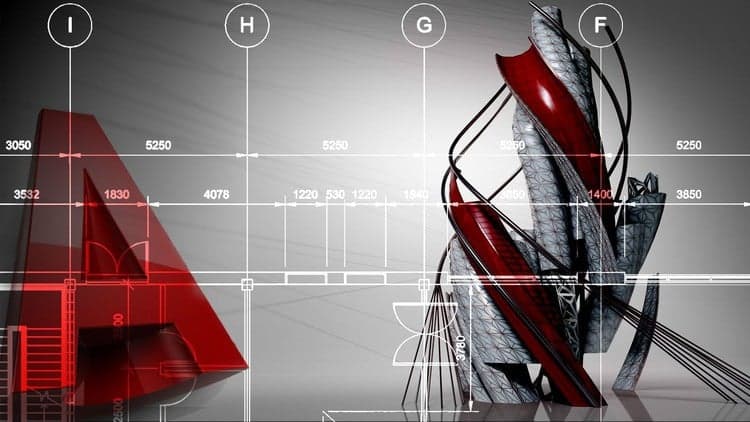
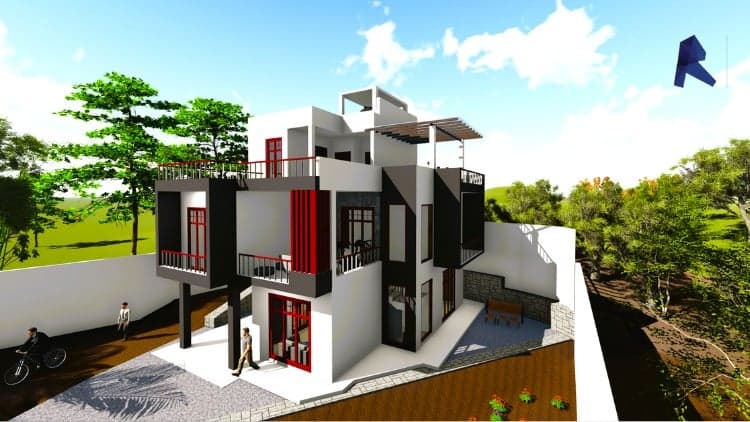
Virtual Building Design for Engineers Using Autodesk Revit
Yes. It's free on Udemy.
No Korshub reviews yet.