Udemy
Free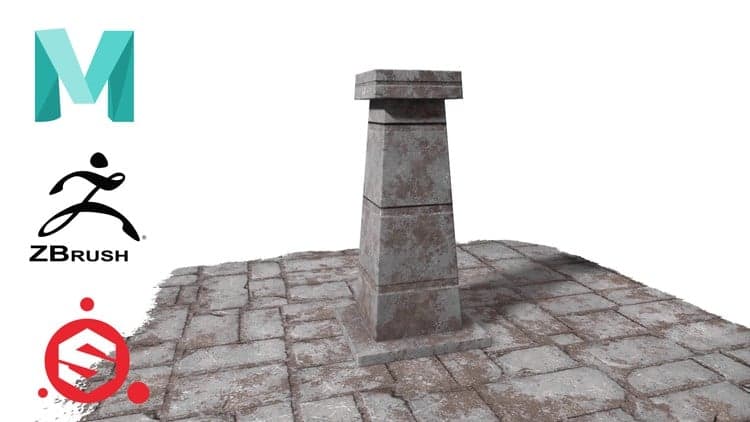 Udemy
Free and discounted course coupons, posted every day.
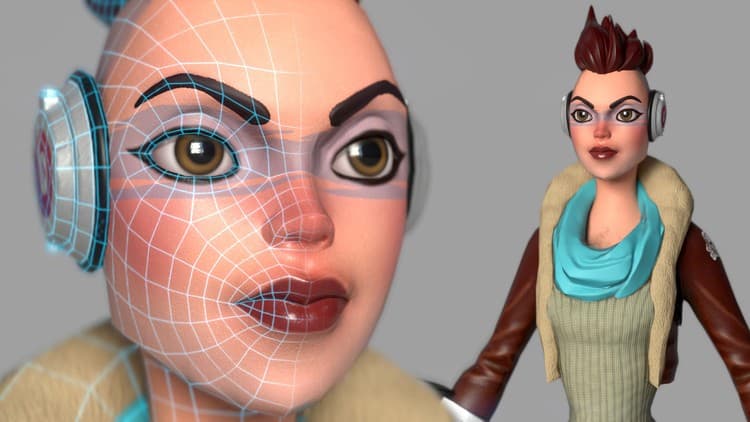
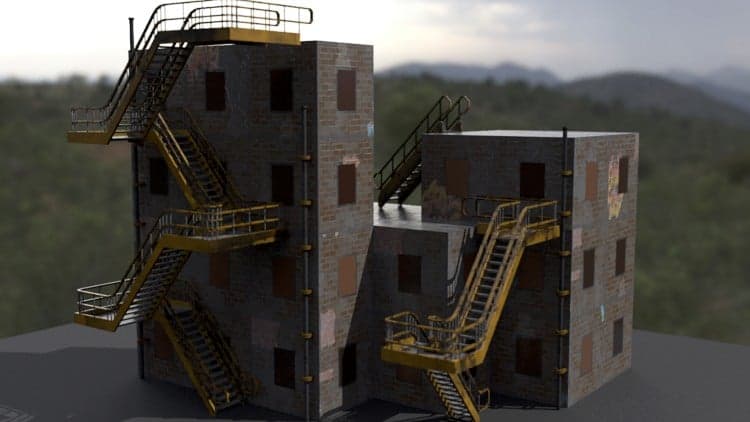
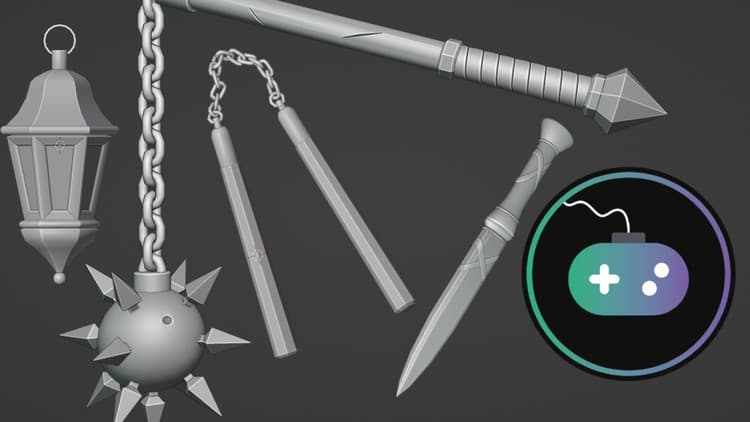
This course walks absolute beginners through the full pipeline for creating game-ready 3D assets, using Autodesk Maya, ZBrush, Substance Painter, and Marmoset Toolbag. It starts with Maya's interface, navigation, and UV unwrapping, moves into adding sculpted detail in ZBrush, covers texturing in Substance Painter, and finishes with lighting, rendering, and a turntable presentation in Marmoset Toolbag.
Absolute beginners with no prior 3D experience, including game design students and anyone who knows programming and wants to add asset creation to their skill set. No prerequisites are required beyond access to the four software tools used.
Mark your own learning status. Opening a course link does not establish enrollment.
Loading saved status…
From the Udemy page
There is no pre-requirements for this course. List of Software's Required
1. Quick_maya_interface_overview
2. navigation and component modes in maya
3. component mode and tools
4. create and set project
5. setting up the real scale world reference
6. quick_overview_of_UV_unwrapping
7. asset_UV_unwrapping
8. prepearing model for zbrush
9. importing_asset_in_zbrush
10. quick_zbrush_interface_overview
11. adding_details
12. Decimate master
13. adding_details_on_plane_geometry
14. exporting_asset_for_substance_painter
15. importing_model_into_substance_painter
16. quick_substance_painter_overview
17. intro_to_texturing_in_substance_painter
18. texturing_plane_in_substance_painter
19. exporting_textures_from_painter
20. importing_model_and_textures_in_marmoset_tool_bag
21. lighting_and_rendering_in_marmoset_tool_bag
22. turn_table_and_final_Words …
Advertisement
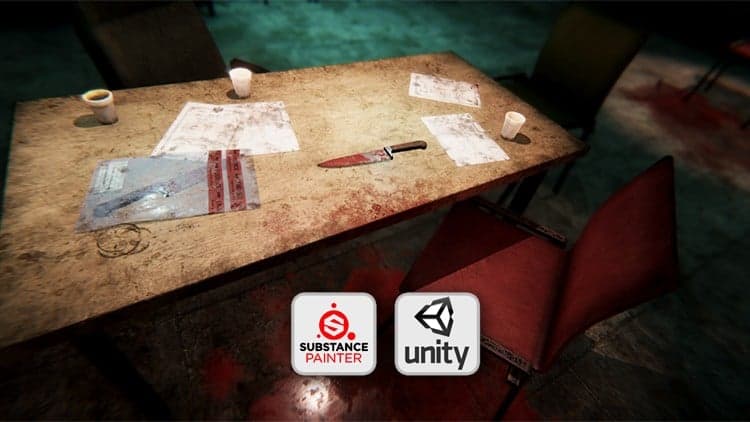

Combat Knife 3D Game Asset in Blender and Substance Painter
Yes. It's free on Udemy.
No Korshub reviews yet.