Udemy
 Udemy
UdemyPrice
No active coupon right now
View Course →No coupon right now. We'll tell you when there is one.
Mark your own learning status. Opening a course link does not establish enrollment.
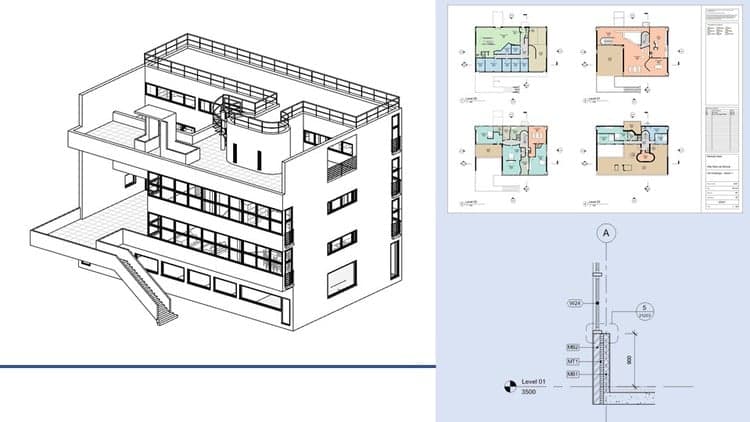
Designed for absolute beginners with no prior Revit experience, this course takes you from the user interface through every core modeling capability you'll need in practice.
You'll learn to work with column grids, walls, doors, and windows—including how to offset and adjust them—then move into views, floors, roofs, ceilings, casework, and staircases. The course covers topography and rooms, essential for site and space planning, then dives into detailing, modify tools, and graphics to refine your designs.
A critical skill for any Revit user is preparing and sharing your work: the course teaches printing and exporting to CAD, as well as linking and inserting both CAD and Revit files. Working files are provided so you can follow along throughout. By completion, you'll be confident creating your own Revit models using the full toolset Autodesk provides.
In this Learning Revit Architecture 2016 training course, expert author Brian Myers teaches you how to use the powerful tools and features available in the latest version from Autodesk. This course is designed for the absolute beginner, meaning no previous experience with Revit Architecture is required.
You will start with a tour of the user interface, then jump into learning about column grids. From there, Brian will teach you about walls, doors and windows, including how to offset a wall, place a door, and adjust walls and columns. This video tutorial also covers topics including views, floors, roofs, ceilings, casework, and stairs. You will also learn about topography, rooms, and how to prepare and render a scene. Brian will then teach you about detailing, modify tools, and graphics. Finally, you will learn how to print and export to CAD, as well as how to link and insert CAD and Revit files.
Once you have completed this computer based training course, you will be fully capable of creating your own Revit models using the tools and techniques available in this software program from Autodesk. Working files are included, allowing you to follow along with the author throughout the lessons.
Advertisement
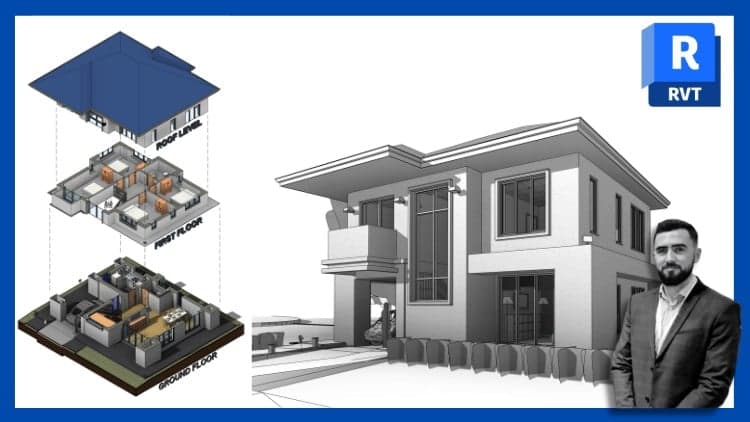
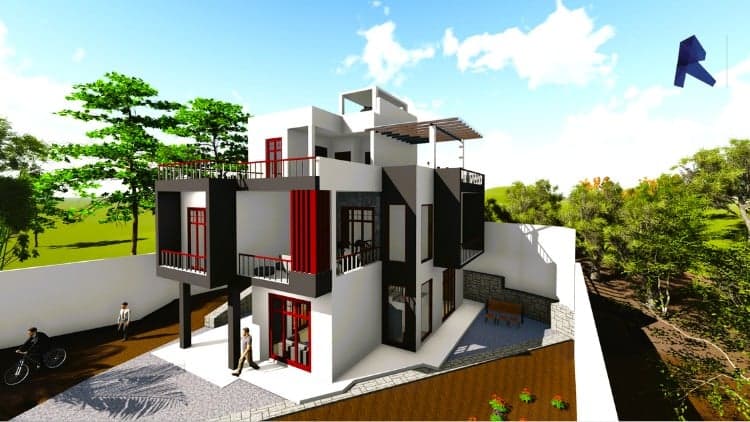
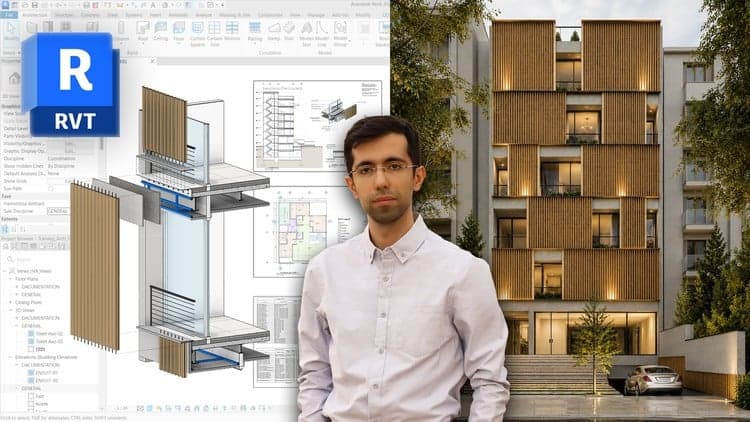
Revit Architecture Modeling: BIM Residential Project Expert

Not the best price we've seen. The lowest we've recorded is $9.99 on 17 Aug.
This is what we recorded in US pricing — not every price this course has ever had, and prices differ by country.