Udemy
-85%Notion 101: Organize your personal & work life with ease
Course4.717kALL LEVELS
$12.99$84.99
See price →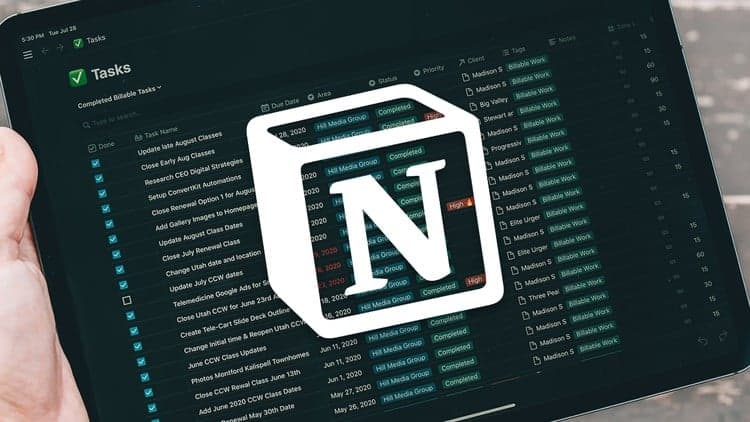 Udemy
UdemyPrice
No active coupon right now
View Course →No coupon right now. We'll tell you when there is one.
Mark your own learning status. Opening a course link does not establish enrollment.
Notion templates are everywhere, but this course is built around the idea that templates only get you so far — real staying power comes from understanding how to build your own systems. The instructor, a self-described busy entrepreneur and freelancer, developed these methods out of necessity before turning them into a course.
The core skill taught here is connecting databases through relational linked-database connections, so information in one part of your Notion workspace stays in sync with another — the difference between a pile of disconnected notes and an actual information-management system.
It's a good fit if you've downloaded someone else's Notion template before and wondered how it was built, or if you've outgrown basic note-taking and want a workspace that adapts to your specific workflow rather than a generic layout. Beginner-friendly, but the payoff is intermediate-level thinking.
Notion is a powerful tool that allows you to create your own tools and processes for staying organized. Since discovering Notion for myself, I have created tools and systems to keep myself organized and on top of everything in my life. As a busy entrepreneur and freelancer, I couldn't find an out-of-box tool that fit my needs. I was able to create these tools in Notion, and now I want to teach you to do the same.
In this course, you will learn how to set up databases and pages in Notion. We will tie them together using relational "linked" database connections so you can keep track of everything. By the end of this course, you will understand how to create databases and connect them together to build your own powerful information management tool.
Thousands of people who have downloaded my Notion Templates to jumpstart the process of getting started with Notion have been asking for a course like this. Templates are a great way to get your feet wet, but the true power of Notion comes when you have a solid understanding of how to create these systems for yourself. In this course, we do this together.
Thanks for considering my course.
Advertisement
Not the best price we've seen. The lowest we've recorded is $9.99 on 17 Aug.
This is what we recorded in US pricing — not every price this course has ever had, and prices differ by country.
Notion 101: Organize your personal & work life with ease