
Udemy
 Udemy
UdemyPrice
No active coupon right now
View Course →No coupon right now. We'll tell you when there is one.
Mark your own learning status. Opening a course link does not establish enrollment.
QuickBooks Online can feel overwhelming at first—too many buttons, unclear workflows, unfamiliar terminology. This course strips away that friction. You'll walk through setup step-by-step, then handle every common transaction type a business actually encounters: invoices, customer payments, bills, petty cash, and bank reconciliation.
The real value comes from the practical projects that mirror real-world accounting challenges. You'll learn not just how to enter data, but how to extract and customize reports that tell you what's actually happening in your business, and how to catch and fix data-entry mistakes. The instructor offers personal support throughout, so you're never stuck guessing what a menu option does.
In this best rated QuickBooks Online Video Course, you will learn everything you need to know about QuickBooks Online. From QuickBooks for dummies to advanced QuickBooks topics, this course is perfect for everyone!
There is no special software to install; we will use the free 30-day trial version that everybody, who signs up within the United States, gets for free. You could also use the accountant's edition that is currently free if you are in The U.S.
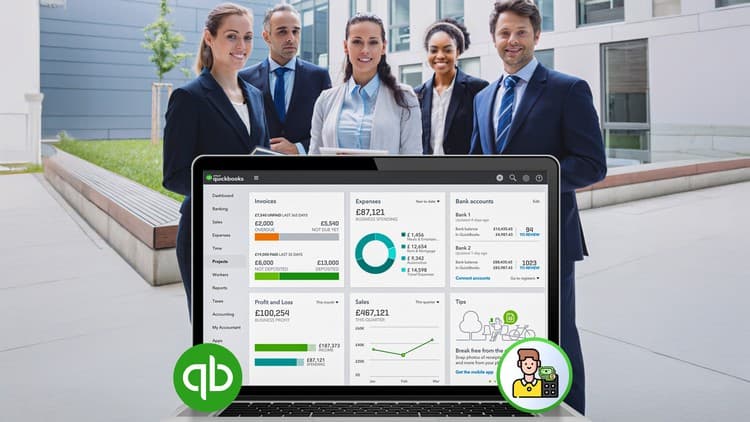
The perfectly clear, step by step instructions will show you how to navigate through every part of QBO. We will perform the complete set up together. You will then experience every common transaction type that can be entered in to QuickBooks Online. You will see how to manage and customize the most important reports in QBO. You will be able to find and fix data entry mistakes and even find anything ever entered in to your QuickBooks Online account. The projects and tests replicate real life challenges that I will show you how to overcome when using QuickBooks Online. Any industry specific tasks that you might need can be learned from watching those topics in the QuickBooks Desktop videos. This course will give you the ability to apply those specialty topics to QuickBooks Online.
The transactions we learn are what any company would need when using QuickBooks Online. We enter invoices, sales receipts and customer payments in to the QuickBooks online account. The training includes deposits and QuickBooks bank related transactions as well as entering vendor's bills and paying bills in QuickBooks Online. This QuickBooks Online video instructional course even includes Petty Cash and other cash back related transactions. I continuously give QuickBooks Tips and QuickBooks tricks along the way to help students have total control over all your QuickBooks Online records. The important QuickBooks Online functionality features will help you become an expert in QuickBooks Online.
I'm right here for you if you have any questions or need support. I hope you learn well and enjoy the course!
-Mark
Advertisement




Not the best price we've seen. The lowest we've recorded is $12.99 on 18 Aug.
This is what we recorded in US pricing — not every price this course has ever had, and prices differ by country.