
Udemy
Price
No active coupon right now
View Course →No coupon right now. We'll tell you when there is one.
Mark your own learning status. Opening a course link does not establish enrollment.
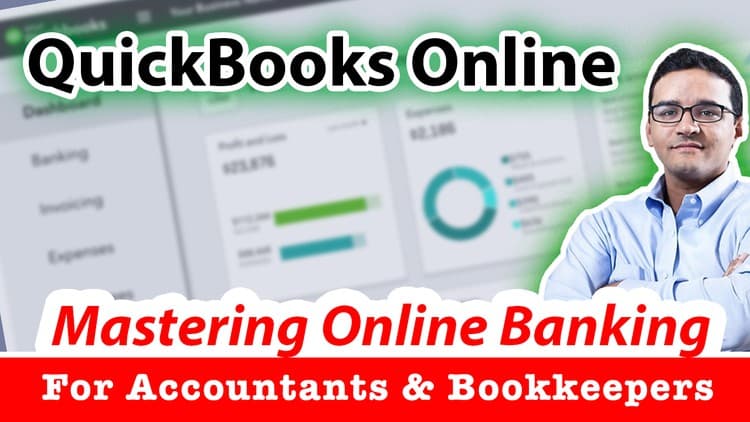
QuickBooks Online's banking features confuse users because the logic—downloading transactions, categorizing, reconciling—involves choices that aren't obvious from the software alone. This course treats those choices as a coherent system, not isolated features.
The format is two recorded webinars totaling 4 hours, covering bank feed mechanics, categorization and batch rules, transaction matching, reconciliation for bank and credit card accounts, and the nuanced scenarios that break people: fixing beginning balances, reconciling PayPal, handling transfers. The instructor is a CPA who trains advanced ProAdvisors and updates this material annually as QuickBooks evolves.
LAST UPDATE 05/28/2021
QuickBooks Online: Bank Feeds, Downloaded Transactions, Bank Reconciliation, PayPal, and Troubleshooting balances
This course is designed for active QuickBooks Online users that need to understand how banking works, downloading transactions, dealing with categorizing as expenses, income, or transfers across balance sheet transactions. The format of this course is 2 recorded webinars of 2 hours each, covering these topics:
Advanced Navigation Tips to boost efficiency with bank feeds
Direct Connection vs. Uploading QBO/CSV File
Bank Feeds Layout explained
Categorizing New Transactions
Bank Rules
Batch Categorizing Transactions
Exclude, Undo, and Delete
Matching Transactions
Cleaning up beginning balance issues
Reconciling Banks
Reconciling Credit Cards
Manual transactions in register
Getting rid of old uncleared transactions
Fixing Reconciliation Discrepancies
Dealing with Transfers (Troubleshooting)
Reconciling other accounts (Loans)
Reconciling Petty Cash
Working with PayPal (direct transactions downloads vs. manual transactions upload)
This course is designed for active QuickBooks Online users that need to understand how banking works, downloading transactions, dealing with categorizing as expenses, income, or transfers across balance sheet transactions
Taught by Hector Garcia, CPA - an active Accountant working with small business clients, Advanced QuickBooks ProAdvisors, and one of the top trainers of all things accountant on earth! He has a YouTube Channel with over 130k subscribers, and long-term Udemy course maker. This course is updated in an annual basis to cover all the changes and feature upgrades in QuickBooks Online.
Advertisement







Not the best price we've seen. The lowest we've recorded is $9.99 on 17 Aug.
This is what we recorded in US pricing — not every price this course has ever had, and prices differ by country.