Microsoft Learn
Free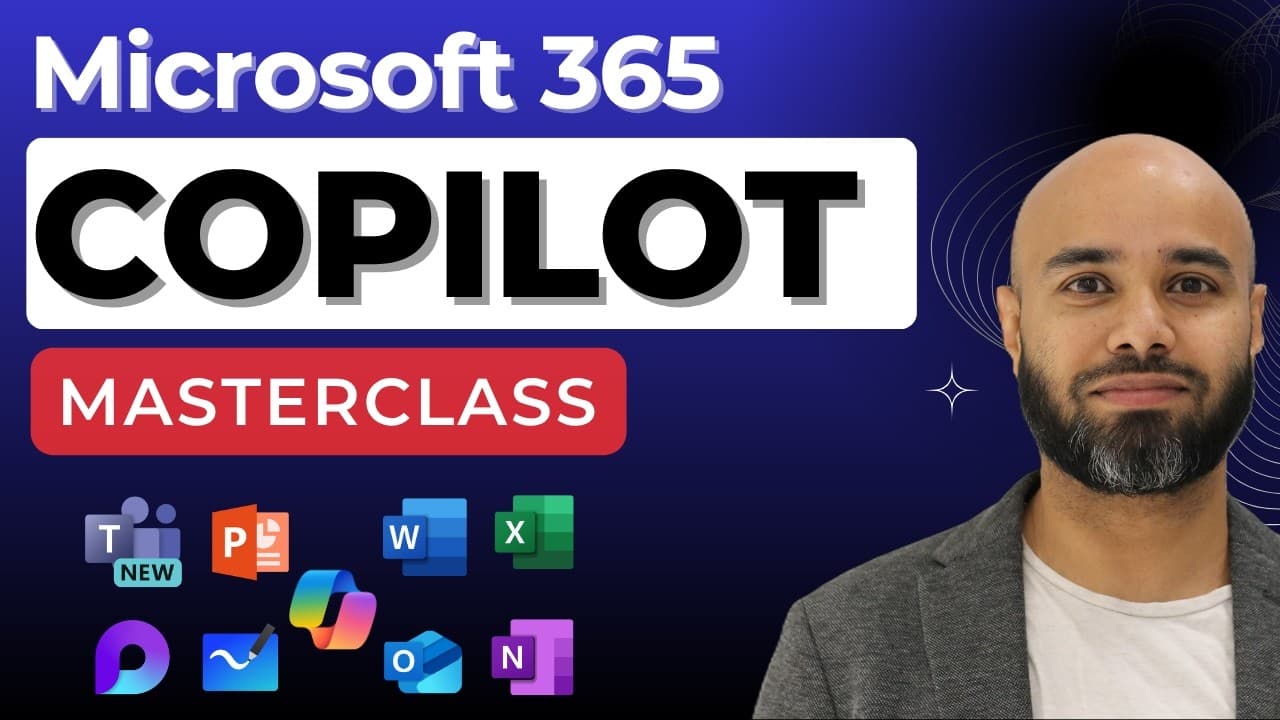 YouTube
Mark your own learning status. Opening a course link does not establish enrollment.
Loading saved status…
The masterclass walks through Copilot in Word, Excel, PowerPoint, Outlook, Teams, OneNote, Loop, Whiteboard and Forms, with a hands-on walkthrough for each. Most sections are built around a concrete task, such as turning a document into an email or building a deck from a prompt.
Near the end, a guest segment introduces Security Copilot, covering what it is, who gets access, plugins and how to write a useful security prompt. That makes the video broader than a standard productivity tutorial.
🧧 Access AI Skills Hub here: https://www.aguidetocloud.com/ai-hub
This beginner-focused masterclass teaches how to use Copilot across Microsoft 365 apps with real-world hands-on labs. Learn how to create documents, analyze data, design presentations, manage meetings, and collaborate smarter with Copilot.
🤖 Hands-on walkthroughs for every application
⚡ Tips for maximizing productivity and creativity with AI
🎯 Ideal for knowledge workers, admins, and business users starting with Copilot
━━━━━━━━━━━━━━━━━━━━━━━━━━━━━
🌐 A Guide to Cloud & AI — Your AI & Cloud Skills Hub
⏱️ TIMESTAMPS
00:00 What this Copilot masterclass covers
02:02 Copilot in Word
06:03 Modify and add detail to an existing document
13:52 The reference section in Copilot's answers
17:41 Format a document with Copilot
19:57 Turn a document into an email
22:24 Summarise a document in three sentences
30:33 Copilot in Excel
33:13 What you need before Copilot works in Excel
37:00 Add a column and generate a formula
39:01 Show data insights
40:00 Edit with Copilot in Excel
41:54 Understand your data
43:11 Visualise the data
43:47 Copilot in PowerPoint
45:04 Create a presentation from a Word document
47:53 Add a new slide
50:40 Build a deck from a prompt
55:01 Add and change images
55:46 Organise your presentation
1:02:20 Copilot in Outlook
1:04:21 Draft an email with Copilot
1:11:37 Refine a draft to be more concise
1:12:13 Coaching by Copilot
1:15:49 Summarise a long email thread
1:17:44 Copilot in Teams
1:19:09 Using Copilot after a meeting
1:23:35 The Copilot button in a chat window
1:30:28 Create content from a file
1:31:35 Prepare for a meeting
1:33:12 Copilot in OneNote: summarise your notes
1:37:02 Create a to-do list or task
1:39:24 Build project plans in OneNote
1:41:11 Rewrite text in OneNote
1:45:58 Copilot in Loop
1:49:39 Generate ideas on a Loop page
1:52:16 Working with content and tables
1:56:42 Collaborating with Copilot in Loop
1:59:47 Draft a marketing plan together
2:01:05 Create a travel itinerary
2:02:36 Copilot in Whiteboard: spark new ideas
2:06:11 Organise your ideas
2:10:43 Categorise whiteboard content
2:11:55 Copilot in Forms: suggest survey content
2:14:20 Add more questions to a draft
2:17:45 Generate baseline questions for a survey
2:19:17 Visualise your survey results
2:20:44 Guest: Andre Camillo on Security Copilot
2:22:34 What is Security Copilot
2:30:49 Who gets access, and roles
2:34:14 The embedded experience
2:36:11 The standalone portal
2:39:07 Plugins in Security Copilot
2:42:03 Uploading your own files
2:43:20 How to write a good security prompt
2:51:22 Prompt books
3:01:29 Analysing a script with Copilot
📺 Watch on website: https://www.aguidetocloud.com
☕ Support my work: https://ko-fi.com/aguidetocloud/shop
💬 Community: https://susanth.bio.link/
🔔 Subscribe for weekly tutorials!
━━━━━━━━━━━━━━━━━━━━━━━━━━━━━
Advertisement
No Korshub reviews yet.

AI for Non-Technical Pros: ChatGPT, Copilot, Claude & Gemini