Udemy
Free Udemy
UdemyPrice
No active coupon right now
View Course →No coupon right now. We'll tell you when there is one.
Mark your own learning status. Opening a course link does not establish enrollment.
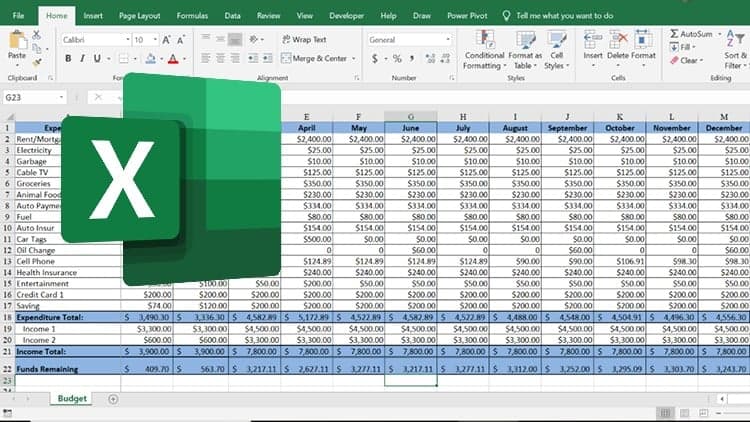
Learning Excel means practicing Excel. This course structures that around 40+ hands-on exercises, each with video solutions so you can follow or try independently. The flow moves from fundamentals (how to set up and navigate a sheet) into practical applications: reports, dashboards, PivotTables, and the 30 most-used formulas in real work.
Every module pairs theory with practice. You'll build sheets from scratch instead of asking someone else to create them, analyze data like a professional, and develop the confidence to tackle new Excel problems independently.
The best way to learn Excel is by doing practical exercises.
Do you have little or no experience with Microsoft Excel? We will go through more than 40 practical exercises, where you will learn everything you need to know to use Microsoft Excel as an effective tool!
We will start with 10 basic exercises, where you will learn the fundamentals of how to use Excel. Then you will learn how to make reports and dashboards, use PivotTables and PivotCharts, analyze datasets and how to use the 30 most used formulas and functions in Excel.
Each module in the course is divided into two parts, one theory part and one practice part where you use what you have learned. All exercises have video solutions.
This course is for you, if you want to:
stop struggling with Excel formulas that are not working!
easier understand other people's Excel worksheets!
easier find the formula you should use!
build your own Excel sheets, instead of asking other people to make them for you!
easily analyze important parameters and become one of the management's most important assets!
impress colleagues with your Excel new skills!
Advertisement
30 MS Excel Tips to Upgrade your Excel Skill to next Level
Not the best price we've seen. The lowest we've recorded is $9.99 on 18 Aug.
This is what we recorded in US pricing — not every price this course has ever had, and prices differ by country.