YouTube
FreePlaywright Automation Tutorial for Beginners from Scratch
CourseNo ratings yetBEGINNER
Free
 YouTube
Mark your own learning status. Opening a course link does not establish enrollment.
Loading saved status…
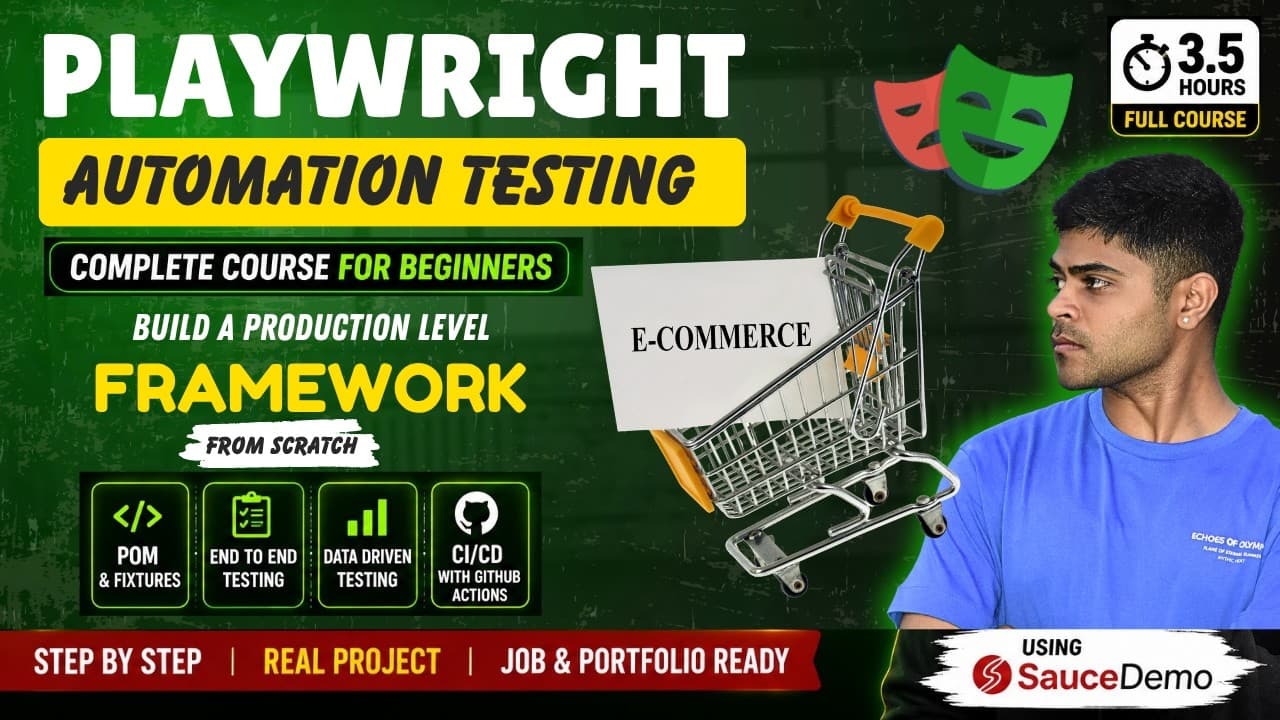
This course starts with no project setup and builds an automation suite against the SauceDemo shop. The description describes a path from a simple script to a scalable, production-style framework, using the Page Object Model, custom fixtures and data-driven tests.
Manual testers moving into automation and learners preparing for interviews are named as audiences. The description calls the project a 3+ hour build, so set aside time to follow along.
Want to learn Playwright automation testing from scratch and build a real production-level automation framework? 🚀
In this complete Playwright Automation Testing tutorial for beginners, we will automate the SauceDemo e-commerce website from scratch using JavaScript and Playwright.
This is not just another Playwright basics tutorial.
We will start with absolutely zero project setup, understand how Playwright works, write our first test, and gradually transform a simple automation script into a scalable, production-style test automation framework using Page Object Model, Fixtures, Data-Driven Testing, Reporting, and CI/CD with GitHub Actions.
By the end of this course, you will understand how a real Playwright automation project is built step by step.
🔥 WHAT YOU WILL LEARN IN THIS COMPLETE PLAYWRIGHT COURSE:
✅ Install Node.js and Playwright from scratch
✅ Understand the Playwright project structure
✅ Write your first Playwright automation test
✅ Learn Playwright Locators
✅ Learn getByRole, getByTestId and other locator strategies
✅ Learn Playwright Assertions using expect
✅ Run tests and understand Playwright execution
✅ Generate and understand HTML reports
✅ Run tests using Playwright UI Mode
🏗️ BUILD A PRODUCTION-LEVEL PLAYWRIGHT FRAMEWORK
In this project, we will gradually move from basic Playwright tests to a scalable automation framework using:
✅ Page Object Model (POM)
✅ Login Page Object
✅ Inventory Page Object
✅ Cart Page Object
✅ Checkout Page Object
✅ Custom Playwright Fixtures
✅ Reusable test setup
✅ Scalable folder structure
✅ Base URL configuration
✅ Browser configuration
✅ Retries and Timeouts
✅ Production-level playwright.config setup
🛒 COMPLETE SAUCEDEMO WEBSITE AUTOMATION
We will automate the complete SauceDemo application and cover real end-to-end scenarios including:
🔹 Valid Login
🔹 Invalid Login
🔹 Locked Out User
🔹 Different SauceDemo User Types
🔹 Product Inventory
🔹 Product Sorting
🔹 Add Products to Cart
🔹 Remove Products from Cart
🔹 Cart Badge Validation
🔹 Complete Cart Flow
🔹 Complete Checkout Flow
🔹 End-to-End Purchase Journey
🔹 Negative Test Cases
🔹 Edge Cases
🔹 Glitch User Scenarios
🔹 Data-Driven Testing
🚀 PRODUCTION READINESS & CI/CD
Finally, we will make our Playwright automation framework production-ready by implementing:
✅ Playwright HTML Reports
✅ Trace Viewer
✅ Debugging Failed Tests
✅ CI/CD using GitHub Actions
✅ Automatically Running Tests on Every Push
✅ Environment Variables
✅ .env Configuration
✅ API and Network Mocking (Bonus)
⏱️ TIMESTAMPS
00:00 - Introduction
08:00 - Phase 1: Playwright Foundation
08:00 - 45:00 - Install Playwright, Project Structure, Locators, Assertions, First Test, HTML Report and UI Mode
45:00 - Phase 2: Production-Level Framework Architecture
45:00 - 01:30:00 - Page Object Model, Fixtures, Folder Structure and Playwright Configuration
01:30:00 - Phase 3: Automate the Complete SauceDemo Application
01:30:00 - 03:00:00 - Login, Inventory, Sorting, Cart, Checkout, End-to-End Flow, Negative Testing and Data-Driven Testing
03:00:00 - Phase 4: Production Readiness
03:00:00 - 03:30:00 - Reporting, Trace Viewer, GitHub Actions CI/CD, Environment Variables and Bonus Concepts
This Playwright tutorial is designed for:
👨💻 Beginners learning test automation
👩💻 Manual Testers transitioning to Automation Testing
🧪 QA Engineers
⚙️ Automation Test Engineers
🚀 SDET Engineers
💻 Developers learning Playwright
🎓 Students preparing for Automation Testing interviews
By the end of this 3+ hour project, you will have the knowledge and structure required to build a real-world Playwright automation framework from scratch.
If you want to learn Playwright the practical way, follow along with the complete project and build everything step by step.
👍 If you find this video helpful, make sure to LIKE, SHARE and SUBSCRIBE to Develop with Aakash for more Automation Testing, Playwright, Selenium, Java, API Testing, Performance Testing, System Design and Software Engineering content.
#Playwright #AutomationTesting #SoftwareTesting #TestAutomation
In case you liked the video or if you have any doubts related to anything or if you have any suggestion, you are most welcome o contact me:
1. Gmail: developwithaakash71@gmail.com
2. Instagram: https://www.instagram.com/developwithaakash
3. LinkedIn: https://www.linkedin.com/in/aakash-pr...
4: Twitter: https://twitter.com/aakman_shaddy
5. Youtube: https://youtube.com/developwithaakash
Consider Subscribing to this channel because more videos like this on stock market, finance and money. Make sure you turn on the bell notification button so that you never miss an update.
https://youtube.com/developwithaakash
If you have reached so far by reading, do let me know, I'll be glad to hear that in comments section below
Advertisement
Playwright Automation Tutorial for Beginners from Scratch

Playwright JS/TS Automation Testing from Scratch & Framework

#1 Playwright Tutorial Full Course 2026 | Playwright Testing Tutorial
Automation Testing - Playwright With JavaScript Tutorials - From Basic To Advanced


#1 Playwright Automation Using TypeScript Full Course 2026 | Playwright TypeScript Beginner Tutorial
No Korshub reviews yet.