Udemy
 Udemy
UdemyPrice
No active coupon right now
View Course →No coupon right now. We'll tell you when there is one.
Mark your own learning status. Opening a course link does not establish enrollment.
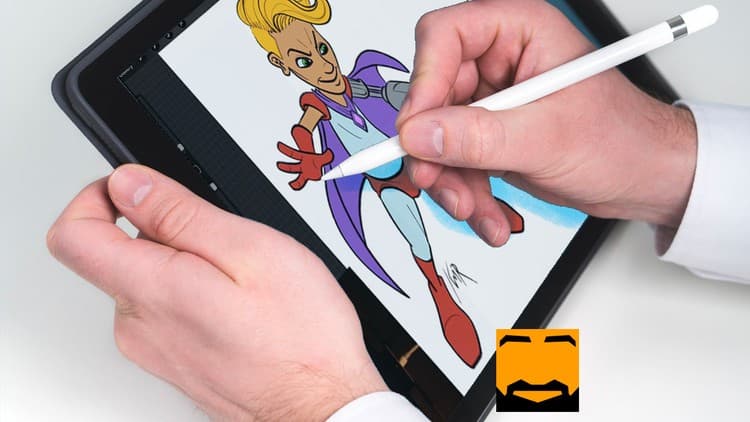
Kurt, who works professionally at Image Comics, teaches Procreate as the flexible tool it is—layers, alpha locks, masking, advanced gestures, filters, and adjustments that most users never discover. The course dives deep into functions that take advantage of iPad's multitouch capabilities in ways impossible on other platforms.
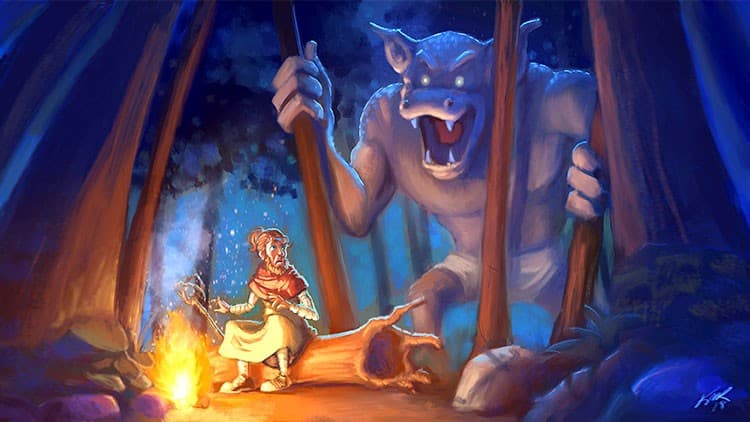
Each lesson connects technique to practice; you see how a tool works, then apply it to your own art. The course includes Procreate files from Kurt's own digital paintings, allowing you to reverse-engineer professional work and see the layer structure and creative process. It's designed for artists ready to move beyond basics and leverage Procreate's full potential.
Procreate is an amazing digital art app on iPad for sketching, drawing, finished illustrations, and painting. It's an incredibly flexible application that total beginners or seasoned professionals can use to make digital art!
My name is Kurt, and I use Procreate in my professional work at Image Comics as well as my own digital paintings. I've been creating tutorials and online courses since 2013 teaching thousands of students worldwide about digital art.
Procreate is a bit like a piano. If you know the basics, you can play Twinkle, Twinkle Little Star or, with a little practice, you might play some Beethoven! There are so many hidden gestures, functions, and features that take a full advantage of iPad's multi-touch features in a way that is simply impossible on Android or Windows devices.
The course is designed to show you how to get the most of Procreate in an easy-to-follow, step-by-step way. I've covered the basic tools in my course The Beginner's Guide to Digital Art with Procreate, and this course takes it all a step further and really dives deep into Procreate's tools and gestures.
There are several sections that focus on different areas of the application. Here are a few examples:
In each lesson, I'll go over how a function works, then show you how you can use it in your own art. Many of Procreate's functions are MUCH more powerful than most users realize.
I'll also include:
So join me! I'd love to help you get get the most out of my favorite digital art app for iPad! See you inside! :)
-KMR
Advertisement
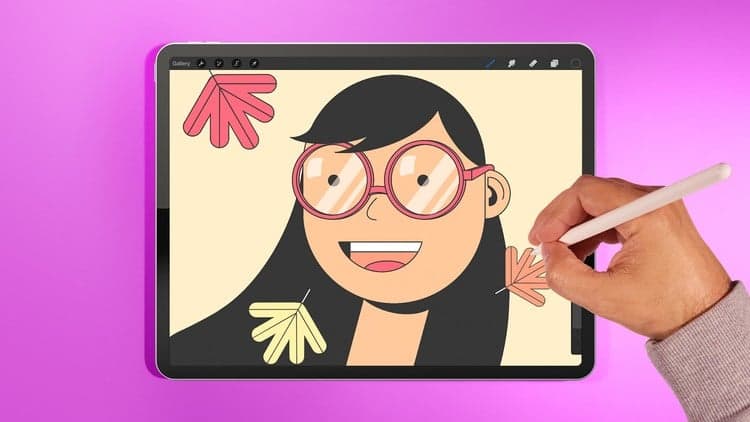
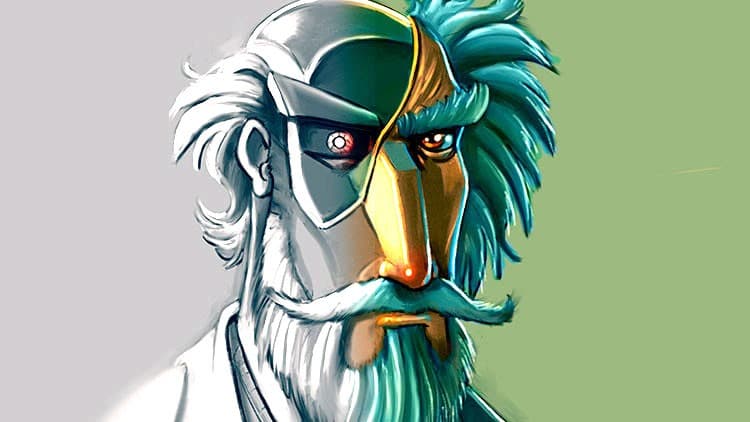

Procreate Academy. Ultimate Course, Digital Drawing on Ipad.
Not the best price we've seen. The lowest we've recorded is $11.99 on 18 Aug.
This is what we recorded in US pricing — not every price this course has ever had, and prices differ by country.