Udemy
 Udemy
UdemyMark your own learning status. Opening a course link does not establish enrollment.
This course is built around three distinct, hands-on projects that pair Adobe Photoshop with ProShow Producer to create effects you won't find in either program's default templates. Each project is a self-contained technique you can immediately reuse with your own photos.
Photoshop and ProShow Producer owners of any skill level who want concrete, project-based techniques rather than a general tour of either program's features. No prior experience with either tool is required.
Key takeaway: a little cross-tool creativity turns static photos into dynamic, personalized slide animations you can reuse across future projects, once you know the underlying technique.
In this course we'll be creating three unique effects that combine Adobe Photoshop and ProShow Producer. You don't need to be experienced with either program, but you do need to own both in order to follow along.
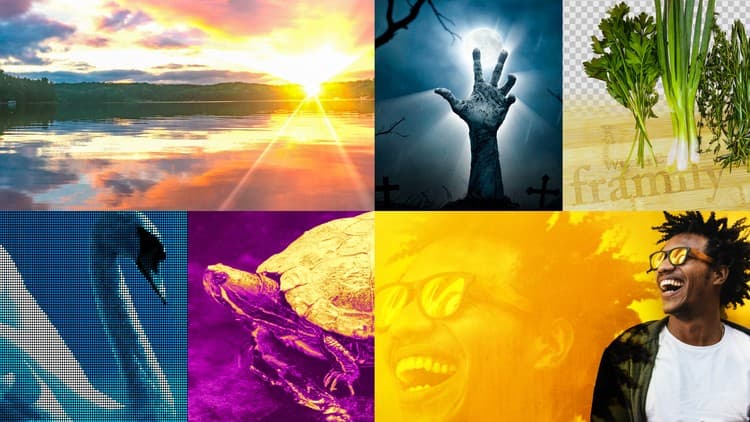
First, we'll be creating a framed cutout in Photoshop that you can add your own photos to in ProShow Producer. We'll animate the frame and photo and save it as a Slide Style that you can use again and again!
Next, we'll create a PNG embellishment out of a hand print and then add it to a slide in ProShow Producer. We'll use Keyframing to make the hands appear to "slap" onto the photo!
Finally, we'll use Photoshop's cloning tool to create a multi-layer image out of a single image in Photoshop. Then we'll animate both of those layers in ProShow Producer, creating a stunning depth of field effect.
After you've completed this course, you will be able to use these techniques, using your own photographs, to create your very own unique slide styles.
Advertisement



Adobe Premiere Pro: Edit like your favorite content creators