Udemy
 Udemy
Price
No active coupon right now
View Course →No coupon right now. We'll tell you when there is one.
Mark your own learning status. Opening a course link does not establish enrollment.
Loading saved status…
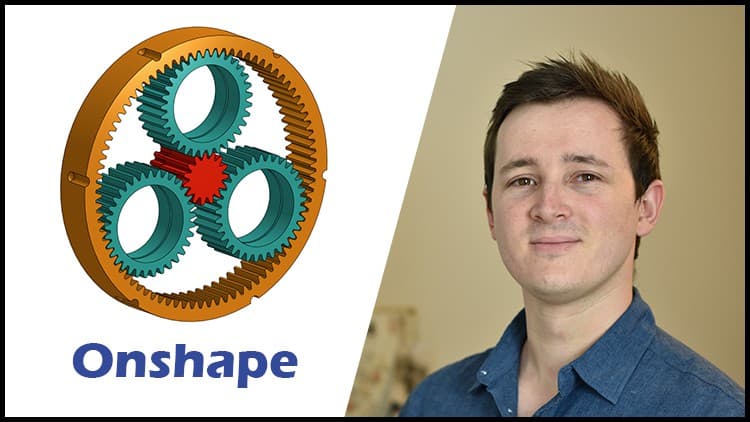
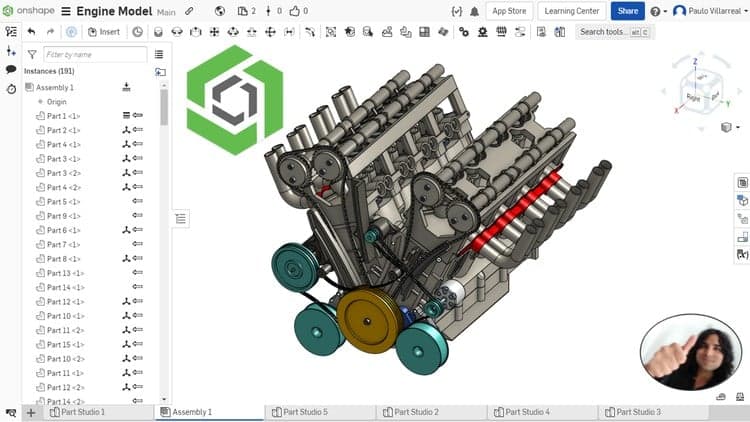
The course follows the Onshape workflow from sketching and part modelling through to assemblies and technical drawings. It finishes with a V8 engine project made of several components and assemblies, which gives the earlier lessons one larger goal.
The description says no previous experience is needed, but the course is labelled intermediate, so check the outline first if you are new to CAD. It is also aimed at people moving over from SolidWorks, Inventor or Fusion 360.
Learn Onshape from scratch and develop the skills needed to create professional 3D models, assemblies, and technical drawings using one of the most powerful cloud-based CAD platforms available today.
This course is designed for students, designers, technicians, makers, and engineers who want to master Onshape through a practical and step-by-step approach. No previous experience is required.
Throughout the course, you will learn how to create sketches, model parts, build assemblies, generate technical drawings, work with multi-part designs, and use advanced tools such as Frame Design and Sheet Metal. In addition, you will apply everything you learn by developing exercises and a complete V8 Engine project composed of multiple components and assemblies.
What you will learn:
-Navigate and customize the Onshape interface
-Create and manage documents and Part Studios
-Master sketch tools and geometric constraints
-Create solid 3D models using Extrude, Revolve, Sweep, Loft, Shell, Rib, Hole, and more
-Work with reference planes and design intent techniques
-Use Multi-Part Studios effectively
-Build assemblies using different Mate types
-Create professional technical drawings with dimensions, sections, BOM tables, and exploded views
-Apply advanced modeling tools and editing techniques
-Design structural frames using Frame tools
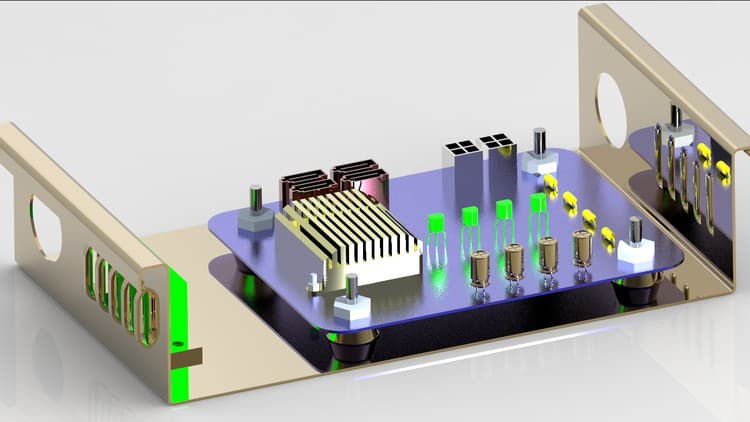
-Create Sheet Metal components and flat patterns
-Complete a comprehensive V8 Engine project step by step
This course is ideal for:
Beginners with no prior CAD experience.
Students and engineering professionals.
Designers and drafters looking to learn cloud-based CAD.
Anyone interested in mechanical design and product development.
Users migrating from SolidWorks, Inventor, Fusion 360, or other CAD software.
By the end of this course, you will be able to confidently create professional parts, assemblies, and drawings in Onshape while developing real-world mechanical projects.
Advertisement
Additive manufacturing & 3D printing using Ansys SpaceClaim: 9+ Hour Full Course | Free Certified

Tracking since 15 Nov — not enough history yet to tell you whether today's price is any good. Watch the course and we'll tell you when it drops.
This is what we recorded in US pricing — not every price this course has ever had, and prices differ by country.
No Korshub reviews yet.