Udemy
 Udemy
UdemyMark your own learning status. Opening a course link does not establish enrollment.
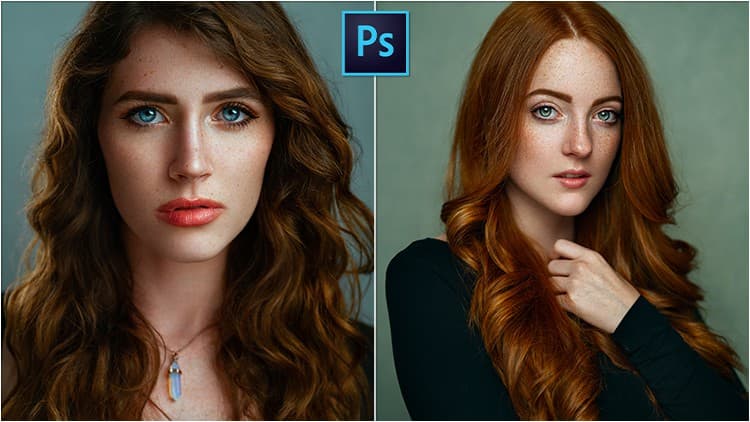
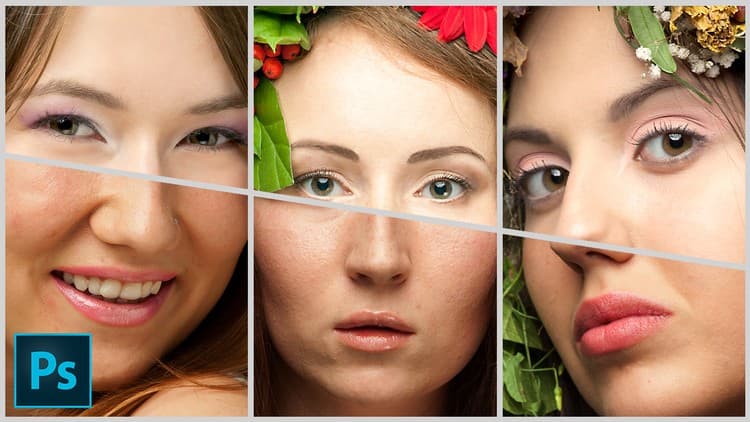
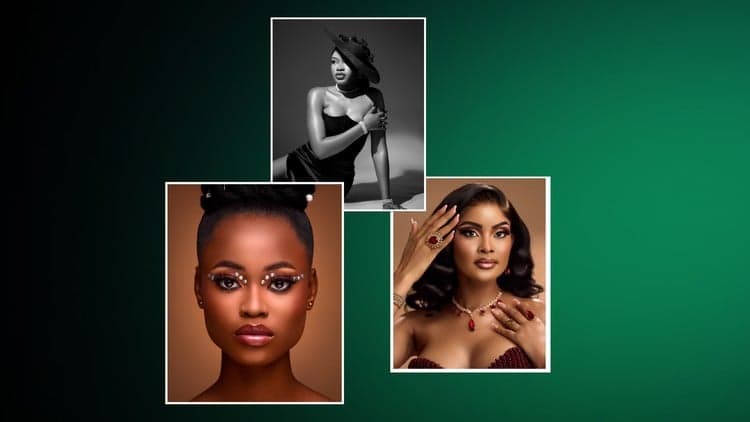
Retouching diverse skin tones well is harder than it looks — push too hard and you flatten contrast, lose texture, or land on an artificial "plastic" look. This course follows portrait photographer Teelens Visual through a full start-to-finish workflow, from RAW file to client-ready export, built specifically to handle both light and dark skin tones.
Portrait photographers, freelance retouchers, and beauty or fashion creatives who want a consistent, repeatable editing process regardless of a subject's skin tone.
Korshub's take: the hybrid manual-plus-AI framing is the standout — it treats tools like Retouch4me as time-savers within a real editorial process, not a one-click replacement for retouching skill.
Editing portraits is more than just polishing skin or fixing exposure. It’s about honoring the subject’s natural presence—while meeting the standards of modern photography. And when working with diverse skin tones, the stakes are even higher. Poorly balanced retouching can flatten contrast, distort texture, or introduce an artificial “plastic” look that breaks trust with your viewer.
This course is designed to solve that problem. It gives you a complete, start-to-finish workflow for retouching portraits of both light and dark skin tones using a hybrid of manual and AI-assisted tools.
You’ll follow Teelens Visual, a working portrait photographer known for clean, high-fidelity edits, as he walks through his real process—from RAW files to client-ready exports. Along the way, you’ll learn how to process files in both Capture One and Camera Raw, apply skin cleanup using both traditional Photoshop techniques and Retouch4me plugins, and color grade your final image for natural, realistic results.
Here’s what you’ll learn:
How to properly expose and process RAW files based on skin tone
Key differences in editing light vs. dark skin, and how to avoid common mistakes
How to clean up blemishes and texture using Photoshop and Retouch4me’s Heal plugin
When to use frequency separation, and when to replace it with faster AI tools
How to sculpt light with Dodge & Burn manually and with plugin support
How to color grade for rich, balanced skin tones using Camera Raw
Best practices for sharpening, export, and preparing files for web or print
By the end of the course, you’ll have a repeatable, flexible workflow that balances speed with precision. You’ll understand how to use powerful tools like Retouch4me not as shortcuts, but as assistants—freeing you from the repetitive work so you can focus on what really matters: delivering high-quality, natural-looking portraits that your clients will trust and love.
This course is ideal for portrait photographers, freelance retouchers, beauty and fashion creatives, or anyone looking to take control of their editing process and create consistent results—regardless of the subject’s skin tone.
Advertisement