Udemy
 Udemy
Free and discounted course coupons, posted every day.
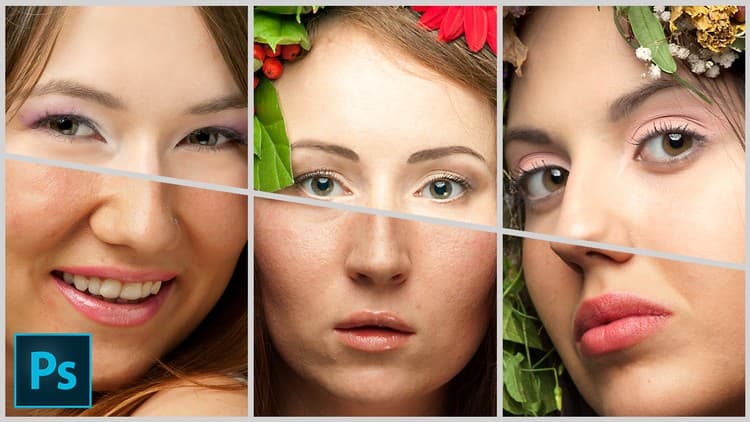
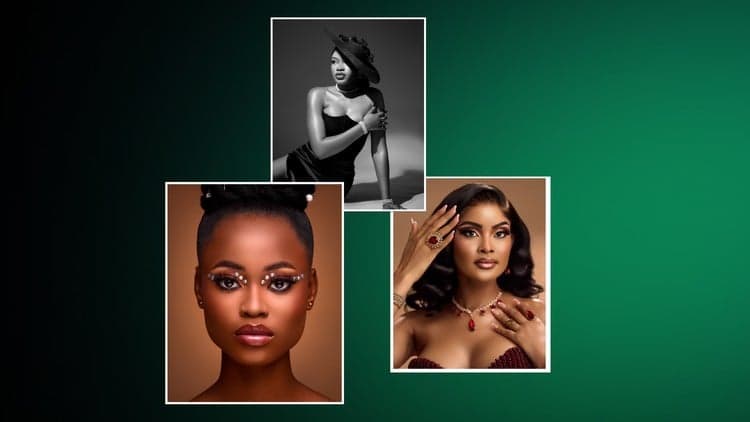
This course works through the core toolkit of portrait retouching in Photoshop: the Healing Brush for skin editing and texture refinement, Dodge and Burn brushes for shaping highlights, midtones, and shadows, and more advanced fixes like hair, mole, and blemish removal. It moves into color correction and enhancement with the Camera Raw Filter, then finishes with sharpening and eye-detail work that makes a portrait pop. Two hands-on projects, taught by industry professional Anthony Scott, let you apply each technique rather than just watch it demonstrated.
Photo editors at any level who want a structured, technique-by-technique approach to portrait retouching, reinforced by real project work.
Mark your own learning status. Opening a course link does not establish enrollment.
Loading saved status…
From the Udemy page
In this course, you'll:
Advertisement

Portrait Photography: Creative Tips & Ideas for Great Images
Adobe Lightroom CC Photo Editing: Your Lightroom Masterclass
Yes. It's free on Udemy.
No Korshub reviews yet.